Desert Online General Trading LLC
Dubai, United Arab Emirates
Desert Online General Trading LLC
Dubai, United Arab Emirates




🔗 Connect, Charge, Create – All in One Docking Solution!
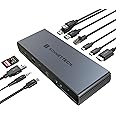
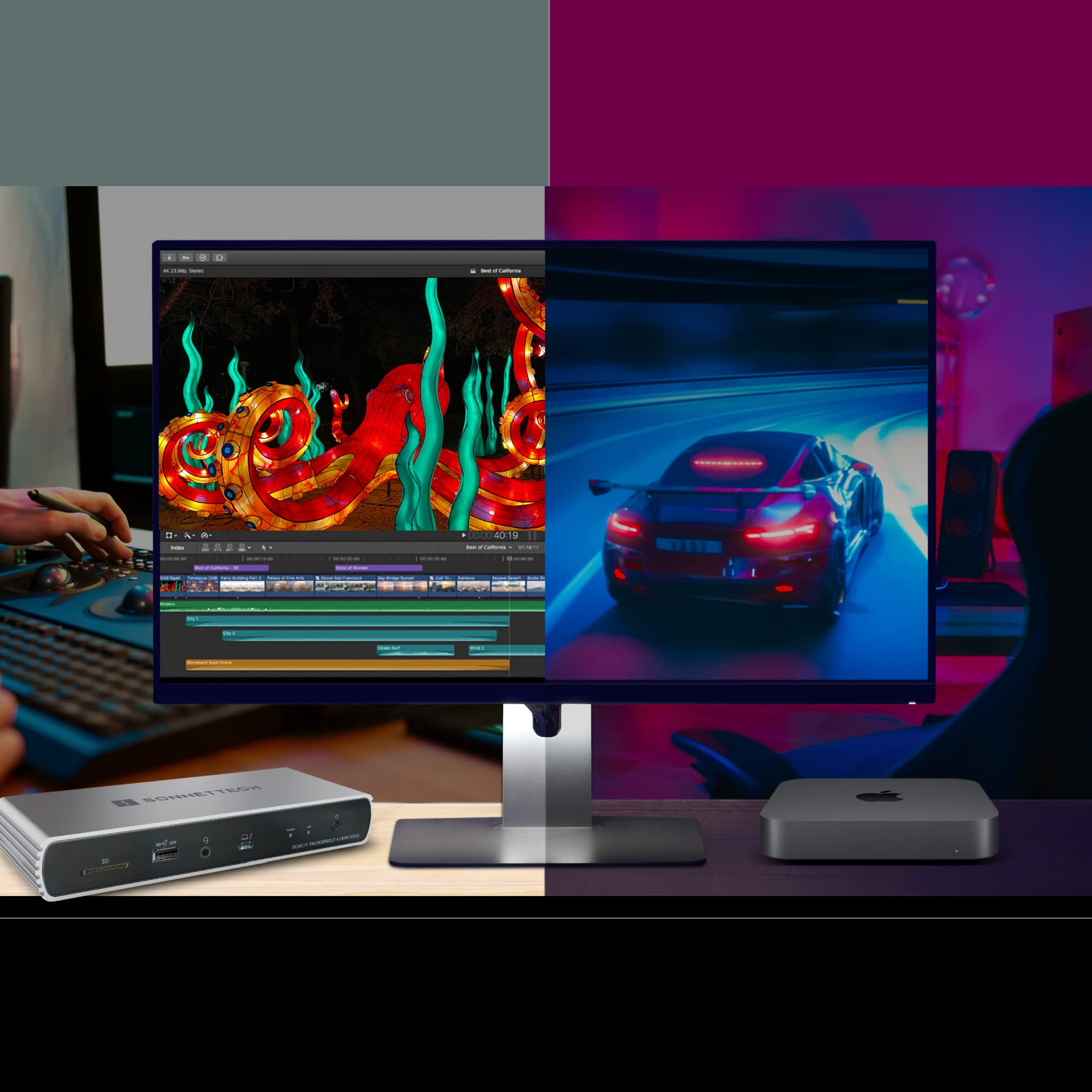
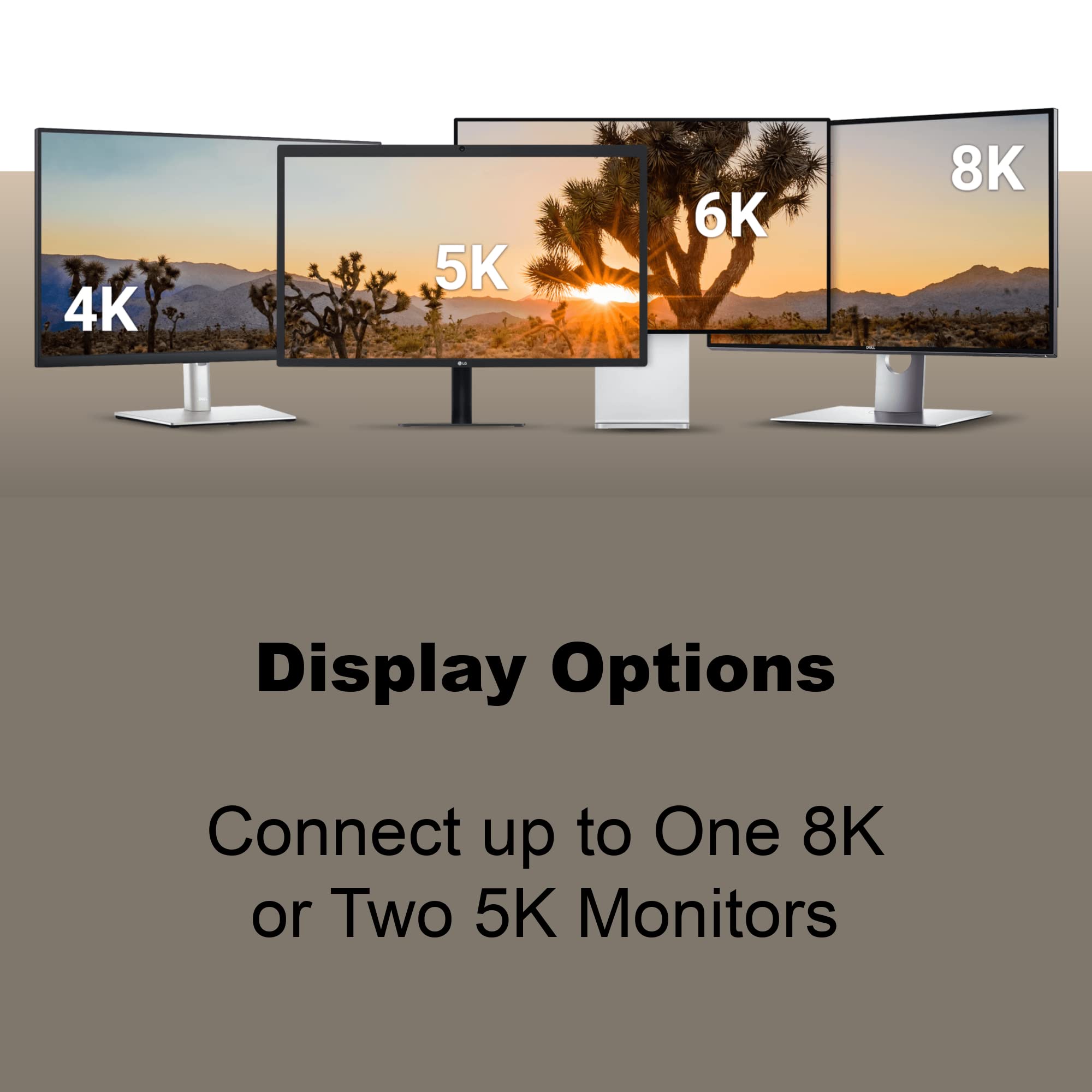
The Sonnet Echo 11 Thunderbolt 4 HDMI Dock is a powerful docking station featuring 11 ports, including three Thunderbolt 4 and four USB 3.2 Gen 2 Type A ports. It supports high-resolution displays up to 8K at 60Hz and provides 100W charging for your laptop, making it the ultimate hub for professionals seeking efficiency and versatility.


| Total Number of HDMI Ports | 1 |
| Wattage | 100 watts |
| Total Usb Ports | 7 |
| Number of Ports | 11 |
| Hardware Interface | Ethernet, HDMI, Thunderbolt |
| Compatible Devices | M1 Series and M2 Series Macs, iPad Pro, MacBook Pro, Intel Mac, Windows with Thunderbolt 4 Ports |
| Item Weight | 1 Pounds |
| Color | Silver |
J**.
So far, so good
Thus far, I am very pleased with this dock. Using it with a 2024 Macbook Air M3 and a 32" curved Dell monitor. Setup is rather intuitive. Ports are clearly marked and well spaced, physical layout is clean. typically using 6-7 ports. Unit gets warm but not hot.Overall, very pleased with this purchase.
B**E
Good for music/pro audio
Sonnet makes great docks and this is no exception. I use mine for music/pro audio with an M3 Pro Mac laptop and overall it works very well, feeding Apogee audio hardware and two SSD drives as well as a standard USB "A" hub. However, there are minor compatibility issues with some outboard gear - a desktop display to the dock rather than the Mac itself is sometimes not recognized - and the unit runs a little warm.
A**K
works nicely to connect M1 to 2 Dell 27" 4K monitors and stays cool
I'm using it this dock to connect two DELL U2723QE 4K monitors to my M1 Pro MacBook. After trying several other options I'm finally in peace with this setup and I run both monitors at 2560x1440 HiDPI resolution . One advice: don't bother with Dell DDPM display manager (what a piece of crap!) and use BetterDisplay (free version works fine).
M**T
Gets super hot
If you use all of the outlets (ports) available, it gets SUPER HOT. Like “burn your hand” hot. It still works, but it melted a cheap pen that was lying on top of it. Had to put it up on a heat-resistant rack (like you use to cool pies that come out of the oven) so it wouldn’t mar the surface of my desk.
D**N
Quality and well constructed
This is one of the well constructed device. I wish it has more usb-c options.
T**K
good
feels solid, does what it says, and as a bonus it fixed standby power issues with my Dell U3818DW when connected to my M1 Pro Macbook Pro via USB-C.
S**S
Ethernet doesn't go to 2.5Gb/sec
I got this to replace an older TB3 dock, primarily because the older dock only had a 1Gb ethernet port. Unfortunately, while the dock reports a link speed of 2.5Gb, iperf tests reveal a real-world speed of only around 1.5Gb/sec (as compared to another M2 Mac Mini, with built-in 10GbE, on the same network and switch, which reports around 9.5Gb/sec). Disconnecting other devices from the dock (monitors, USB peripherals) makes no difference.Also, be aware that the ports at the back are on an internal hub, such that my keyboard (which also has an internal hub) would not function at all when connected through a USB switch. I had to connect my USB switch to the front port for the keyboard to function (presumably due to exceeding the limit on cascaded USB hubs).
E**O
Excellent
Great little dock. Solved my flickering monitor issues. Ha. Needs more USB ports. But otherwise it's pretty on point for the price.
Trustpilot
2 weeks ago
1 day ago
2 weeks ago
2 weeks ago