
DOWNLOAD THE APP


Customer Services
Copyright © 2025 Desertcart Holdings Limited
DOWNLOAD THE APP
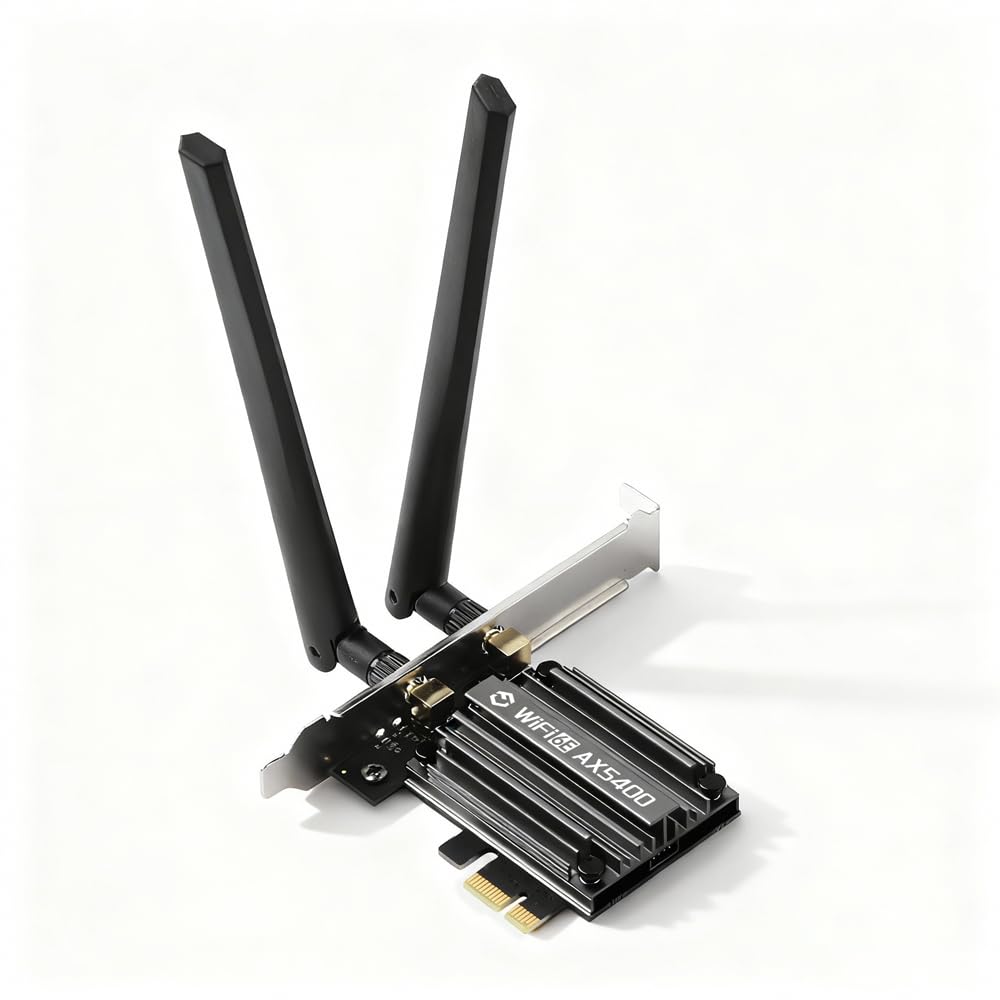
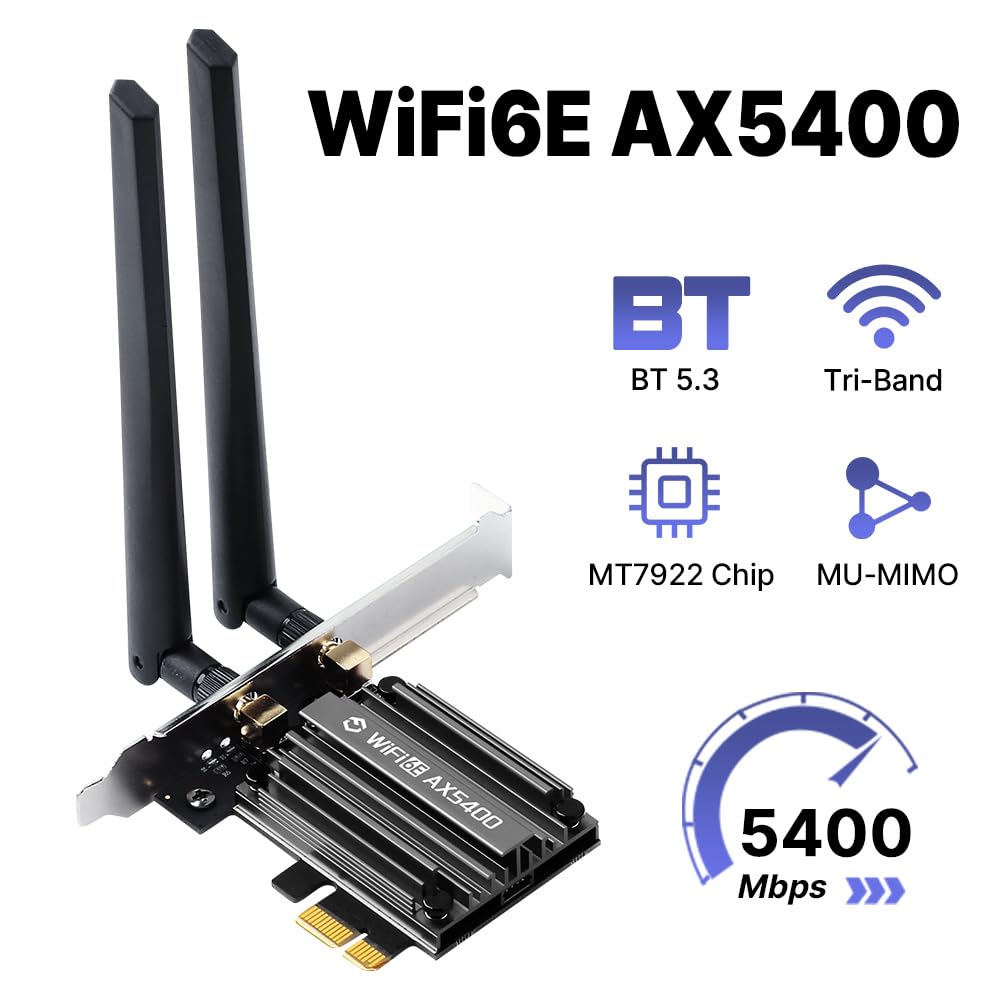
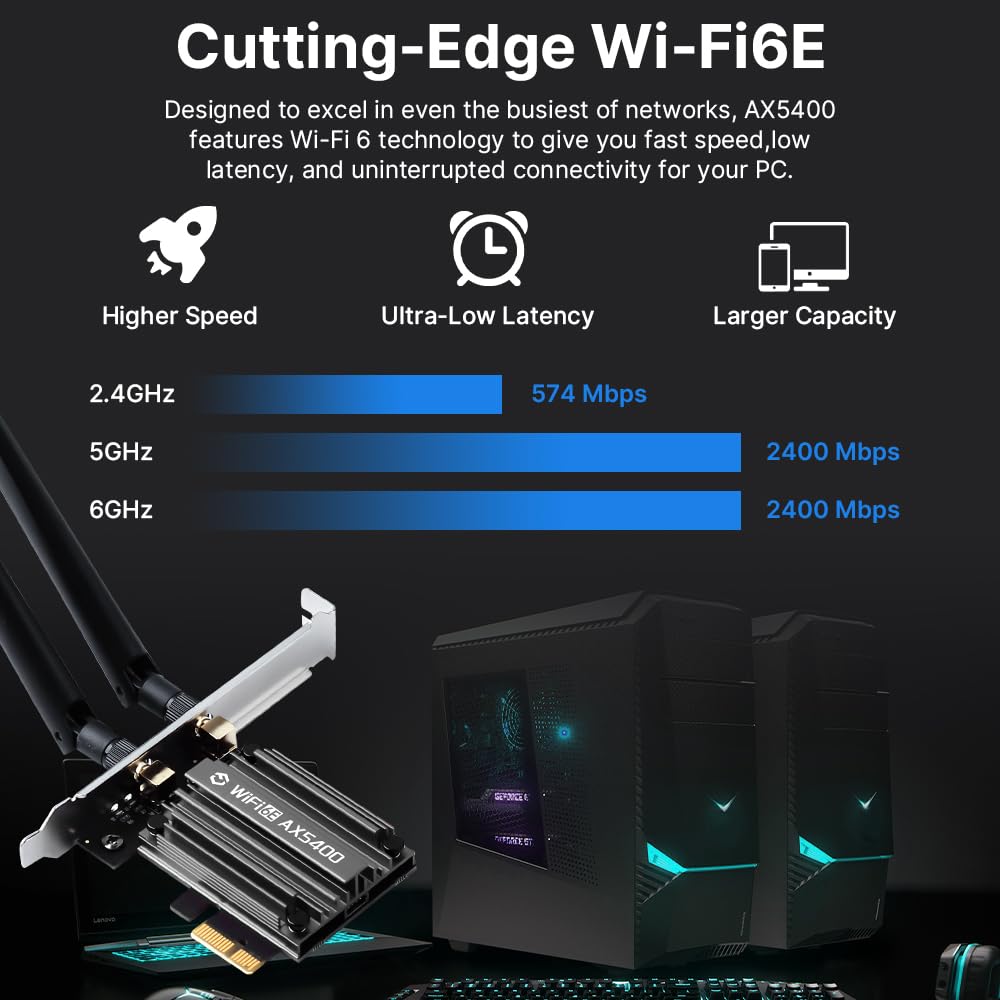
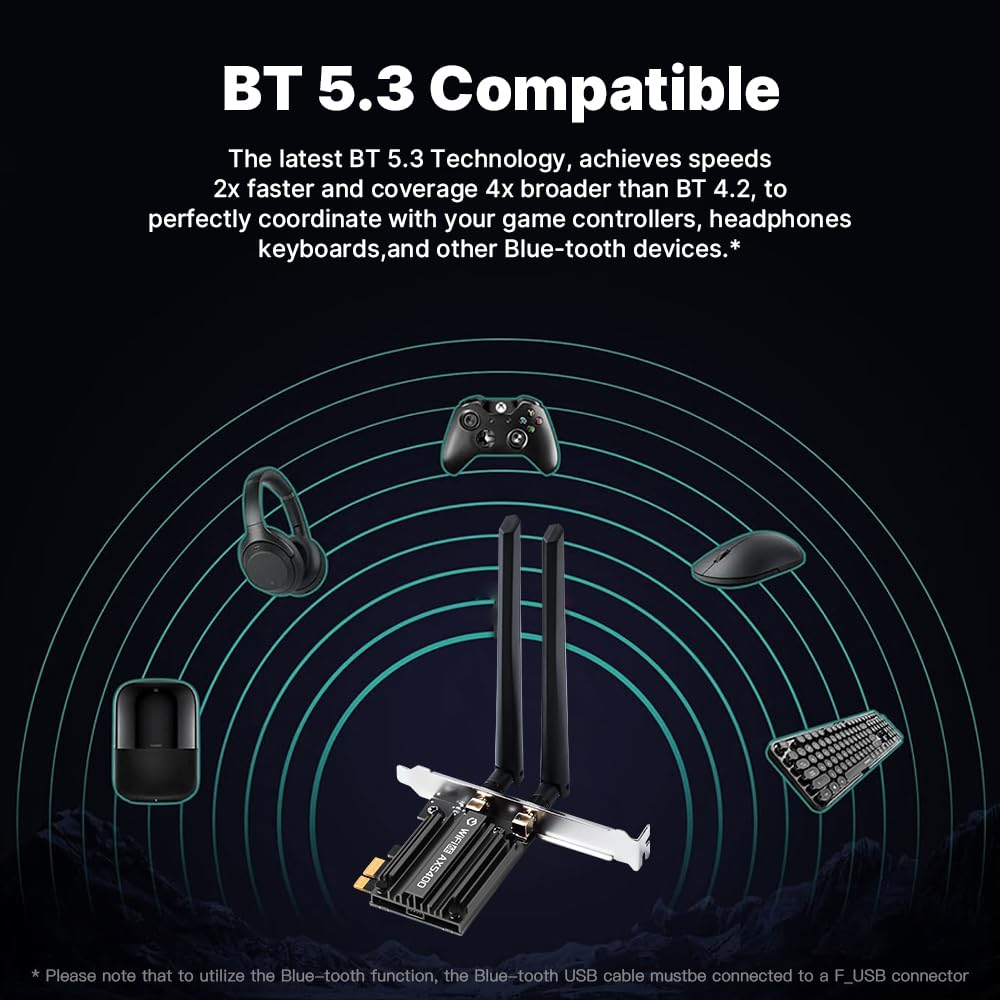
🚀 Upgrade your desktop to future-proof, lightning-fast Wi-Fi and Bluetooth — don’t get left behind!
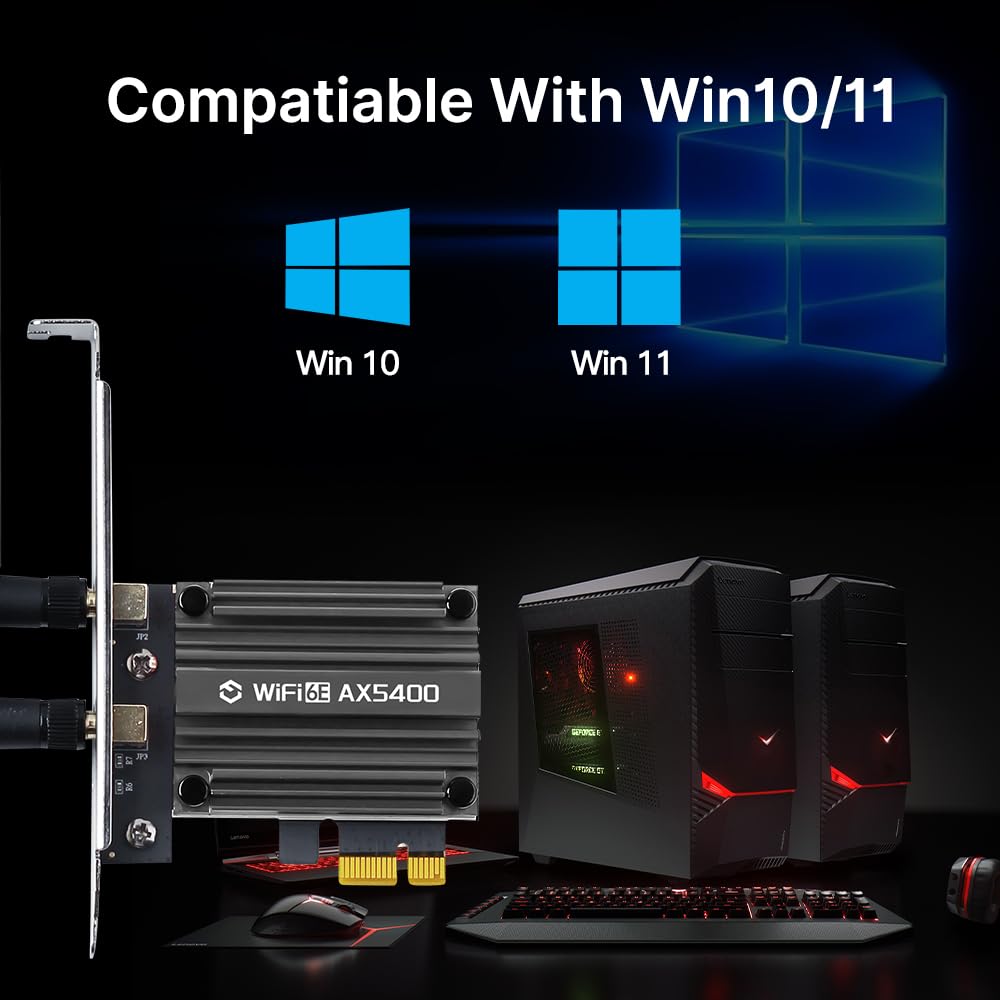
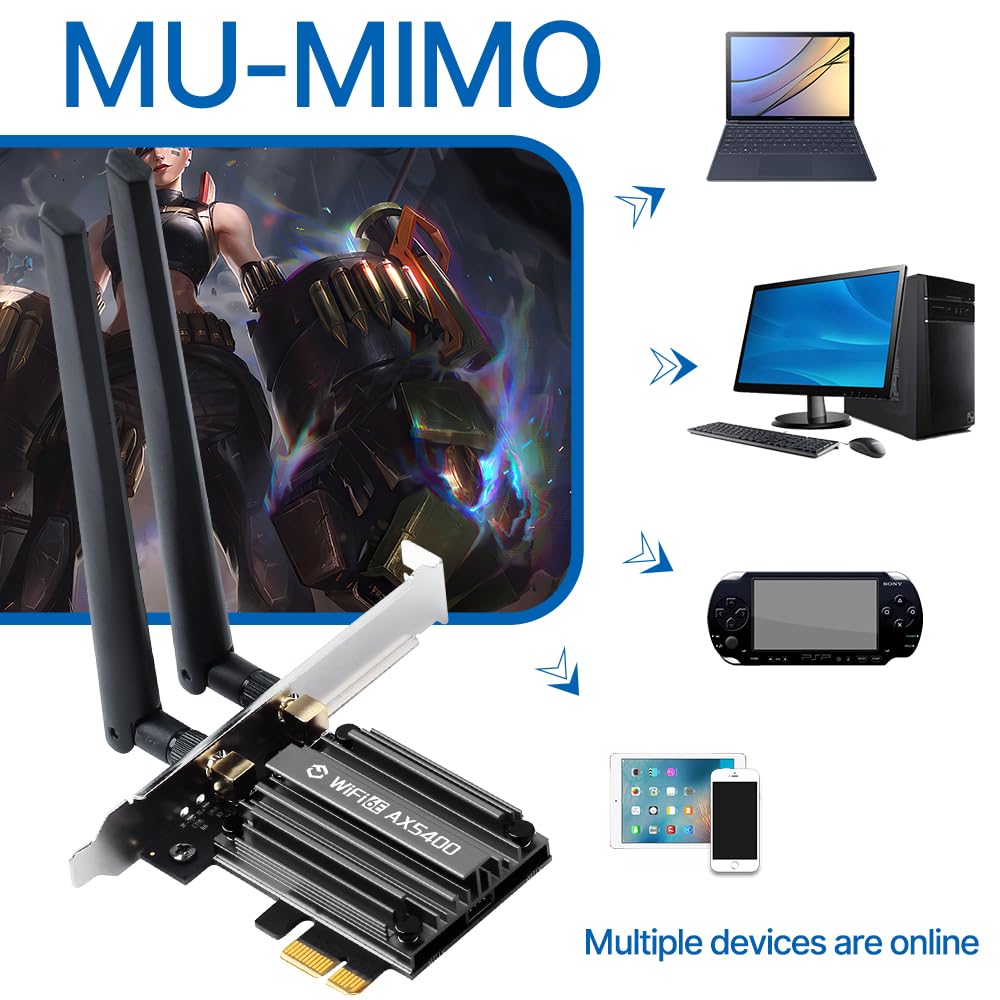
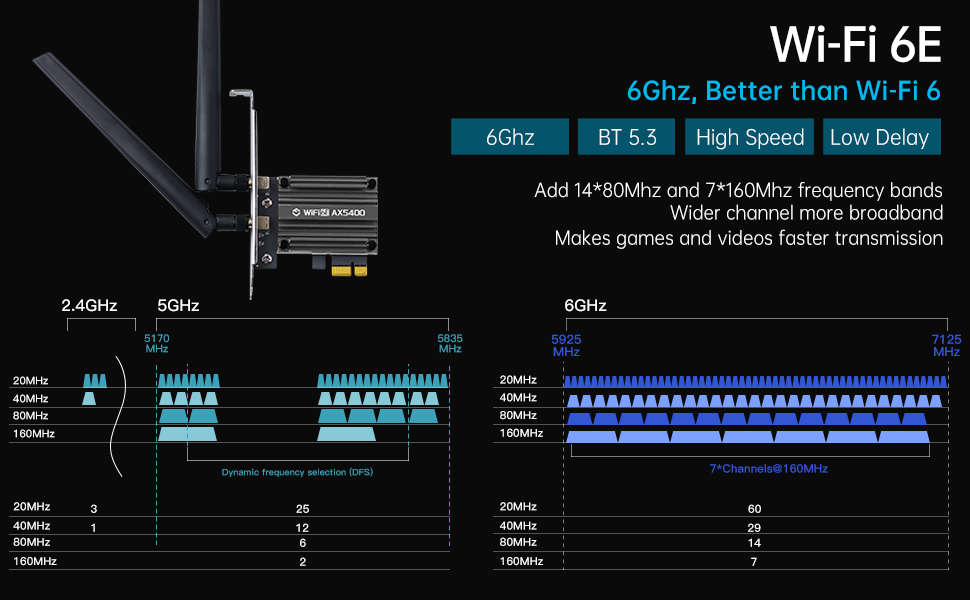
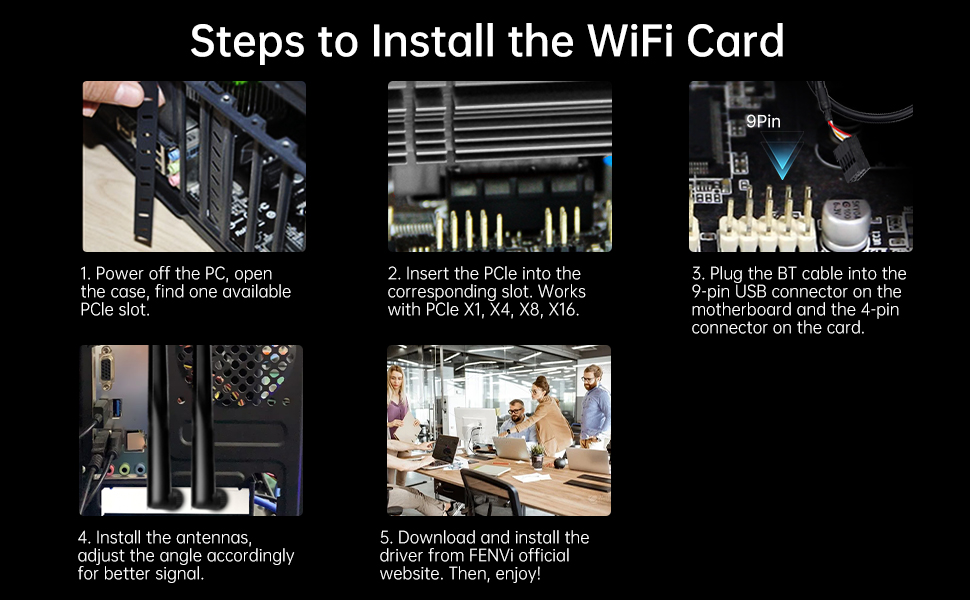
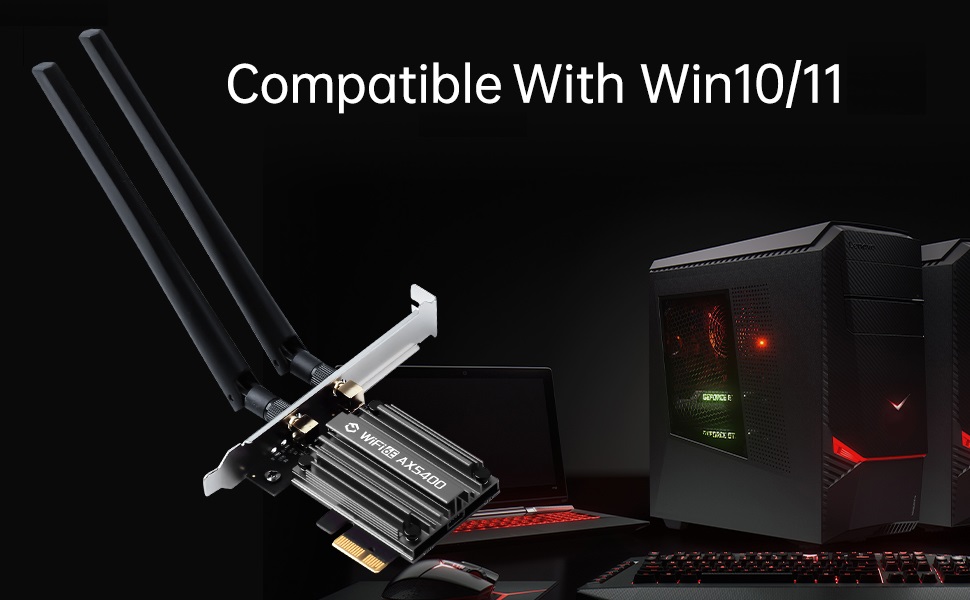
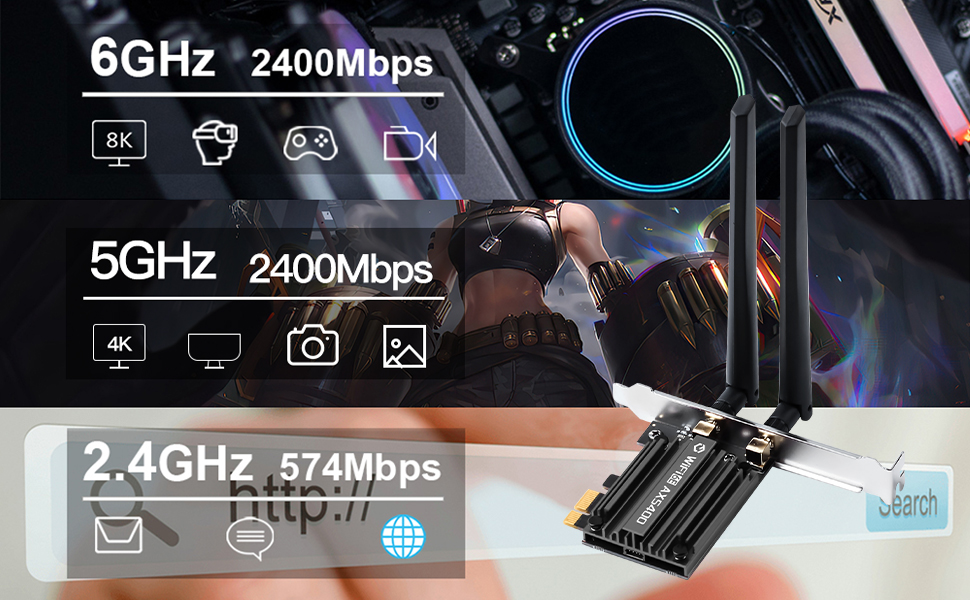
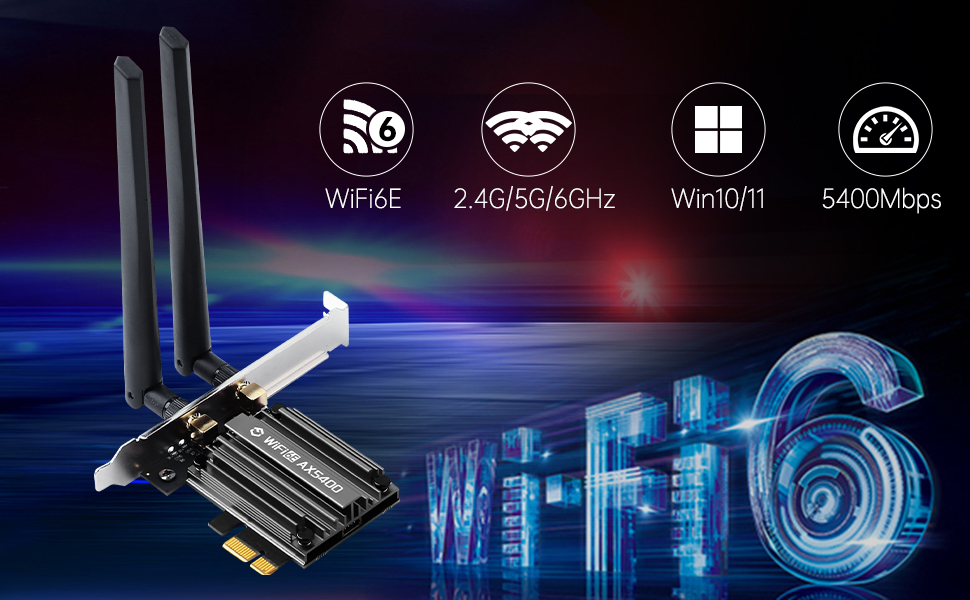
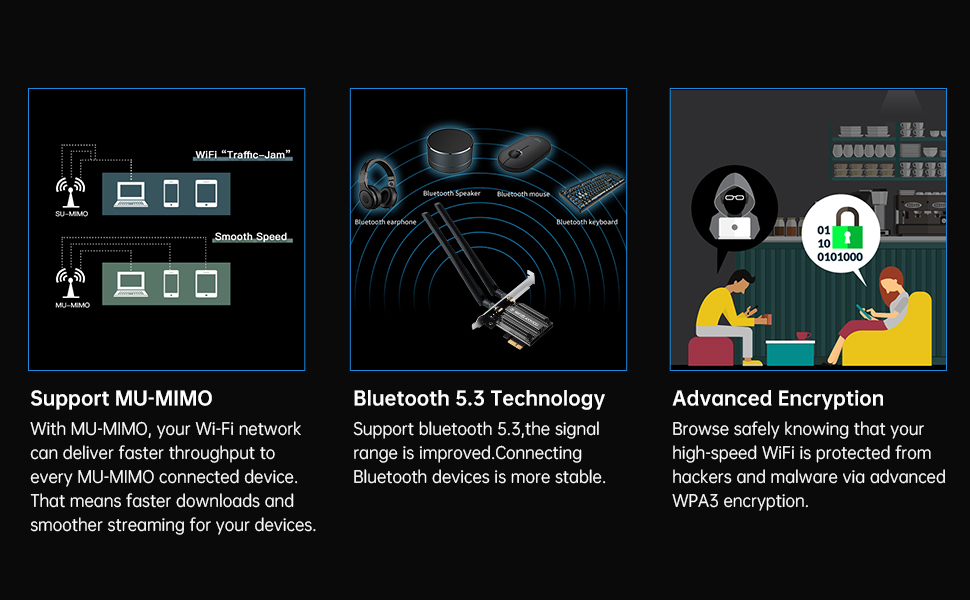
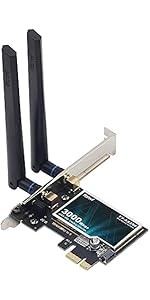
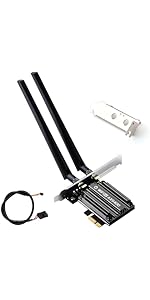
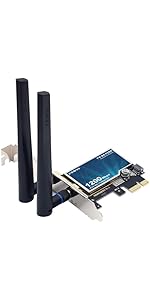
The FENVI PCIe WiFi 6E Card delivers ultra-fast AX5400 tri-band wireless speeds with 2.4GHz, 5GHz, and 6GHz bands, powered by the MT7922 chipset. Featuring Bluetooth 5.3, MU-MIMO, OFDMA, and a desktop-optimized design with detachable antennas and heat sink, it ensures stable, low-latency connections. Compatible with Windows 10/11, it’s a plug-and-play solution for professionals seeking cutting-edge network performance and future-ready connectivity.


| ASIN | B0FG7JLV6P |
| Best Sellers Rank | #207 in Internal Computer Networking Cards |
| Brand | F FENVI |
| Customer Reviews | 4.2 out of 5 stars 1,044 Reviews |
| Data Transfer Rate | 5400 Megabytes Per Second |
| Hardware Interface | PCI Express x16, PCI Express x4, PCI Express x8, PCIE x 1 |
| Item Weight | 0.33 Pounds |
| Manufacturer | FENVi |
L**S
snap to install, great product
full height and half height brackets included, antenna secure firmly. i might have missed something in the description, but it only ties into an existing bluetooth module. again, i probably misread that bit, but i was hoping to get my desktop into the loop of stuff i could listen to via my wireless headset. (completely not the main goal.) moving from a 54g adapter to this was a massive improvement. win10 had the drivers. best performance was with that set. i tried force feeding the shipped drivers and the vanilla intel ax200 drivers, but straight out the box the microsoft auto gave me the lowest stable ping times and best overall bandwidth. have not had time to play in linux, but i'm willing to bet dollars to pesoes as an intel wireless solution defs good return on investment.
J**H
Perfect!
Update after two months - still running strong with no degradation in the speed. I'm really impressed by this thing for the price. So far so good! My setup is as follows: I have this thing installed in a Sabertooth Z77 build that I did about 8 years ago. Installation was a breeze. Plugged the card in the mobo, turned on the PC, and everything just worked. Love it. Speed is very good. I have xfinity gigabit connection with Plume mesh setup up in my house. The modem is in the same room as the PC with this card installed. With ethernet, I get a solid 800mbps. With this, I get a solid 700mbps after a few days of use and testing. I could not ask for much more than this from a wifi card worth 30-something dollars. I will update this review at some point if my opinion of this product changes. For now, I would highly recommend this to anyone looking to install/upgrade their wifi card.
G**Q
Great wifi adapter
The adapter was easy to install. I had a little issue with the drivers, they were not installing properly and wifi was not working. I reached out to fenvi support and they were able to help me resolve the issue. They were quick to respond and very helpful. My internet speeds with my last wifi adapter were at 60~mb, with fenvi wifi adapter my speeds are at 230~mb big increase. Wifi adapter does not disconnect stays connected. I definitely would recommend this wifi. If you run into trouble installing the drivers contact fenvi support they will help.
D**D
This card starts off Great then Dies
I've waited to review this wifi card because I wanted to make sure things were all good for at least three months, and I'm glad I did. The good is that it was easy to install. However, I needed to manually disable the original wifi device to get this card recognized. I think this may be my computer's fault, so this may not be the card. Three months into using this card and it has become useless. It will drop without reason. I have a laptop next to the computer with this wifi card, and the router is up and working 100%, so it's the wifi card. I have to disable this card (Device Manager) and enable the old wifi card to get any wifi at all. I was hoping this card being so cheap and getting so many great reviews was the answer to my slow wifi reception, but after three months, it's trash. :( I'm now looking for a better, more reliable card.
A**5
Very good
Very good product
C**Y
Can Recommend
Edit: Started working again after several reboots and is back to working smoothly! Keeping the 4 stars though because it did still go out of commission randomly for several days. Worked excellently for 13 months but just died when the power flicked out and then back on. Nothing else was affected, which is confusing, and my PC is plugged into a good surge protector. Despite the fault, I suspect this is an unfortunate anomaly (as there have been a handful of power flickers throughout the year) and I still feel like this product is worth it. 5 stars if it hadn't just died.
G**N
Not Ready for Prime Time
I installed this card in an Intel i7-7700k system. It went in easily. The package includes a small cord for use with an internal BlueTooth antenna. I wasn't using that feature, and did not install the cord. Unlike other reviewers, I had no trouble booting the system after installation. For testing a used three different brands of access points, including an Arvig-supplied router, an aging Orbi RBK853, and a new Deco BE1600. Only the Deco supports WiFi 7. * Windows 10 * I did not use the enclosed CD, but used the Windows driver provided by Windows Update. It seemed to work fine. About 6 feet away from my Deco access point, at 5 GHz, I saw extremely consistent performance about 600 Mbps in either direction. Placing the antenna 2 feet away from the access point, perormance increased to about 1.1 Gbps. The Orbi was consistent at about 300 Mbps. The Arvig was about 20 feet away and transfer varied from about 300-500 Mbps. Windows could not see the 6 GHz channel at all, even when placed 2 feet away from the Deco. Summary. My tests were very limited, because I didn't want to drag a desktop and monitor around the house to check distance. However I conclude that if you don't plan to use 6 GHz, this is a perfectly acceptable card on Windows. It's my uinderstanding that power levels are lower on 6 GHz, so that could be the problem. I'm confused by the details of when, where, and how higher power can be used. It's unclear to me if performance will improve further as WiFi 7 becomes mainstream. * Ubuntu 22.04 * Ubuntu immediately worked with the card, no driver necessary. Using WiFi 6, performance was similar to that on Windows. However Ubuntu did see a very weak 6 GHz channel. At 6 Ghz and 6 feet away, I saw performance at about 800 MHz, improving to 1.5 Gbps at 2 feet. I then updated Ubuntu, and started having trouble, which I blame on the update. After the update, I started to see a lockup that lasted about 30 seconds when I tried switching from 6 Hz to one of the 5 GHz access points. As a result, I could not switch to another AP, and I had to give up testing on Ubuntu. * Summary * As of this date 2024/05/16, it is probably too early to do a meaningful review of WiFi 7 equipment. This card works about as well as you can reasonably expect, except for the 6 MHz band. The problems there could be in the Deco, the card, the antenna, or the drivers. If you are looking for adventure, try this card. Otherwise you probably want to wait until the major laptop vendors have been shipping WiFi 7 for about a year. That should be enough to better reviews on the WiFi 7 tech, and the best equipment compatibility matches.
J**S
I ended up buying two!
I recently purchased a wireless-AX (aka wifi 6) router, so keep in mind when purchasing this, that to take full advantage, you need a wireless-AX router. I purchased a CyberPowerPC for one of my sons recently as a birthday gift and it had an AX200 chip in it and I was super impressed with the wifi signal. So my oldest sons CyberPowerPC is a year old now and the wireless-AC adapter in it is terrible and has never functioned properly. So I figured after seeing wireless-AX in action, and specifically an AX200 chip, I wanted to upgrade with one of those. I found this one, which houses the Intel AX200 chip and decided to give it a shot. It worked GREAT. Even from a different level and with 400Mbps service, he is easily pulling down 230Mbps on wireless, which is fantastic. After a few days of using it, I decided I'd upgrade my wife's PC that I custom built back in 2013. It was using a wireless-AC adapter that was about 2 years old and was only getting about 15Mbps on wireless, which is terrible. So I upgraded it last night, and the same results, about 230Mbps consistently, plus bluetooth! I'm super impressed with this card! For under $40, it doesn't get better than this.
Trustpilot
1 month ago
2 weeks ago