Desert Online General Trading LLC
Dubai, United Arab Emirates
Desert Online General Trading LLC
Dubai, United Arab Emirates




🎥 Upgrade your retro gear to HD glory—don’t get left behind!
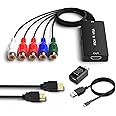
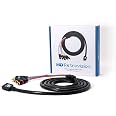
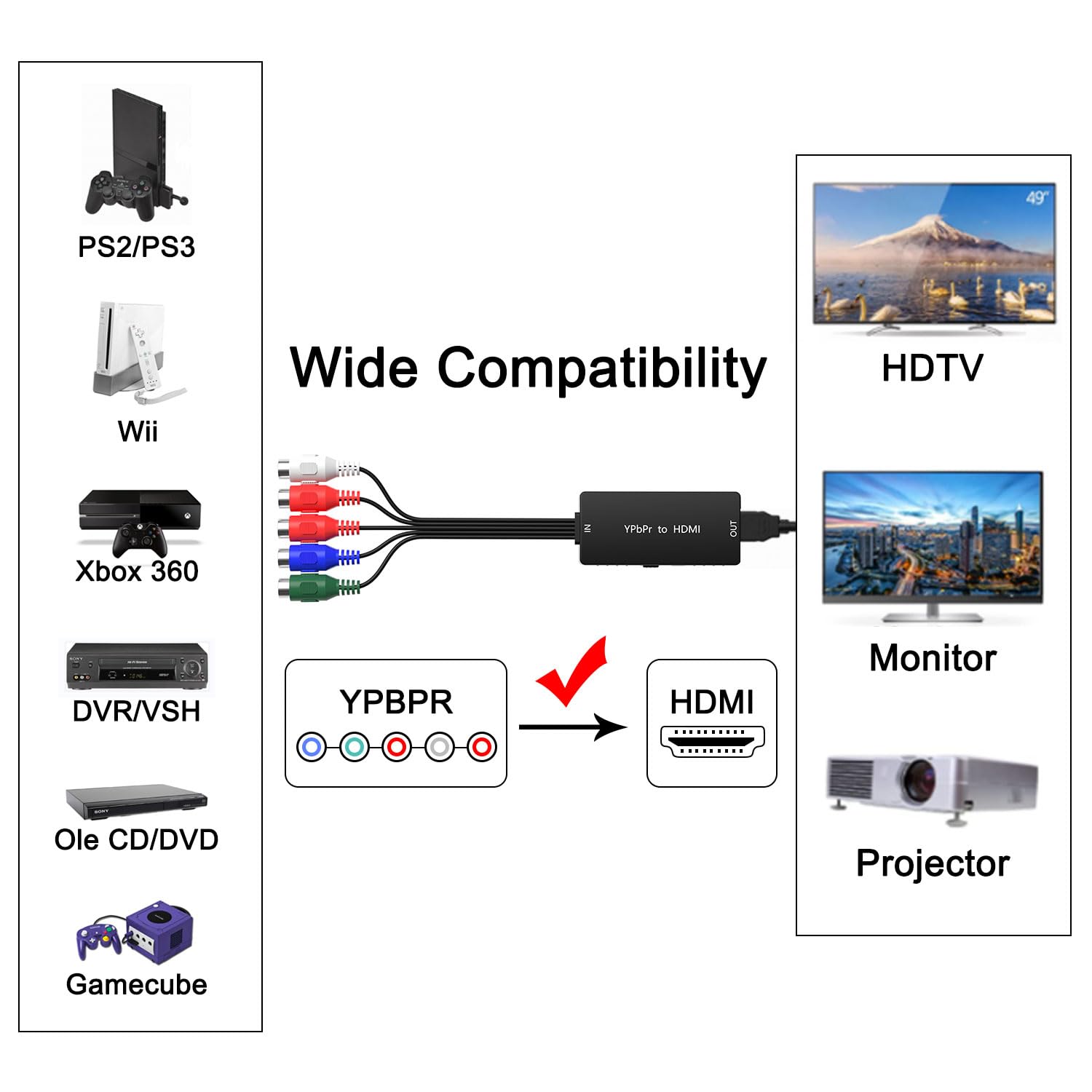
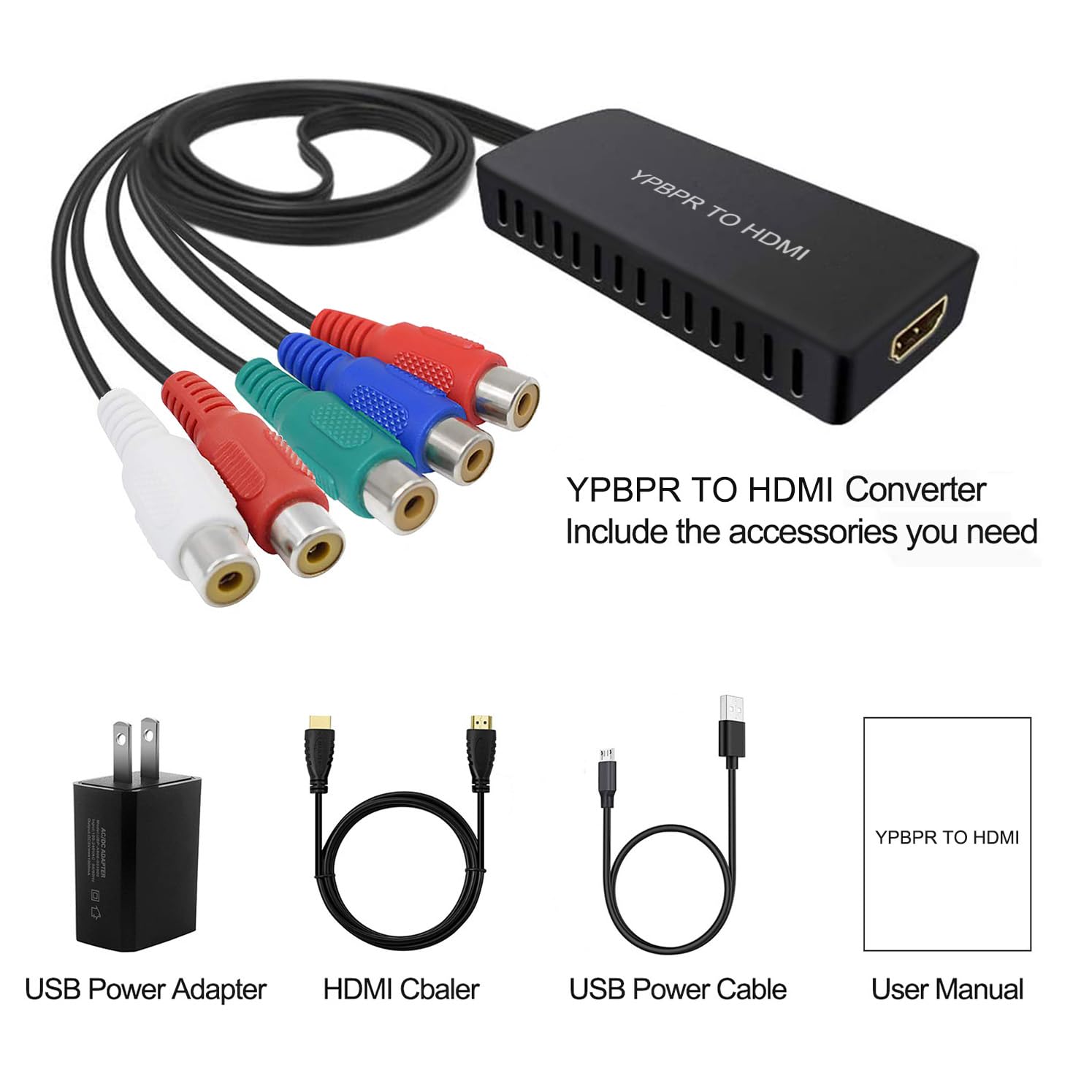
The Dingsun 55Pack Component to HDMI Converter transforms analog YPbPr and stereo audio signals into high-definition HDMI output supporting up to 1080P/60Hz. With a 5Gbps transmission rate and uncompressed LPCM audio, it ensures zero lag and distortion. Compatible with a wide range of legacy devices including gaming consoles and DVD players, this bulk pack is perfect for professionals seeking reliable, high-quality AV conversion at scale.
E**O
Keep your expectations in check.
The media could not be loaded. I've enjoyed playing my PS2 titles through a component video output. Since I've been working on revamping my setup, I needed something to use that would work with displays having only HDMI ports. I got a hold of this Component to HDMI converter and I have to say, the results are pretty impressive.SETUP: The process was very easy. I took my HD Retrovision component cables, plugged them into each port that correspond with each color, plugged the HDMI cable included into my monitor, arranged my display input with the converter and I was good to go.PICTURE QUALITY: I was amazed by how vibrant my games looked. Depending on the kind of monitor you got, your results may vary. I tried it out on my LG Ultragear monitor and I was really blown away. The colors are well saturated and the image clarity is very good. The only reason why the picture doesn't stretch to the whole screen is probably because these games weren't fit to support these types of displays. That's my guess, but I wouldn't consider this to be a deal-breaker.VERDICT: I don't remember how much I spent on this converter(I assume below $30), but this has performed very well during the sessions I put in. I'm very pleased with how this has turned out. If you got an emulator of some sorts, then stick with that. However, if you don't and you're looking for a Component to HDMI converter that'll do the job, I would recommend looking into this.SIDE NOTE: If during testing you happen to get a green tint on your display once you booted up your console or the colors looks odd, make sure the red cables are in the right ports on the converter. I had that problem early on and once I switched the cables, the problem was resolved.
M**D
Works as it should.
This worked perfectly easy to hook up. Definitely plug and play. Compact and feels like quality materials.
R**T
Works pretty well.
I ordered this cable to connect my PlayStation 2 to a new Vizio 4K television. As many of you know, trying to connect older video game systems to newer TV's can be challenging for a variety of reasons. This converter is not an upscaler - it is really an analog to digital converter that combines the analog RCA component video outputs of the PS2 and RCA audio outputs into a single HDMI connection. It's nice because it keeps the 4:3 format of the PS2 on your TV - nothing gets artificially stretched.However, I could not get the audio to pass through to my TV via the left/right RCA audio outs from the PS2. I'm a professional audio/visual tech by trade, so I'm pretty good with this kind of stuff, but I couldn't get the audio to pass through to the TV no matter what. I ended up sending this converter back, thinking maybe something was wrong with it. But, the second set had the same issue. In fairness, I think it had more to do with my Vizio TV, than the converter.What I ended up doing was using the optical audio output of the PS2 and sent that directly into my audio receiver. So, I'm basically not using the RCA audio connections from this converter at all.Overall, I'm very happy at this point because using the optical audio out of the PS2 is better than the RCA audio out anyway. And, the picture quality coming from this converter is pretty good from what I've seen so far. Obviously, it depends on how your TV handles and upscales a 480i or 480p signal, and Vizio TV's aren't known for doing a very good job of that, but I am pretty impressed so far. Obviously, you have to keep your expectations in check. Your TV isn't magically going to make an old 480i signal look like it's 4K or even high definition 1080p, but this is a nice option.Because this is a cheap looking device, I have my PS2 and this device connected to their own power strip so I only turn them on when I am going to use the PS2. I figure I don't want to have that device running 24/7 as it would probably wear out a lot faster.For the cost, I would recommend giving this unit a try.
V**C
Got it to get around HDMI restriction
THIS DEVICE HELPED ME, HDMI won’t allow my TV to zoom in on fullscreen DVD pictures forcing it to stay in 4:3, WITH THIS DEVICE (HDMI to component) I can go in TV cinematic mode which is a zoomed in mode. Zoom and Wide are being artificially turned off by my TV or DVD player this device helps with that. (My Tv offer cinematic mode with component)WARNING the biggest issue people face is a user issue. If the color is wrong you mixed up the red wires. When you look at the wire it goes blue green red white red. The far end white and red are audio. If the color is wrong on TV you mixed up the red wires swap them. (Blue, Green, and red are video. Far white n red are audio) A fancy thing you can do with component is turn off red, blue, or green in the picture by pulling out their associated wire. So if you want a black and white movie you can leave out the blue n red etcs.Also this won’t give you better picture than the device will allow, it never claims to upscale, some devices upscale Yrb to 1080p for Nintendo or PS2. This is not that.
A**R
DOA. Just like Portta.
Doesn't work. A failure just like the Portta. My brother's birthday is literally this weekend and since Dingsun failed just like Portta, i won't have a functioning PS2 for him in time. Very disappointed.Tried all troubleshooting and my own HDMI cable as well, so its not user error.
T**3
We are able to use our old Wii console on our new smart TV.
We got a great deal on a new 50" Samsung smart TV but like most new electronics, it did not have any component video inputs. Only HDMI inputs. The old Wii console (which our young grandson still enjoys using) only has component video output.With this new Dingsun Component to HDMI Converter, we were able to connect the Wii to the new TV. It installed very easily and (so far) has worked flawlessly. Now, for not too much money, we can still squeeze some use out of this old technology without shelling out bucks on a new one. In a few years, our grandson probably won't want to hang out with us old folks anyway. Hahahaha
Trustpilot
1 month ago
1 week ago
2 weeks ago
1 month ago