Buy anything from 5,000+ international stores. One checkout price. No surprise fees. Join 2M+ shoppers on Desertcart.
Desertcart purchases this item on your behalf and handles shipping, customs, and support to Greece.
๐ฑ๏ธ Elevate your workspace: precision, power, and seamless control in one sleek package.
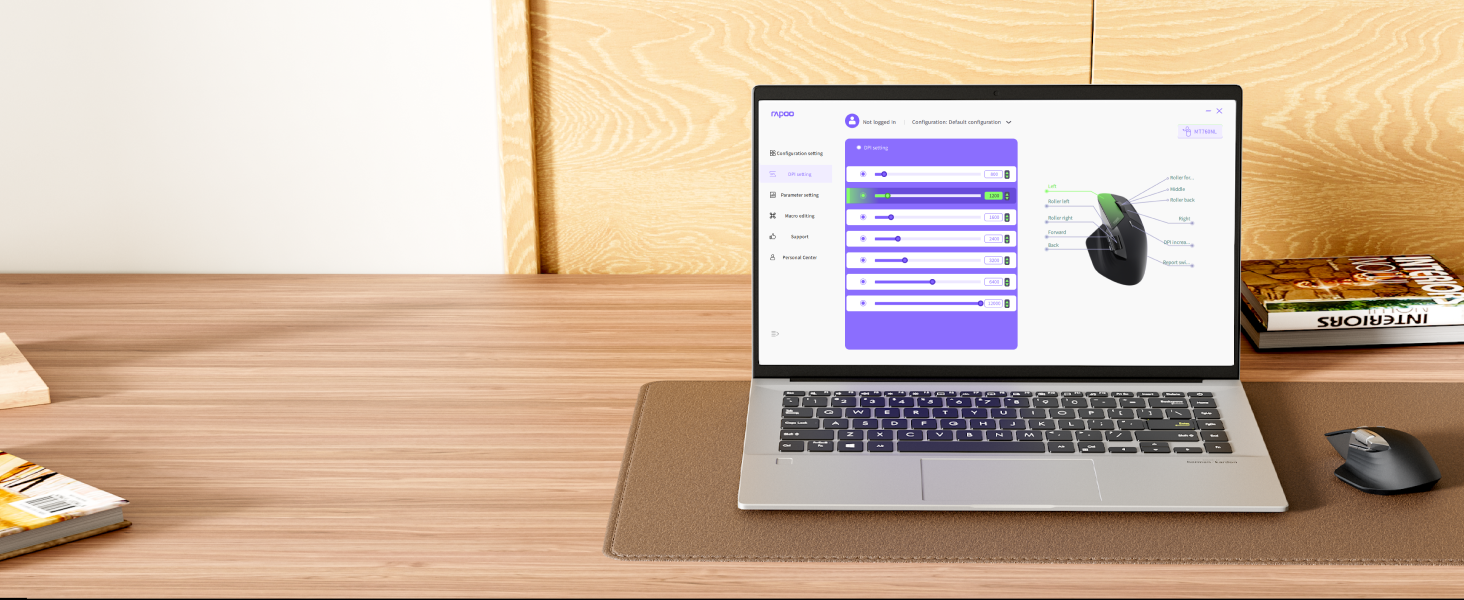
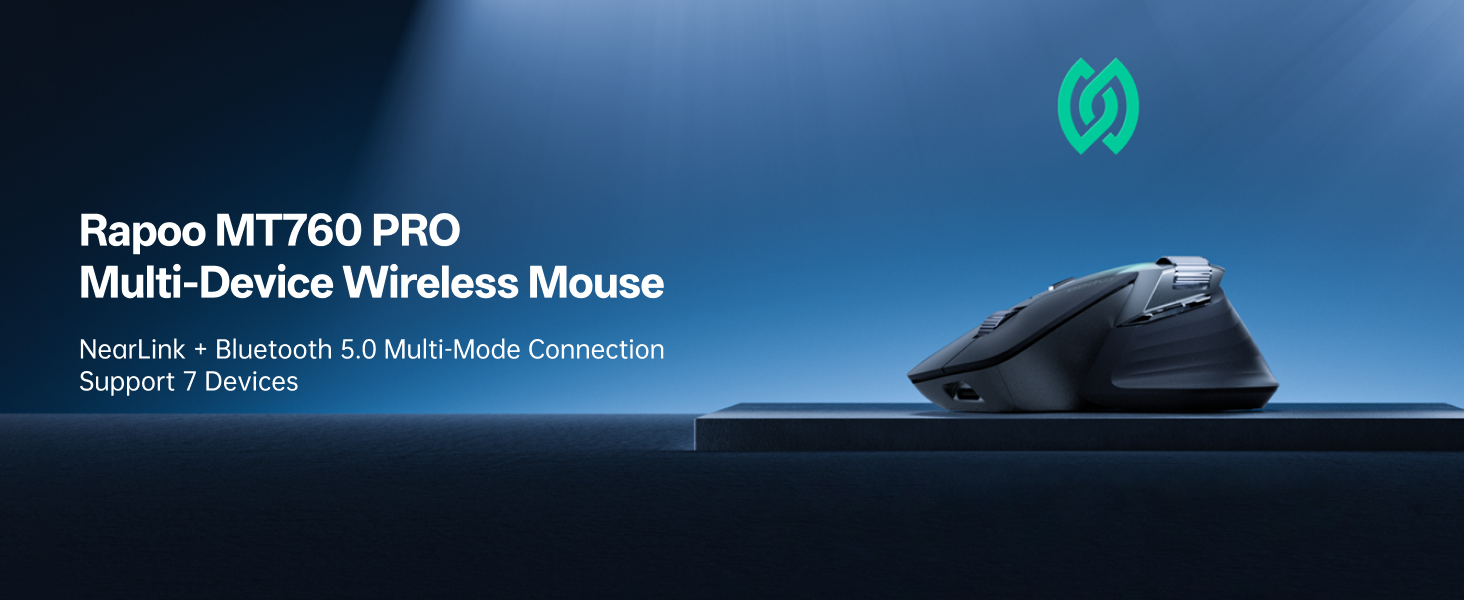
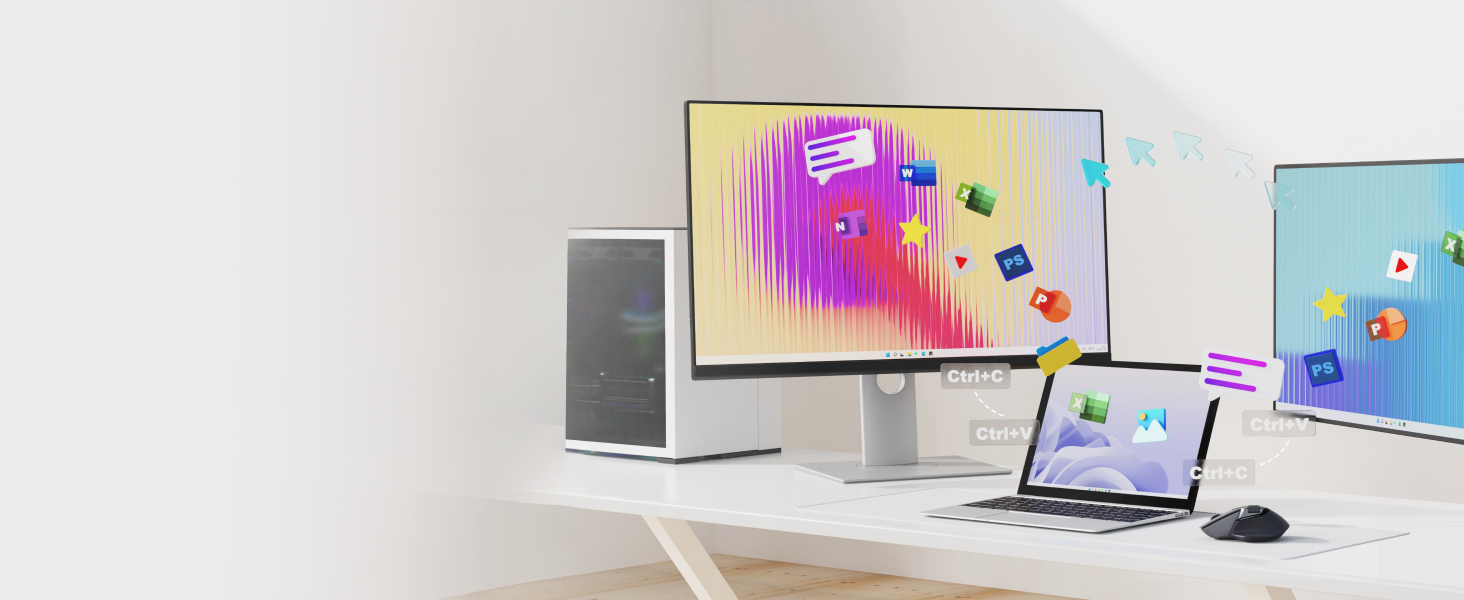
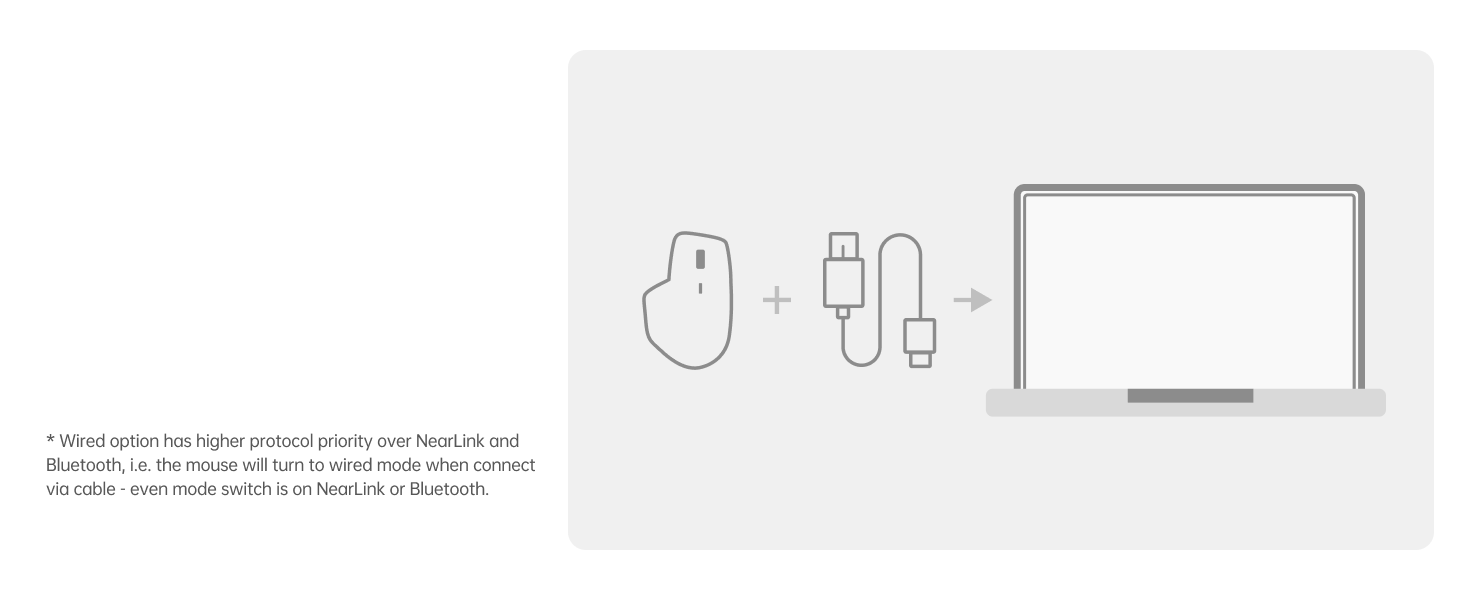
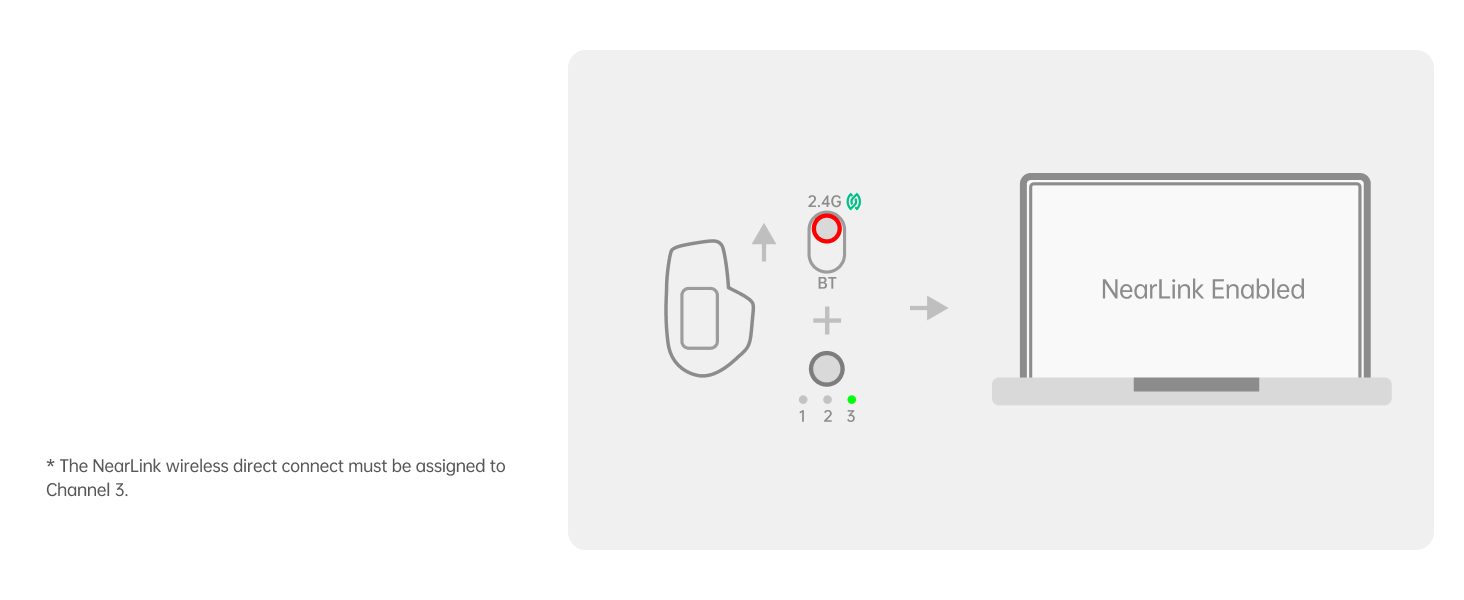
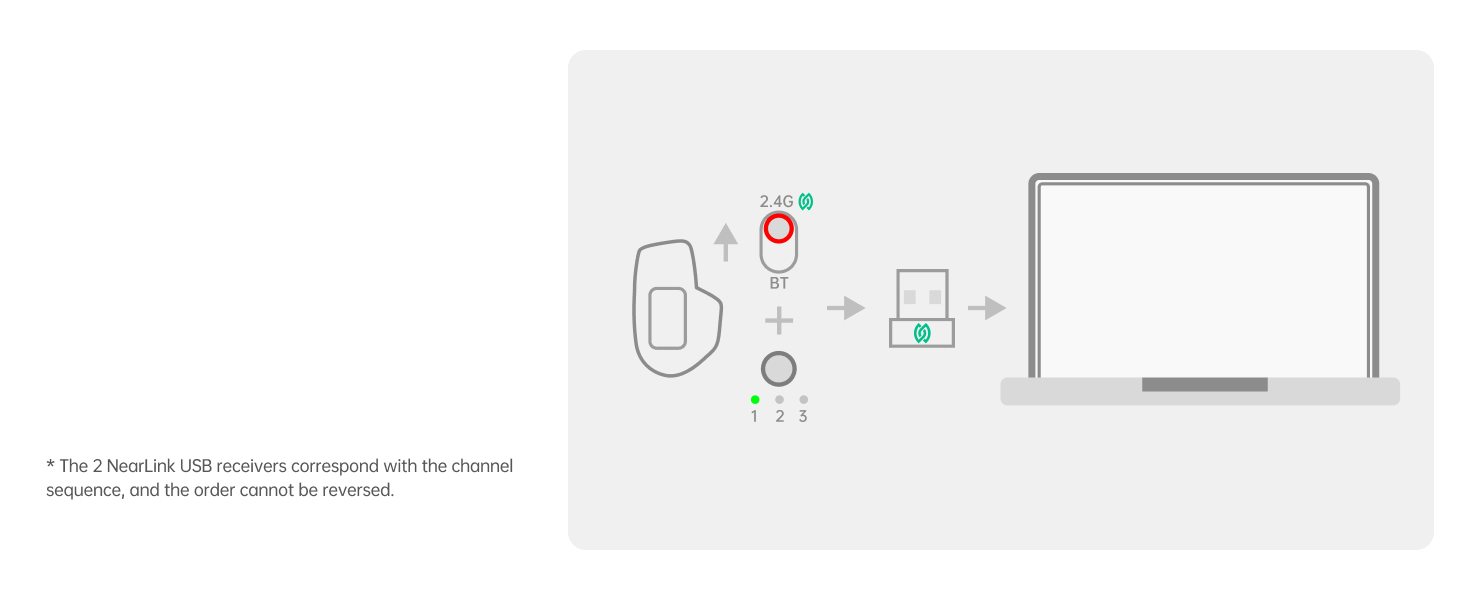
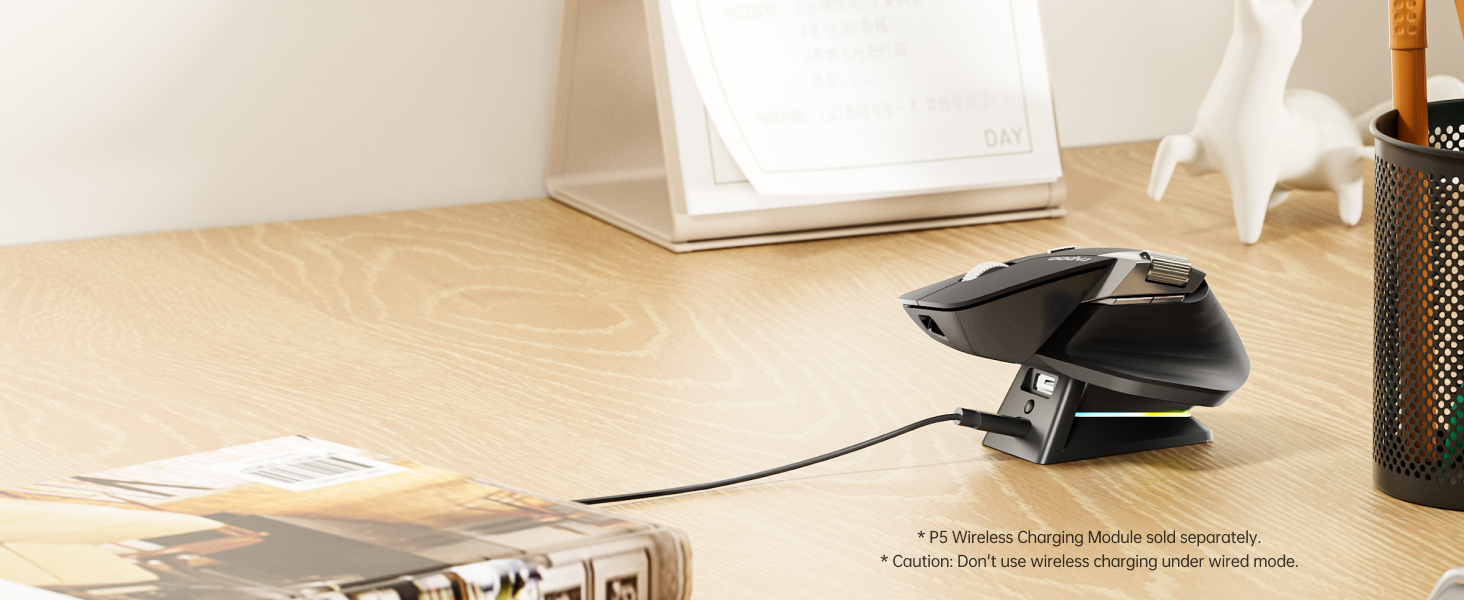
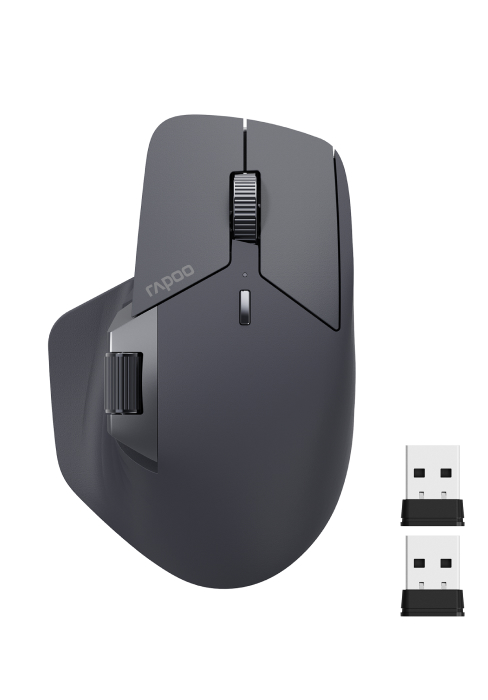
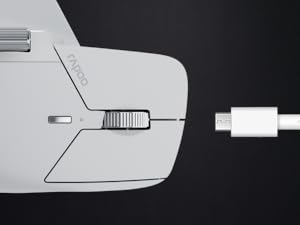
The Rapoo MT760 PRO is a cutting-edge wireless mouse featuring next-gen NearLink and Bluetooth 5.0 connectivity, 12,000 DPI optical sensor with 2,000 Hz polling rate, and support for up to 7 devices. It boasts 11 programmable buttons with onboard memory, ergonomic design with quiet clicks, and an industry-leading 120-day battery life supported by USB-C quick charging and wireless charging compatibility. Ideal for professionals and gamers seeking precision, multi-device versatility, and long-lasting performance.


| ASIN | B0F1YHS5T1 |
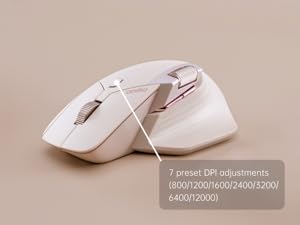
| Additional Features | 11 Programmable Buttons with On-Board Memory, 120 Days Battery Life, NearLink Technology, Ultra-Low Latency๏ผ7 Adjustable DPI Levels, Up to 7 Devices, M+ Cross-Computer Technology |
| Antenna Location | Office |
| Are Batteries Included | Yes |
| Are Batteries Required | Yes |
| Battery Average Life | 120 days |
| Best Sellers Rank | #189 in Computer Mice |
| Brand | Rapoo |
| Built-In Media | 1 x USB-C Charging Cable (USB-A to USB-C), 1 x User Manual, 1 x Wireless Mouse, 2 x NearLink USB Dongles |
| Button Quantity | 11 |
| Color | Matte Black |
| Compatible Devices | Personal Computer, Tablet |
| Connectivity Technology | Bluetooth, NearLink, USB |
| Customer Reviews | 4.2 4.2 out of 5 stars (217) |
| Hand Orientation | Right |
| Hardware Platform | PC |
| Item Dimensions L x W | 6.73"L x 4.4"W |
| Item Weight | 110 Grams |
| Manufacturer | Shenzhen Rapoo Technology Co., Ltd. |
| Model Name | MT760 PRO |
| Model Number | MT760 PRO |
| Mouse Maximum Sensitivity | 12000 Dots per Inch |
| Movement Detection | Optical |
| Number of Batteries | 1 Lithium Polymer batteries required. (included) |
| Operating System | Windows XP |
| Power Source | Battery Powered |
| Range | 10 Meters |
| Style Name | Modern |
| Theme | OFFICE |
| Unit Count | 1.0 Count |
| Warranty Description | 1 year warranty |
D**S
Great Mouse for productivity and gaming great replacement for master3s
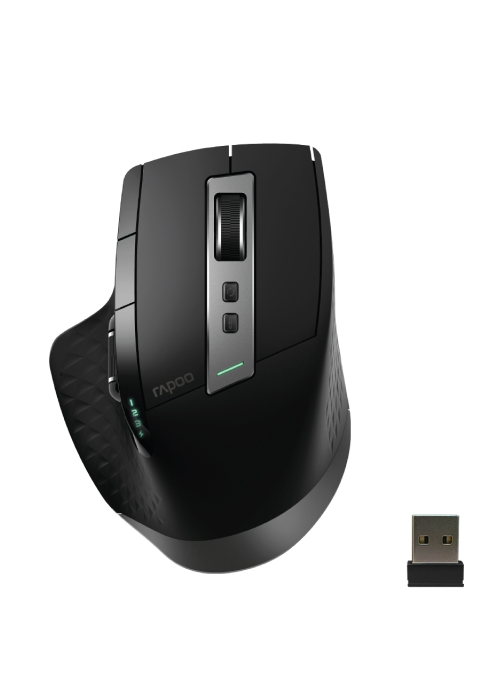
I've had it a day and so far so great. The mouse is super comfortable. i was amazed it had 2 near link dongles inside. 1 in the mouse and 1 in the box. Looking at the picture I see 2 dongles, but I thought they were different. This mouse is great if you have multiple systems on the same desk. I have a desktop and laptop on the same battlestation. The polling rate is amazing. The bluetooth on my mac is a bit lack luster but that's a bluetooth issue. The near link is awesome. I had some difficulty with their software on the MAC, but eventually got it working. The mouse seems as good as any mouse i've ever used. For some reason I was under the impression the scroll wheel was one of those infinite scroll wheels that just spins for ever. But I'm wrong about that I even went and read through everything and they never claimed it was, So not sure why I thought that. Maybe cuz it looks so much like the master 3s. The only negative I have, is the side buttons and wheel seem a bit low. I have a very large hand and fat thumb so they're almost always touching the buttons. The clicks are super silent and feel very responsive. It's not a gaming mouse, but you could game on it. It's more for productivity. The DPI range is insane. I found a sweet spot at 3200. I can cross all 3 monitors with out lifting. and fine control is still doable. The 1k polling is as lag free as it can get. It's a very light mouse for how big it is. It's plasticy feeling, but not cheap feeling. It has a very good full hand feel. it rests in your palm really well. Very well made mouse. the battery life is saying 81% after a 12 hour day use. I'll be honest about the pricing, It could be 10$ cheaper. 39$ seems like where it should be. I ended up paying 49$ which seems way better then the 120 for the master 3. Sp the value is there. unless you need that special scroll wheel save your self some bucks. i'm using the mouse for mainly IT office work, but also doing 3d printing and 3d modeling and I really like it. The software seems a bit off, but so far does everything it's supposed to. i've rebound some of the keys and every thing is working correctly.
R**K
Comfortable, stylish, and versatile; look out Logitech
Excellent alternative to Logitech MX Master at a way better price. Smooth, with easily adjustable DPI, and perfect size even for my big hand. Plug and play, works effortlessly on Linux, Windows and (via Bluetooth) Android. Have not tested in macOS or iOS devices. Horizontal scroll wheel is a little loose, but works fine, just takes some getting used to. Vertical scroll wheel click is just a touch sensitive for my liking; I had to turn off the click to paste feature in Linux.
J**A
3.5 stars.
I have had an MX Master 3 for about 4 years. I thought it was dead (it wasn't) and ordered this. This knock-off begs to be compared. Negatives: Other than how it looks aesthetically and feels in the hand, this mouse is nothing like using an MX Master. The main difference is the main scroll wheel. The MX Master has an amazing wheel that can be "clicky" or can freewheel down through 300 web pages in a fraction of a second. This Rapoo main wheel though, it cannot freewheel, it also feels kind of stiff and it's easy to click middle mouse by mistake when using it. The main 2 button clicks are kind of long presses. Much farther travel than just about any mouse I've used. (mainly Logitech) Positives: Credit where it's due, this mouse looks really good. Better than the MX Master. It feels premium in the hand. I like that it came with 2 USB dongles and I dig the magnetic flip cover on the bottom that hides one. You can connect to multiple devices. The side scroll wheel feels really nice, and I even like the placement angle better than on the MX Master 3. Changing DPI on the fly is nice and this mouse feels lag free and accurate. For the $50 sale price I got it for, this doesn't really feel worth it. There are better mice in this price range and this doesn't live up to it's looks. For $60, it's really questionable. Just pony up the $100 for the real deal.
D**K
Strongly Recommend for Mac, If you're looking for an Ergo Mouse
Better than expected. Works great with my Mac- the side-scroll was the most important feature for me because I use it a lot on the Magic Mouse that I'm replacing with this mouse. I connected via BT with no issue at all; put the mouse into BT mode and saw it show up in my BT menu on my Mac within seconds. The left and right clicks are very quiet. The Mouse is soft-to-the-touch and fits like a glove, for me. This is also my first ever ergo mouse because it I could never find one with side scrolling. Again, that is by far, the most important feature about this mouse, for me. Closely trailing this side scrolling in the #1 spot, it the fit. My hand fits comfortably, feels natural- the side scroll wheel doesn't feel too far away from my thumb, which was a concern when I was "window-shopping". Very happy with this purchase so far and the added convenience of the page-back and page-forward buttons (literally) right at my fingertips, makes it even that much easier to enjoy this mouse. I strongly recommend it.
M**J
This is one of the best mice on the market for gaming! It connects super easily to up to 7 devices! I don't even have 7 different devices that all need mice but I could use it like that if I wanted to. The dpi selector is excellent to help with how fast the response is. I can use it on my laptop, phone, tablet, or even my PS5 and I can switch between all them with a button. The programmable buttons are very useful for whatever function you like and it doesn't need any batteries, it just recharges using my phones charger. The battery last a long time and it fits very well and comfortably in my big hands. I'd definitely recommend this mouse for gaming. I tried it on my laptop for gaming with first person shooters and strategy games and works exceptionally well for both. The color is nice also, a grey color that matches my laptop. It's very quiet on the clicks, it responds well and fast but doesn't make much noise from pressing the buttons. The plastic body itself is smooth and feels very premium to the touch. The laser is responsive on all surfaces I tried it on even without a mousepad. It's good on plastic, wood, or even glass surfaces. It's range is also very good. You can have something connected to the tv and use the mouse from far away and it still works like a charm. Overall, it's a very good gift or mouse for the gamer in your family.
X**W
I bought this to replace a Logitech Mx Master 3s. I have been using an MX Master 3 or 3s for about 10 years. Build quality is very good. It's lighter and feels easier to use. The mouse is not as tall which I find more comfortable - wrist/hand angle is flatter. The thumb rest feels tighter. Noting I have large hands. Button clicks are firmer. DPI button is smaller but works fine. The side scroll works well. The customizations tool is flexible and easy to use. It stores the customiztions in the mouse so that I can use it on my work laptop without loading any software. No issues with corporate security. After 2 very long days, I like it much more than the Mx Master 3s. Note you need to go to the US Rapoo site to get the customizations tool/driver. Note it's not the AHUB tool. Reasons why I am moving away from Logitech. - Logitech does not store customizations in the mouse. You have to load the app to configure customizations and to use customizations. - Corporate environments are becoming stricter. Getting permission to load apps can be difficult. I got permission to load the app but security restrictions prevented resulted in problems with the app. - Logitech Infinite scroll cannot be turned off without the app. This is mighty annoying as the infinite scroll persists a long time after you move the pointer to another window or section of a window causing it to scroll infinitely when you do not want it to. - Logitech Options is a resource hog using 250MB in memory.
S**E
Overall quality of this mouse seems quite good, however I was expecting a bit more of an ergonomic design than it actually is. I find my wrist is not rotated enough vertically to alleviate wrist pain. But I like the soft click and the texture of the mouse, and the fact that it has a side scroll wheel. I also like that it has a comfortable thumb rest. My only complaint with both of the scroll wheels is that they feel a bit more on the mechanical side, as when you scroll it kind of clicks as it scrolls. You don't get a super smooth scroll because of this. And the side scroll seems to scroll way too fast compared to the top scroll (maybe this was just a setting I hadn't figured out yet). It would also be suited best for medium to large size hands. I find my hand is too small to comfortably reach the top scroll wheel. Other than that, like I said it seems to be good quality.
T**Y
The seller was fantastic and item arrived promptly. But I've been struggling to get this mouse to work. I have tried for weeks following every bit of advice I can find on the net and this mouse will not connect. It will not connect to any windows or Mac I have. I cannot recommend this mouse to anyone. I have bought a second one since and it is working beautifully. The seller also reached out to me to help with the first one. As I initially stated this seller is top tier.
S**L
I ordered this mice to try it out, and I am extremely surprised, at half the price it blows the logitech out of the water. The quality feels outstanding, it is much lighter than the MX Master, and it also feels better ergonomically. I also love the silent clicks and the polling rate is perfect, it doesn't feel laggy on my 160hz monitors as it can be configured with 1000hz (or 2000hz wired allegedly). I wanted to love the MX master as a software engineer, however the low polling rate of the Logitech always bothered me, it resulted in a laggy pointer. The sensor also tracked very poorly and the pointer felt floaty with the additional weight. It also comes with two USB receivers to switch between devices, I am not going to use this as I already have a usb switcher but great on them for including this functionality! USB 2.4 is much more stable and less latency than using Bluetooth. All in all I am extremely pleased with this, I'll take the weight savings any day over the infinite scroll gimmick of the MX master. As a software engineer, I use keyboard shortcuts so I do not need any frantic scroll wheel movements.
Trustpilot
4 days ago
1 day ago