Desertcart purchases this item on your behalf and handles shipping, customs, and support to Greece.
📺 Elevate your viewing game — don’t just watch, live the moment!
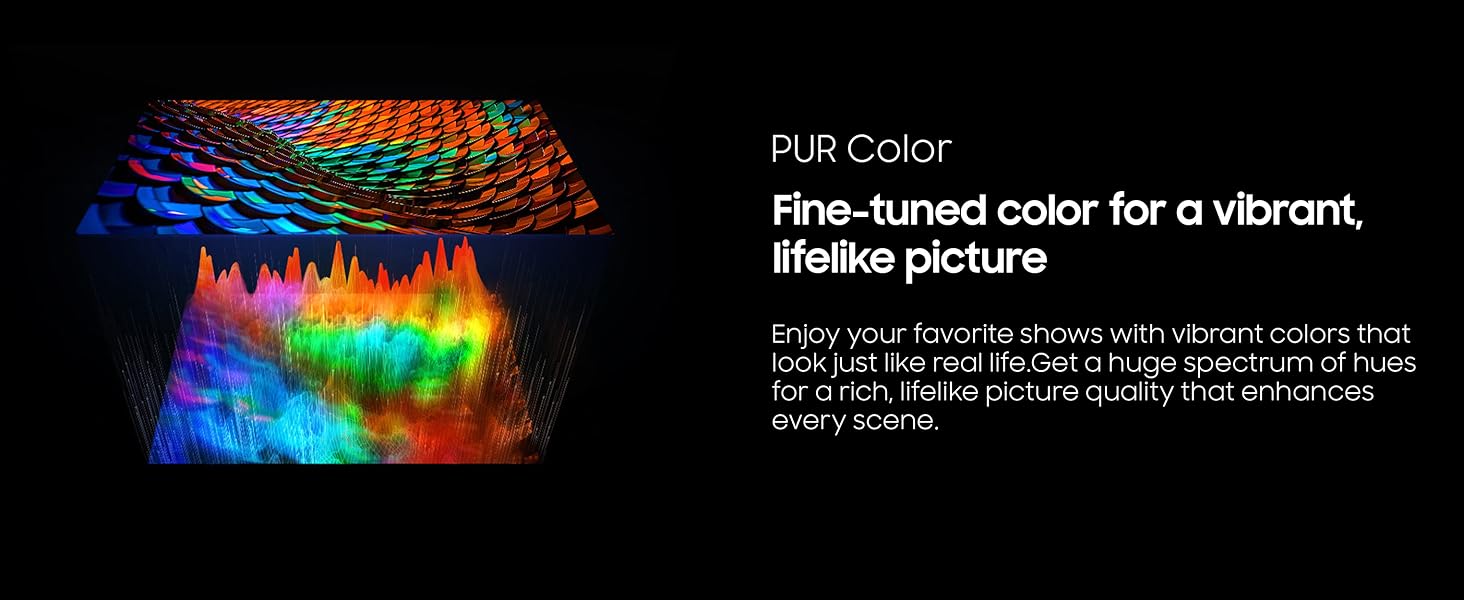
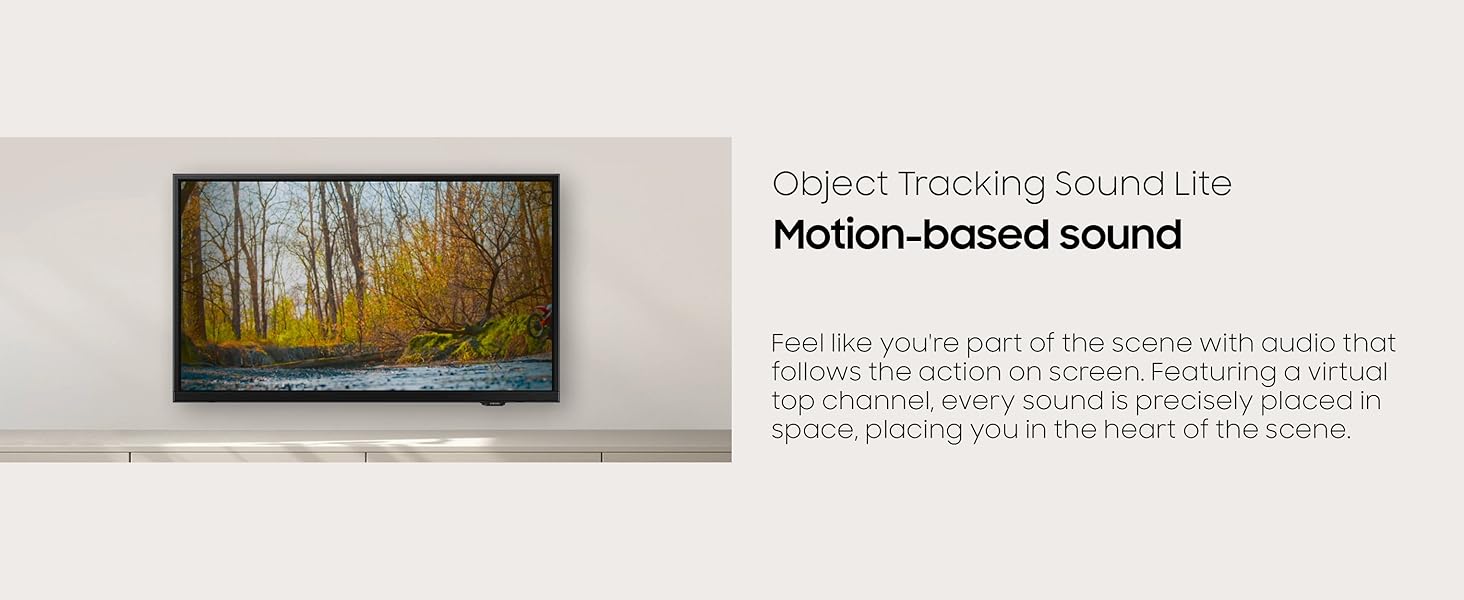
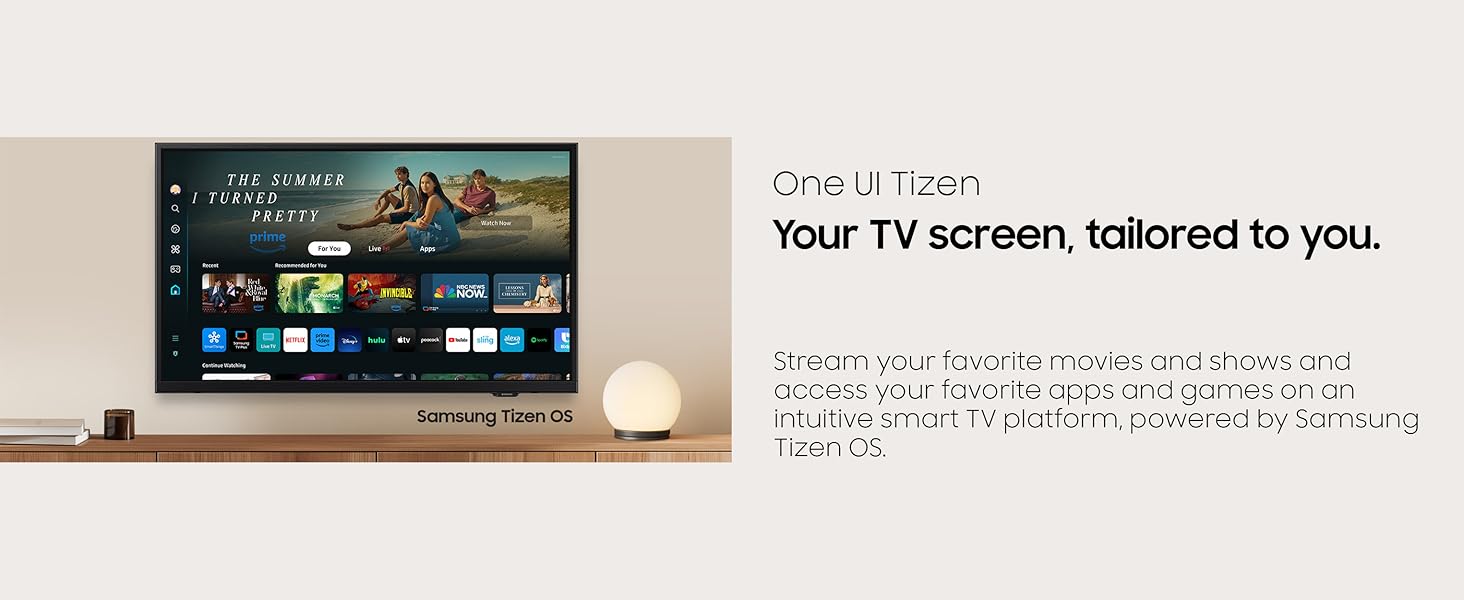
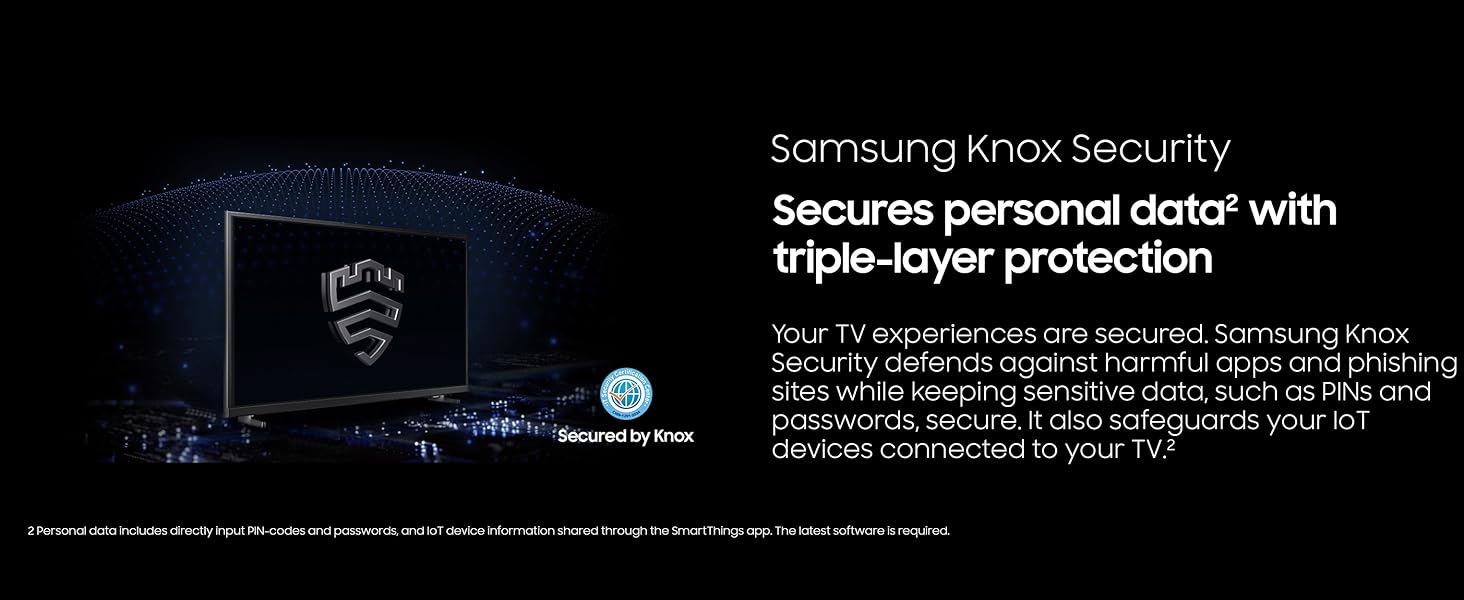
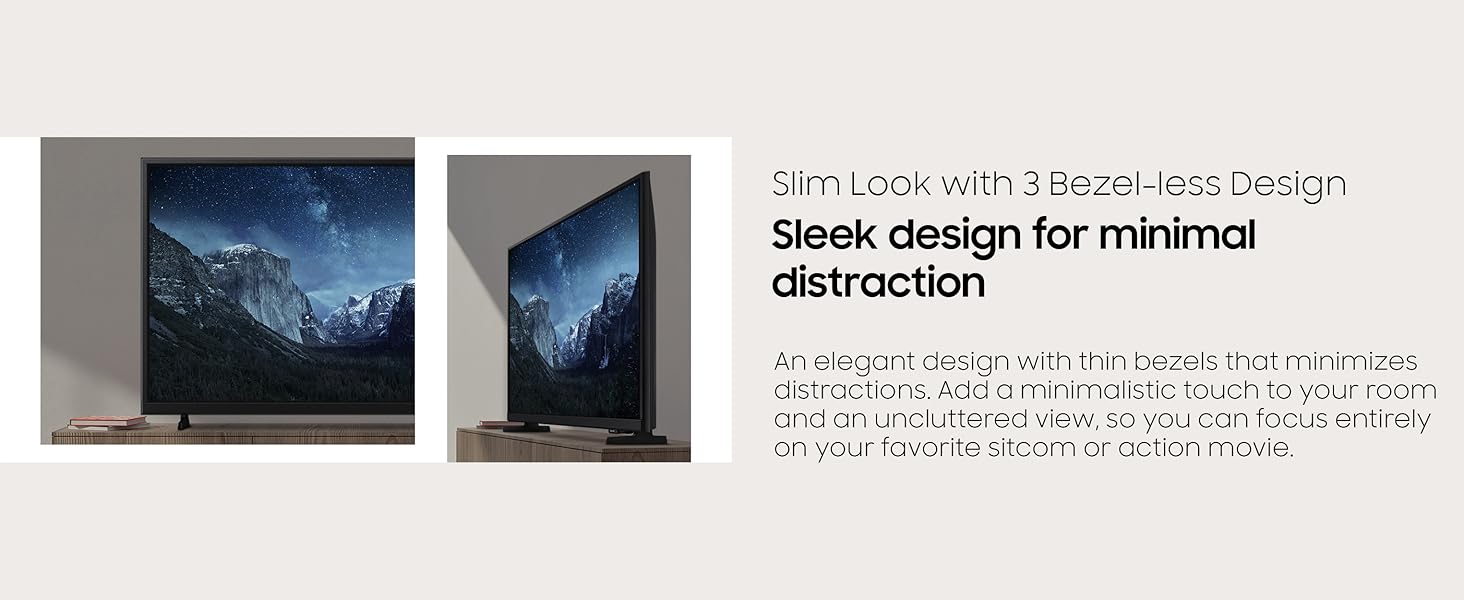
The 2025 Samsung 32-Inch Class Full HD F6000 Smart TV combines stunning HDR10+ picture quality with Object Tracking Sound Lite for immersive audio. Protected by Samsung Knox Security, it offers a safe and seamless smart TV experience powered by the intuitive One UI Tizen platform. With access to over 2,700 free channels and a sleek bezel-less design, this TV is perfect for professionals seeking premium entertainment and smart home integration in a compact form.


| ASIN | B0DXN3T1GD |
| Additional Features | Built-In Speaker |
| Annual Energy Consumption | 93 kwh |
| Antenna Location | Entertainment |
| Aspect Ratio | 16:9 |
| Audio Input | HDMI |
| Base Depth | 4.6 inches |
| Base Width | 23.7 inches |
| Best Sellers Rank | #139 in Electronics ( See Top 100 in Electronics ) #6 in LED & LCD TVs |
| Brand | Samsung |
| Built-In Media | Power Cable, Remote Control, Stand, User Manual |
| Color | Black |
| Compatible Devices | Smartphone |
| Connectivity Technology | Bluetooth, Ethernet, HDMI, USB, Wi-Fi |
| Connector Type | Ethernet, HDMI, USB |
| Content Sharing Direction | TV to Mobile |
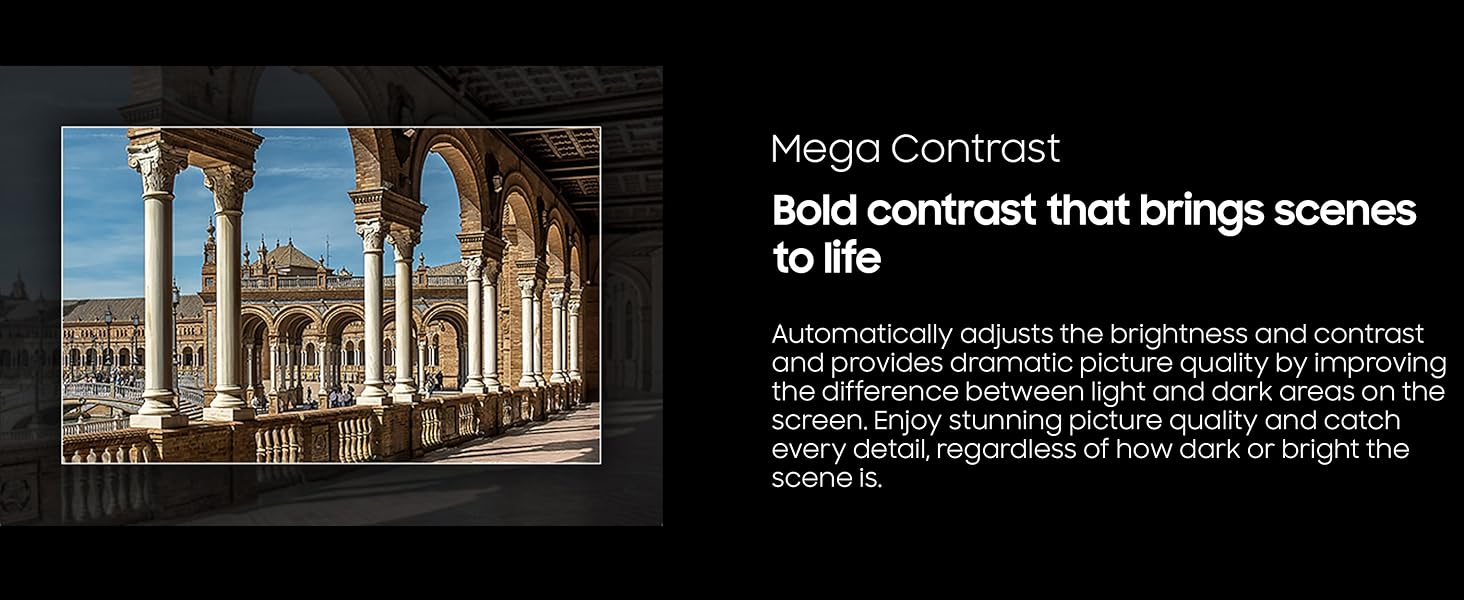
| Contrast Ratio | High |
| Control Method | Remote |
| Controller Type | Remote Control |
| Customer Reviews | 4.1 out of 5 stars 3,281 Reviews |
| Display Backlight Configuration | Direct LED |
| Display Backlight Setting | Micro Dimming Pro |
| Display Backlight Technology | LED |
| Display Language Options | English, French, Spanish |
| Display Refresh Rate in Hertz | 60 |
| Display Size Class | 32 inches |
| Display Technology | LED |
| HDR Format Supported | HDR10+ |
| Hardware Interface | Bluetooth, Ethernet, HDMI, USB |
| Integrated Surround Sound Format | Dolby |
| Internet Applications | Netflix, Prime Video, YouTube |
| Item Dimensions D x W x H | 5.9"D x 28.9"W x 17.8"H |
| Item Weight | 8.5 pounds |
| Item Weight Without Stand | 8.4 pounds |
| Manufacturer | SAMSUNG |
| Mfr Part Number | UN32F6000FFXZA |
| Model Name | SAMUN32F6000F |
| Model Number | UN32F6000FFXZA |
| Model Series | F6000F |
| Model Year | 2025 |
| Motion Enhancement Technology | True |
| Mounting Type | Wall Mount |
| Number of Audio Channels | 2.1 or 5.1 |
| Number of Batteries | 2 AAA batteries required. |
| Number of Items | 1 |
| Operating System | Tizen |
| Parental Control Technology | V-Chip |
| Picture Quality Enhancement Technology | Hyper Real |
| Power Consumption | 45 watts |
| Refresh Rate | 60 hertz |
| Remote Required Battery Quantity | 2 |
| Remote Required Battery Size | AAA |
| Resolution | 1080p |
| Screen Finish | Glossy |
| Screen Mirroring Technology | SmartShare |
| Screen Size | 32 inches |
| Signal Format | ATSC |
| Size | 32-Inch |
| Software Update Supported to Date | unknown |
| Speaker Description | 2CH |
| Speaker Maximum Output Power | 10 watts |
| Special Feature | Built-In Speaker |
| Specific Uses For Product | Entertainment |
| Total Number of HDMI Ports | 2 |
| Total Usb Ports | 1 |
| Tuner Type | ATSC |
| UPC | 887276927541 |
| Unit Count | 1 Count |
| VESA Mount Standard | 200 x 200 mm |
| Video Encoding | HDR10+ |
| Warranty Description | 1 Year Manufacturer |
| Warranty Type | Limited |
| Wireless Technology | Bluetooth, Wi-Fi |
M**K
Great TV for the Size!
I’m really happy with this Samsung 32-inch Smart TV. We wanted something that wasn’t huge but still had a nice, clear picture, and this has been a great fit. The picture quality is sharp and bright, and the sound is surprisingly good for a smaller TV. I also love having all the smart features built right in. It makes it so easy to switch between our favorite streaming apps without needing another device or a bunch of extra remotes. The menus are easy to navigate, and setup didn’t take long at all. It’s been a great little TV for everyday watching, and I especially like that we get the Samsung quality and features without needing a giant screen. Definitely happy with this one!
J**A
40” F6000 Smart TV
I just got my new tv today. I got the 40”. First thing i want to say is i got the perfect size for the bedroom. I was very surprised on how easy it was to connect to the internet. It was easy to follow the on screen directions. I connected to all my streaming services with no problem. When it was time to watch my first show i was pleasantly surprised at the picture quality, the sound was perfect for the room. No need to purchase a sound bar. Very pleased with my purchase. I have a 55” Samsung in the living room so i know i made a good product choice. Very satisfied customer
R**O
LOVE IT!
Really love this TV. Beautiful picture and I love all the channels that I can get. Added Xfinity stream, which is also free, and it gives me everything I need. I only wish the remote was larger, lit and voice control. Very hard to see. I have this TV in the bedroom and I cannot see the remote unless I turn the light on.
P**A
A new TV should not make you feel stupid (Samsung F6000F 32" full HD 1080P, 2025 model)
OMG!! Where do I start. I've had this TV for a few days now. My first Samsung TV. Finally, got it to show over the air TV stations. I have never had a TV make me so frustrated and make me feel so stupid to get it to work. This TV is a Samsung F6000F 32" full HD (1080P) 2025 model. All I want is a HD TV (1080P) that will receive over the air TV stations and have 1 DVD player hooked up to it. Also, a decent sound come from it. I don't want all those apps. No Wi-Fi connection, no Netflix, nothing else. But, I had to buy a new TV with all those extras. Which I don’t want. 1) The TV response to the remote commands is extremely slooooooow. I put new batteries in twice. Read the negative reviews on this TV. Other customers are having trouble with the very slow speed (lagging). I would touch a button on the remote and nothing. Five seconds later I would touch another button on the remote. Nothing happened. Maybe a third button and then all of a sudden it responds to all 3 buttons and would take me where I didn't want to go on the screen. I need an emoticon.. 2) My TV would not hold the TV station that I left it on when I would turn the TV off. When I would turn the TV on again it would start as if I turned it on for the first time. Those color balls would be moving and then ask how I wanted to set up...my iPhone or remote. I would try "settings", "Home-picture of house" and "Guide" Nothing would happen. I do not have a "menu" button as my search on the internet said I supposedly had. Took a while to get to the scanning of over the air (free) channels. First time turning this TV on it took over 2 hours and I gave up. Tried the next day and finally got it to show all the DTV free stations that I get over the air ways. But, it still looses the info when I shut the TV off. Every time I turn the TV on I have to again...go through the set up procedures-those color balls moving around. The only way the "setting", "Home-picture of house" and 'Guide" would work is only after I scanned the over the air stations and I was watching a TV station. I have to do this every time I turn the TV on. Two to 6 minutes every time. I read up on what to do when this happens and I’m still having trouble. 3) Still trying to find the on/off switch on the TV. 4) Cheap stand. Two small feet you connect on the bottom of the TV. I live in California…uh, Earthquakes. 5) Now, I hate Samsung. I’m going back to Sony. Positive about TV: 1) The color is awesome. 2) The resolution is awesome. 3) Sound is good/ok for a small room. 4) The price was good. Now, I see why…oops! Did I say/type that out loud
F**A
average good value
remote needs to be pushed several times to get it to perform a function otherwise an average cheap TV.
E**N
Make sure you get the right model.
2nd time lucky. First time they sent me a Roku instead (in a Samsung carton!). Now I have the right machine. It is great. Lightweight, easy to set up. Great picture quality. Using it as a TV in our secondary living space. Ideal for when we want to watch something different. All apps (and we have pretty much all of the streaming services) loaded fine. Took a while, but we have a lot.
D**O
Well worth it.
I.AM.LOVING.THIS.TV. We just went through two tvs replacing a year old Vizio. We use Bluetooth all the time. Past new replacement Vizio would not connect to Paired AirPods. THIS SAMSUNG … all we have to do is open past paired AirPods and they connect. Can see the flashing lights turn off before I can get to the Bluetooth connect screen that I apparently don’t need to get to. Very happy. Picture is beautiful. Worth the extra dollars.
J**S
This Samsung TV was Difficult to setup.
We have several Samsung TVs and really enjoy the quality. We purchased the model listed for our parents. We went to install it and it was a disaster. The feet of the TV do not snap in like all of our other Samsung TVs. The screws did not fit well and were more than difficult to get in. What should have taken 10 mins to unbox and get physically set up took almost an hour. Then we had to get the TV itself setup. Samsung requires you to have an account - this is not easy for elderly people. I created the Samsung account and tried multiple times to login - failure every time. I had to google what was wrong. You have to login on a phone or PC to complete the setup. Another 45 mins. What should have been so easy was extremely difficult. On the bright side the TV has a nice picture.
R**O
EXCELENTE
A buen precio la conseguí y sin duda alguna, Samsung no falla en calidad.
A**R
Good choice for smaller room
Purchased item as completed Used like New for £149.00, was missing manual, but easy to set up via Samsung account. Good picture and sound
J**Z
Excelente
Me encantó la tv y el precio excelente 👌 Muy recomendable
A**Z
Excelente relación precio calidad
Buen producto
H**B
Easier to set up than some reviews would have you believe.
Got mine today and contrary to some of the reviews the TV was quite simple to set up. Perhaps because I have a Sangsung Phone, it just connected to that and automatically pulled the WiFi password. The only thing I had to google was hot to get letters; you just press return again after 'search'. You can then type slowly on the TV one letter at a time or follow the phone prompt to type the search quickly. Separately from that the picture seems very good and stable.
Trustpilot
2 days ago
1 month ago