
DOWNLOAD THE APP


Customer Services
Copyright © 2025 Desertcart Holdings Limited
DOWNLOAD THE APP

🖱️ Elevate your workflow—wireless freedom meets ergonomic finesse
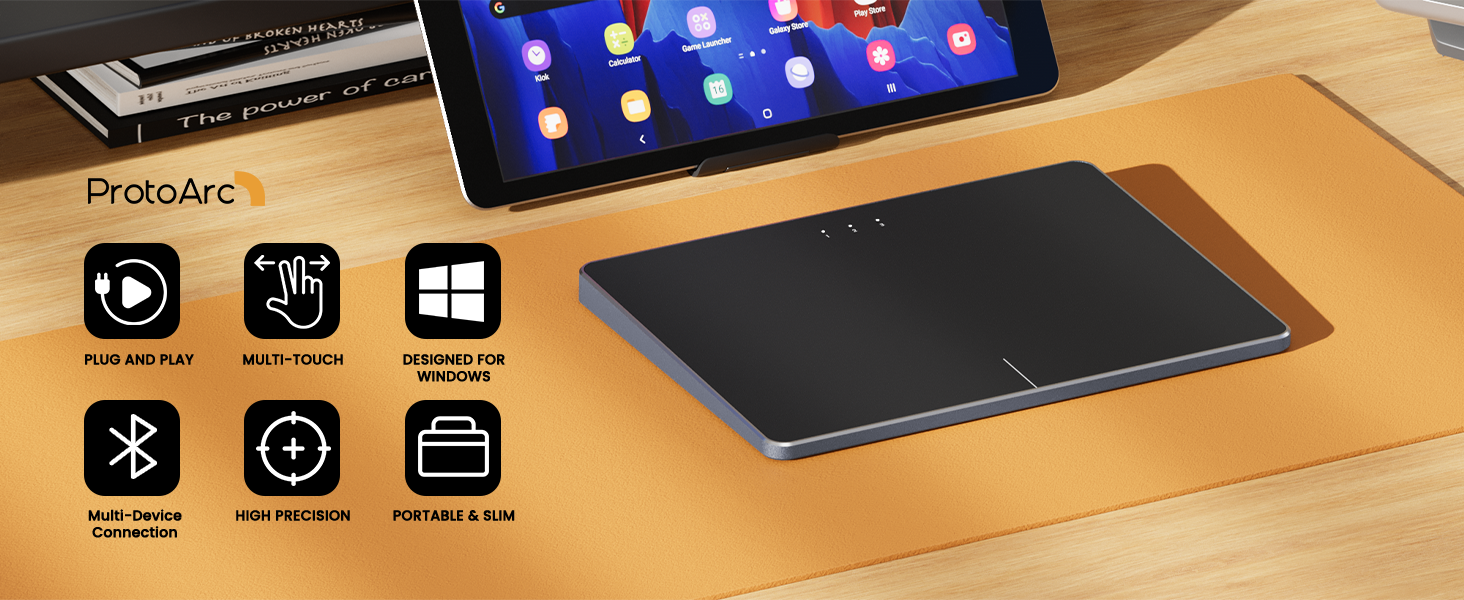
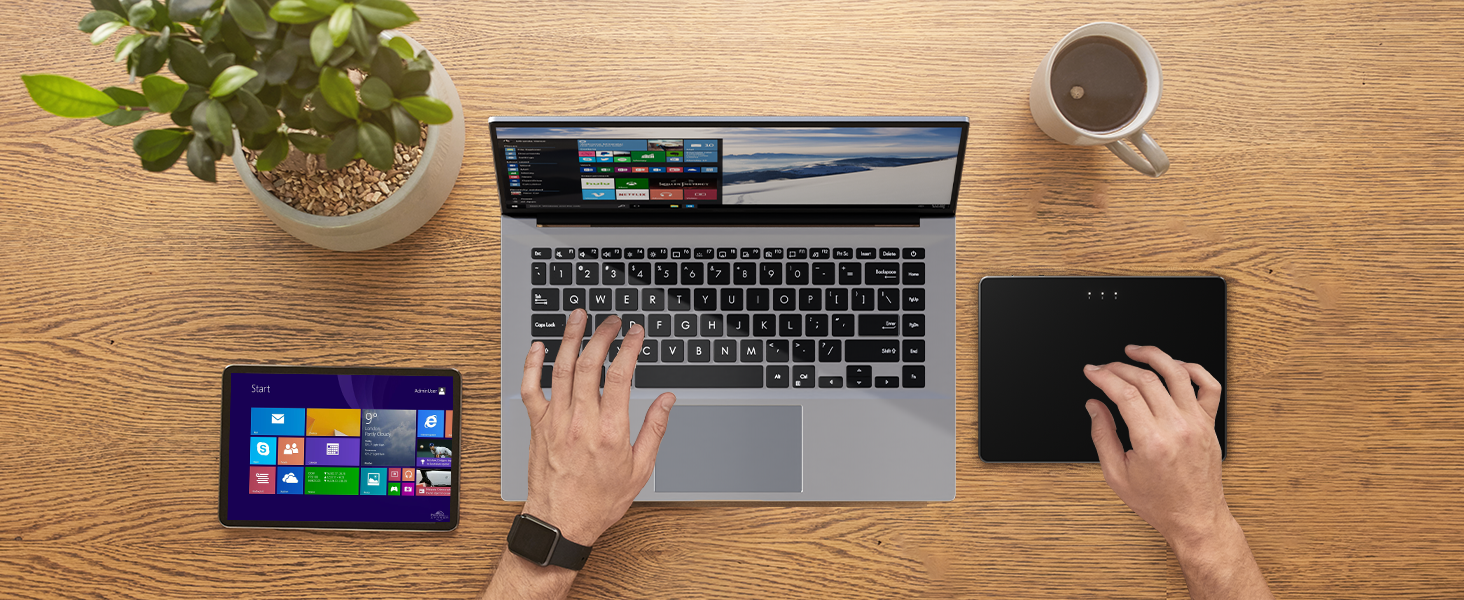
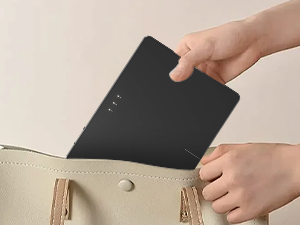
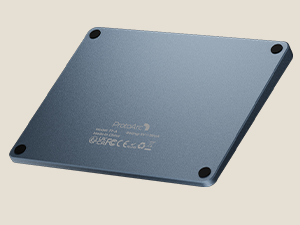
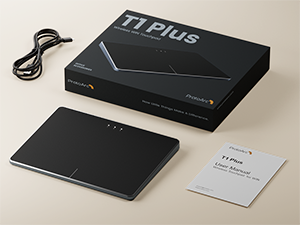
The ProtoArc Wireless Bluetooth Trackpad offers a rechargeable, ergonomic design with up to 50 hours of battery life. Compatible with Windows 10 and 11, it supports seamless Bluetooth switching between multiple devices. Lightweight and ambidextrous, it’s ideal for professionals seeking a portable, stylish input device that enhances productivity and comfort.
| ASIN | B0DSZHZMGX |
| Additional Features | Ergonomic Design, Portable, Rechargeable, Wireless |
| Antenna Location | Office |
| Are Batteries Included | No |
| Are Batteries Required | Yes |
| Battery Average Life | 50 Hours |
| Best Sellers Rank | #134 in Computer Touch Pads |
| Brand | ProtoArc |
| Button Quantity | 2 |
| Color | Black Grey |
| Compatible Devices | Desktop, Laptop, Personal Computer, Windows 10, Windows 11 |
| Connectivity Technology | Bluetooth |
| Customer Reviews | 4.0 out of 5 stars 30 Reviews |
| Hand Orientation | Ambidextrous |
| Hardware Platform | PC |
| Item Weight | 0.32 Kilograms |
| Manufacturer | ProtoArc |
| Movement Detection | Optical |
| Movement Detection Technology | Optical |
| Number of Buttons | 2 |
| Operating System | Windows 10, Windows 11 |
| Power Source | Battery Powered |
| Special Feature | Ergonomic Design, Portable, Rechargeable, Wireless |
| Unit Count | 1.0 Count |
| Warranty Description | 2 year |
P**R
the best i could find
Why did you pick this product vs others?: I just had hand surgery and will not be able to use a regular mouse for a few months so i desided to give this one a try after researching mouse pads for weeks on. it works exceptionally well and i love the multi-device supports so i can easilly switch between my laptop and workstation
S**N
Mid product, unfortunately no drivers/software support to adjust common settings. Feels bad to use.
First off, I have a gaming PC with a nice mouse I always use for gaming. But I am also a Mac user for work and I have a magic trackpad that I love using. I thought it would be nice to get the same experience for just normal PC usage like using the internet etc. I have to say, compared to the Apple trackpad, this thing feels awful on my fingers. My fingertips glide across the magic trackpad easily, it's very smooth. This feels like rough plastic in comparison. The clicking only works on the bottom left/right of the trackpad, so you can't just click anywhere. Something to get used to. You can double tap to click. The gestures work great, you can swipe between desktops easily and open/switch apps. This is something windows has yet to figure out on traditional desktops/PCs, the only way to use it is like Windows+left arrow, not very intuitive. The scrolling direction is the opposite of what I like, and unfortunately I cannot change it. I cannot change any of the settings through Windows, apparently the trackpad does not show up if you're using a desktop? I would appreciate any help if this is an issue on my part. I won't be returning it, I might actually use it for swiping through desktops or whatever, but I don't actually like to use it as a cursor. It might be good if I am on my bed or something and don't have a wireless mouse. I just want to say that this is a mid product, and I would have gladly spent more money on a more premium track pad but this seems to be the top offering. The design/color is also good, there's no branding or anything which I like.
C**Y
Simple to use
Hard to find a good trackpad for PC. THIS IS IT! obviously its not an apple magic but its close and at this price point its really hard to beat.
E**O
Working on Linux, not officially supported.
Works on my Arch Linux with Edimax BT USB Dongle. Good build quality. Touch click a little finicky but acceptable. Switching between hosts is sluggish and the button is a bit difficult to access when you need to switch frequently. Beware of linux firmware issues with the AX2** series NIC, still very broken. Not ProtoArcs issue.
A**N
Bluetooth only
Returned. Unfortunately my desktop does not have Bluetooth.
K**Y
Great product
Overall worth the buy
A**N
Great addition to my work setup
Exactly what I wanted. Allows me to use swipe actions and quickly navigate my desktop.
J**H
Physically looks great but leaves me wanting more
This would be great if it shipped with an app or drivers that allow you to tweak it better. Also would be nice if you can click anywhere and not only in the far bottom left and right. Wanted to love it! Looked great in my setup. Its certainly useable but I do professional work on a daily basis so it just isn't for me.
Trustpilot
1 week ago
3 weeks ago