

Desert Online General Trading LLC
Dubai, United Arab Emirates
Desert Online General Trading LLC
Dubai, United Arab Emirates


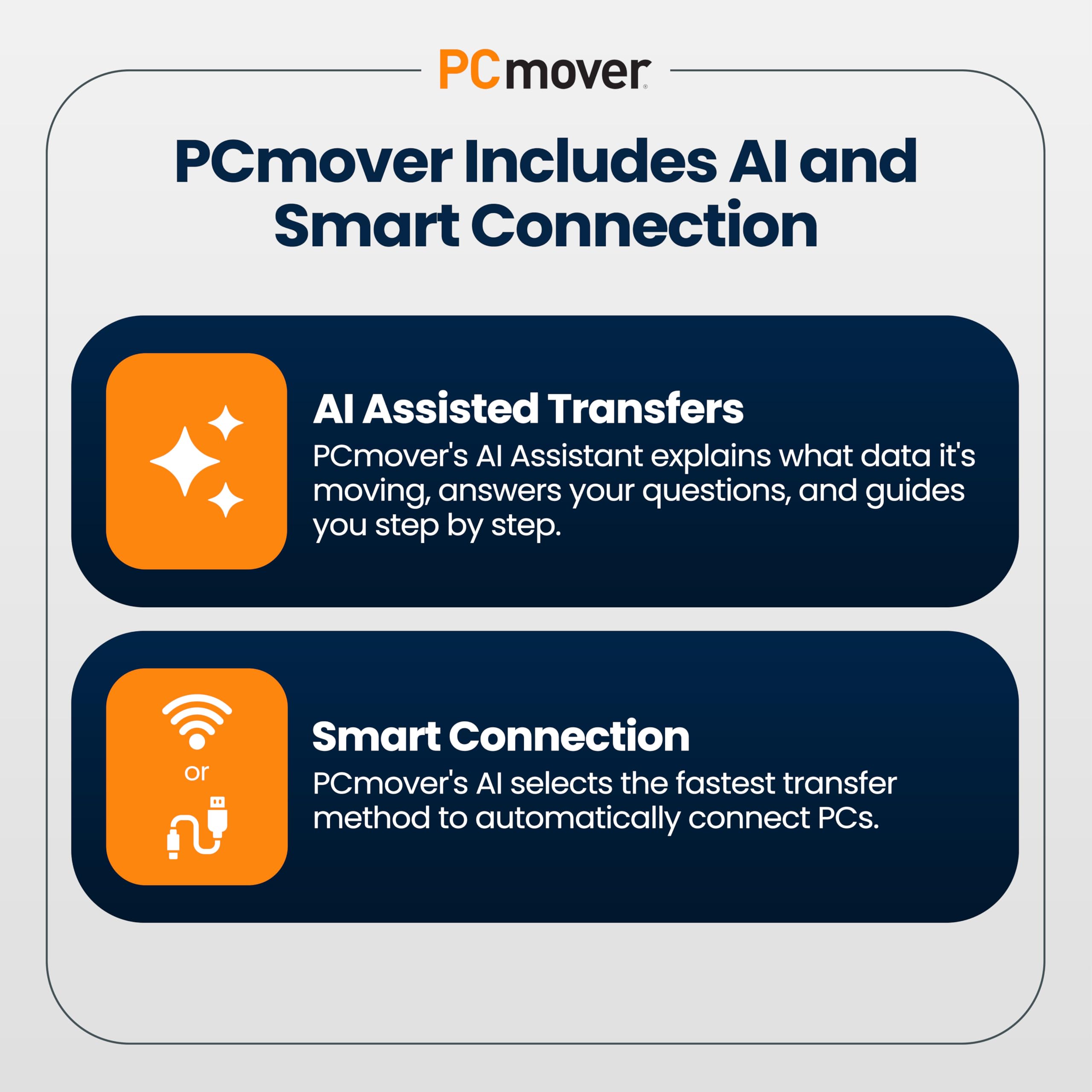

🚀 Upgrade your PC game with lightning-fast, AI-smart transfers!
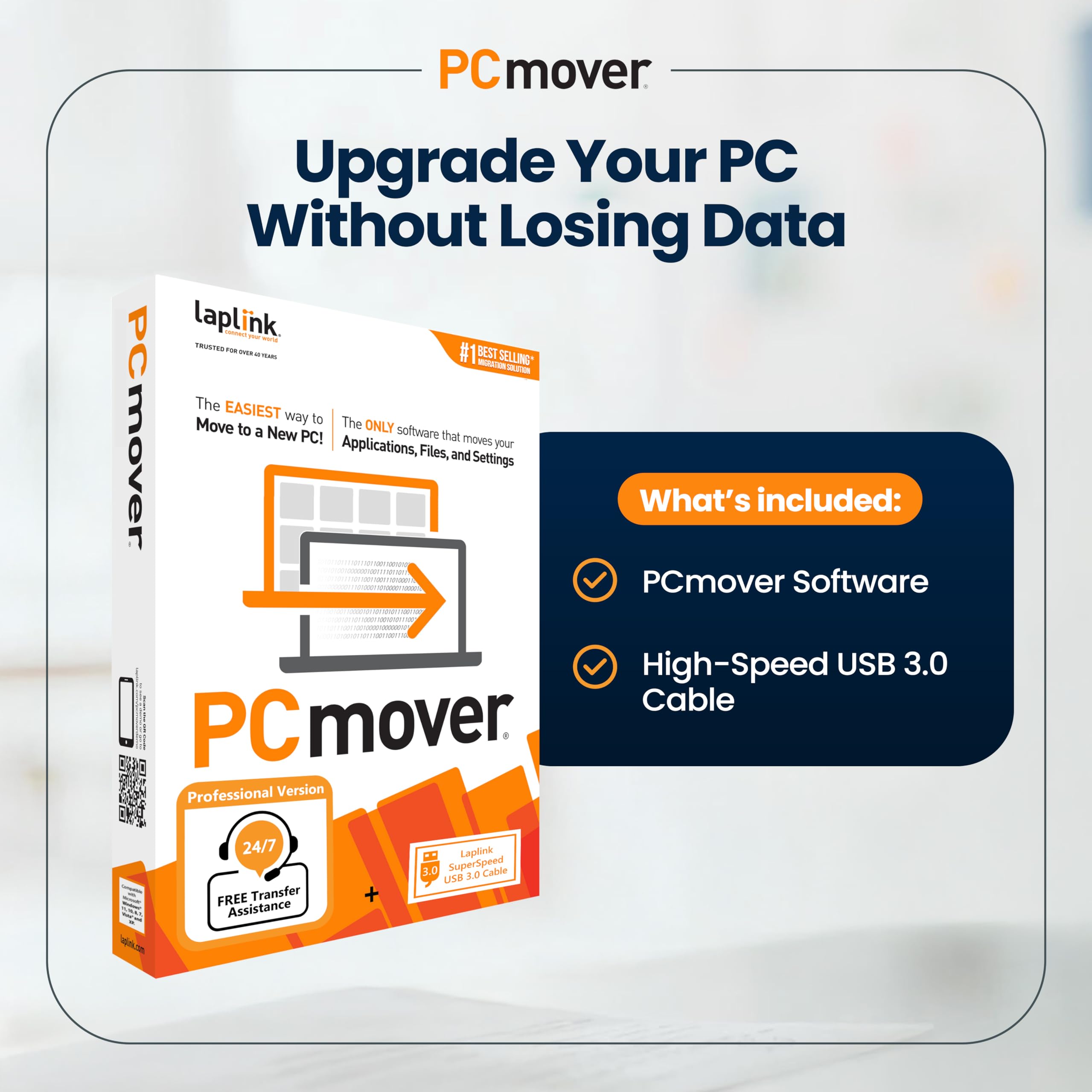
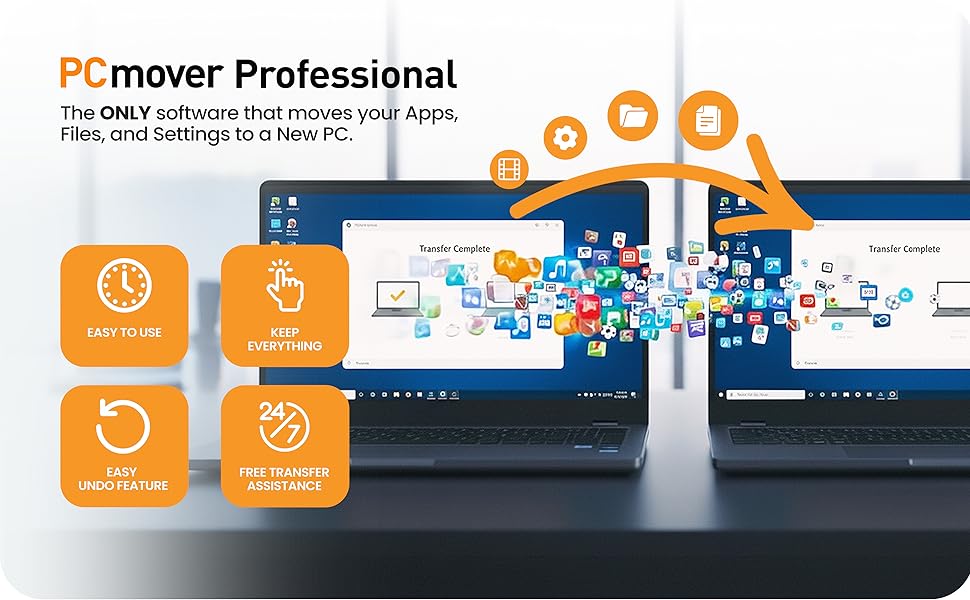
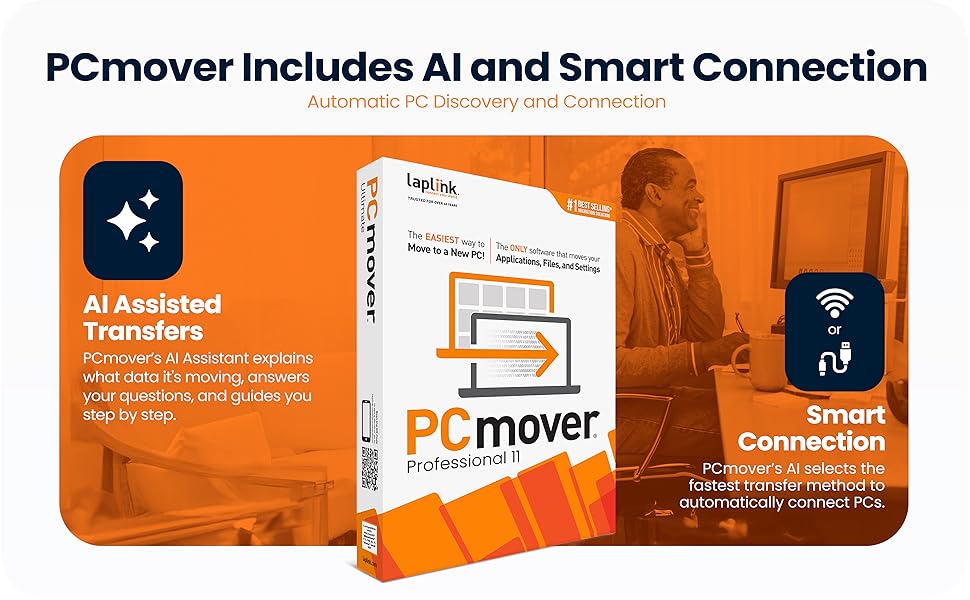
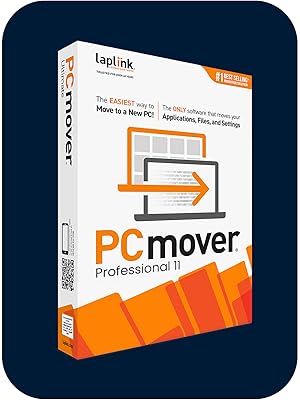
Laplink PCmover Professional 11 is a cutting-edge data transfer software that migrates applications, files, and settings from an old PC to a new one. Featuring AI-assisted insights, super-speed USB 3.0 and Wi-Fi Direct connectivity, and full Windows compatibility, it offers a customizable, reliable, and efficient migration experience with one license covering unlimited transfer attempts between two PCs.





P**N
Set and Forget
This is a great application that does exactly what it says on the box. Installation is easy and to run it is a breeze. I did it connected to my old laptop via Wi-Fi. It's a set and forget app and the finished result? My new lappy looks and feels just like my old one with the familiar desktop, folders and apps all where they should be.Two things though:1 - My stuff took 23 hours to transfer. OK, there was a lot of it and it was via WiFi and2 - The cable supplied for direct connection had a RJ45 connector at each end and not many laptops these days have RJ45 sockets.Apart from that, superb result. It achieved in 23 hours what would have taken me days to do by hand. Cost out my time by an hourly rate and this is a real bargain 👌 Highly recommended.
F**E
Successful, excellent support, read the instructions
My third successful 'Windows PC to Windows PC' transfer using this product for over 10 years. First from an Windows XP to Windows 7 PC, then to a Windows 10 PC and now another desktop upgrade using this latest version, PCMover 11 . Around 3 - 6 years between each hardware upgrade.As with previous transfers, PCMover does a good job moving your apps and user accounts overall and this saves a lot of time if you are the kind of person who likes your PC set up in a particular way. The more complex your setup, the more you will benefit from this software. If you have older Apps that are no longer well supported online or no longer have the installation discs like Quicken 2000, Logitech Media Server with third party plugins, this method of transfer will keep you functioning effectively whenever you need to upgrade your hardware.For me, this transfer was particularly easy as many apps like MS Office 2016 now also have perpetual licences so are easy to authorise/verify on the new device after the transfer.I learnt from previous PCMover transfers that Antivirus programs like McAfee can cause issues. So I did a full uninstall (including use of the MCPR tool) on the target PC which was bundled with a trial version before starting. There was no need to uninstall on the source PC as the software defaults to not attempting to transfer this app.The online chat service was very prompt and helpful in sorting out any questions or ambiguities of the choices available on setting up the transfer. A flexible option to be aware of (if you have the time and inclination) is that you can opt to transfer parts of your system at a time as the single use licence allows for unlimited attempts between the same source and destination PCs.Be prepared to leave some time after the transfer to check all is well or tweak the options to make use of any hardware advances that your new hardware offers. On this occasion, my source PC had its User folders on the D:Data drive, but the new target PC has a much larger and faster C:drive which was perfect as PC Mover defaults to putting the Users on the C: drive. I just had to make sure that the rest of the User data was also on the C: drive.Whilst I found that some software 'bugs' were ironed out by this method of transfer (specifically, issues realted to MS Windows, as your system will be based on the latest version of Windows with your new PC), other 'bugs' or issues that relate to other third party apps like Apple might continue to be present on the target PC and have been 'transferred over' too. These may need uninstall and reinstall to resolve.The 2 TB size move was completed in half a day and any minor software tweaks over the following day. Overall a major time saver for me, allowing me time to write this review!
M**N
Very straightforward to use - amazing.
A great, easy to use migration system. I found it surprisingly easy to use as I'm not a computer wizard. Didn't even need the disk as download via web for both computers. Saved me a nightmare. Thank you for a superb program.
A**L
PCMover
Beware the product you by from Amazon may be out of date and will to be updated before use, which will be logged by the product company as one use. If unsussesful then you may need to purchase another license. Customer service are 50 percent unhelpful.
M**D
Software Ok. don't bother with Boxed version just download
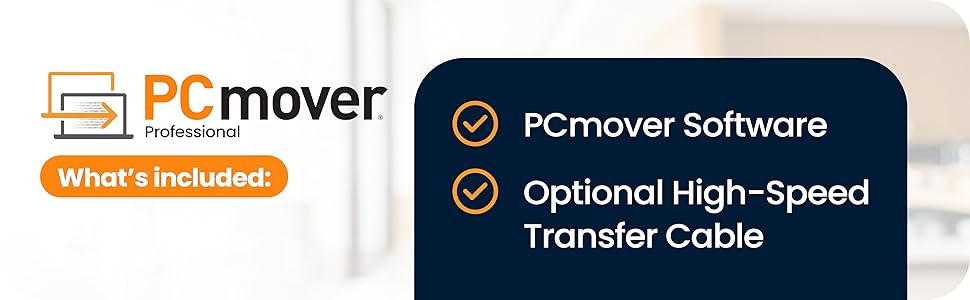
Software does pretty much what its says, Some programs didn't move such as MS Office/Outlook but once reinstalled all of the emails and setting where already there. What you get in the box is less useful. The CD is out of date so once installed the first thing you need to do is go online and update the software on both machines, so you may as well download in the first place. Also in the box is an Ethernet cable (null modem) so you can connect both machines without a switch or router, if you are using this on laptops with WiFi it is fine, however if you use your ethernet port for internet it is much less use as you have to have an internet connection to 1) Update the software 2) Validate the licence. (validation can be done on any internet connected device but involves typing long licence numbers and validation codes). Software 9/10, CD and cable 3/10
J**K
Brilliant Product
Needed to do full business critical transfer from older windows 10 laptop to new windows 11 laptop. Worked seamlessly and moved 200gb of data and programs in a couple of hours using a USB laplink cable. All programs worked on new laptop. Overall a brilliant product and would highly recommend.
B**M
Useful but Limited – Lacks Key Features
RE: Laplink PCmover ProfessionalThis product only transferred about 58% of my apps. While it was helpful to get some applications moved over, even common ones like the latest version of Python and Microsoft Outlook Classic didn’t make it. Additionally, 37GB of OneDrive data files weren’t transferred at all.The software does provide a report of which apps were transferred, but it doesn’t explain why some were left out. It also gives a summary of the number of files moved but doesn’t offer a detailed list, which would have been much more useful.A major disappointment is the removal of the file explorer view from previous versions, which allowed easy manual file transfers. Without this, the included fast transfer USB 3 cable becomes a one-time-use item which is wasteful. Licensing should also be per user, not per PC. Overall, it works to a degree but has significant limitations.
Trustpilot
1 day ago
3 weeks ago