
🌍 Stay connected everywhere — your pocket-sized Wi-Fi wizard!
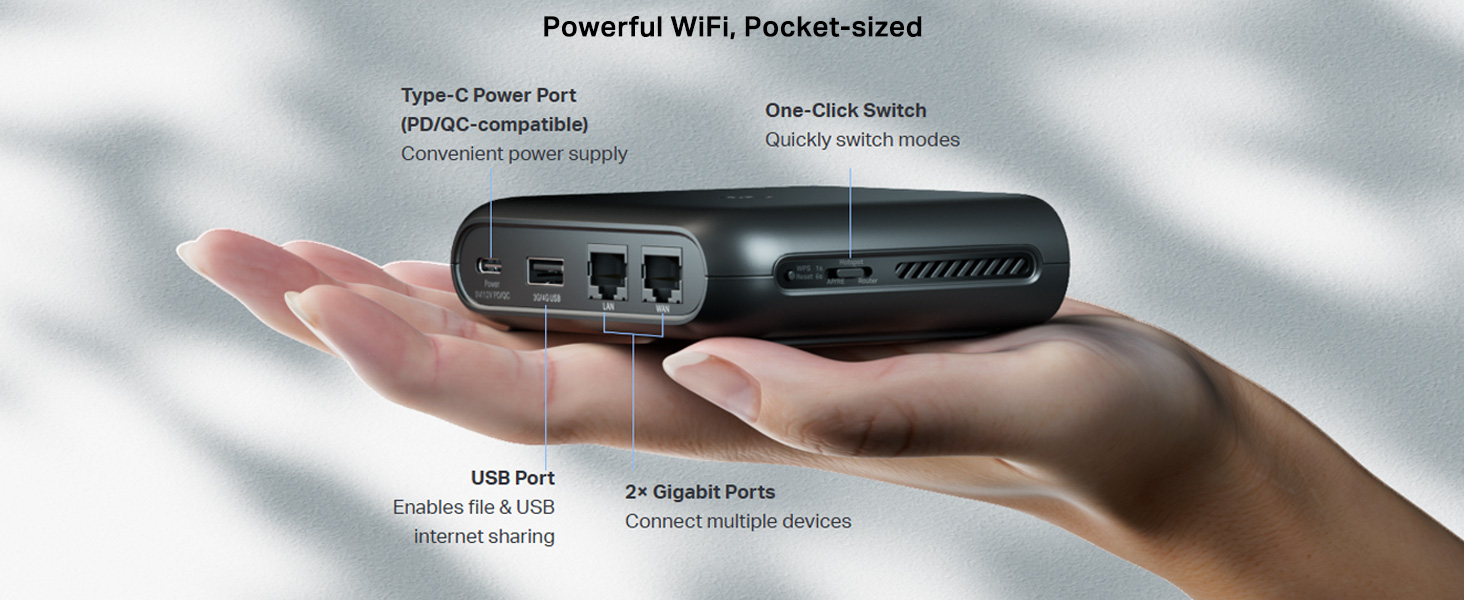
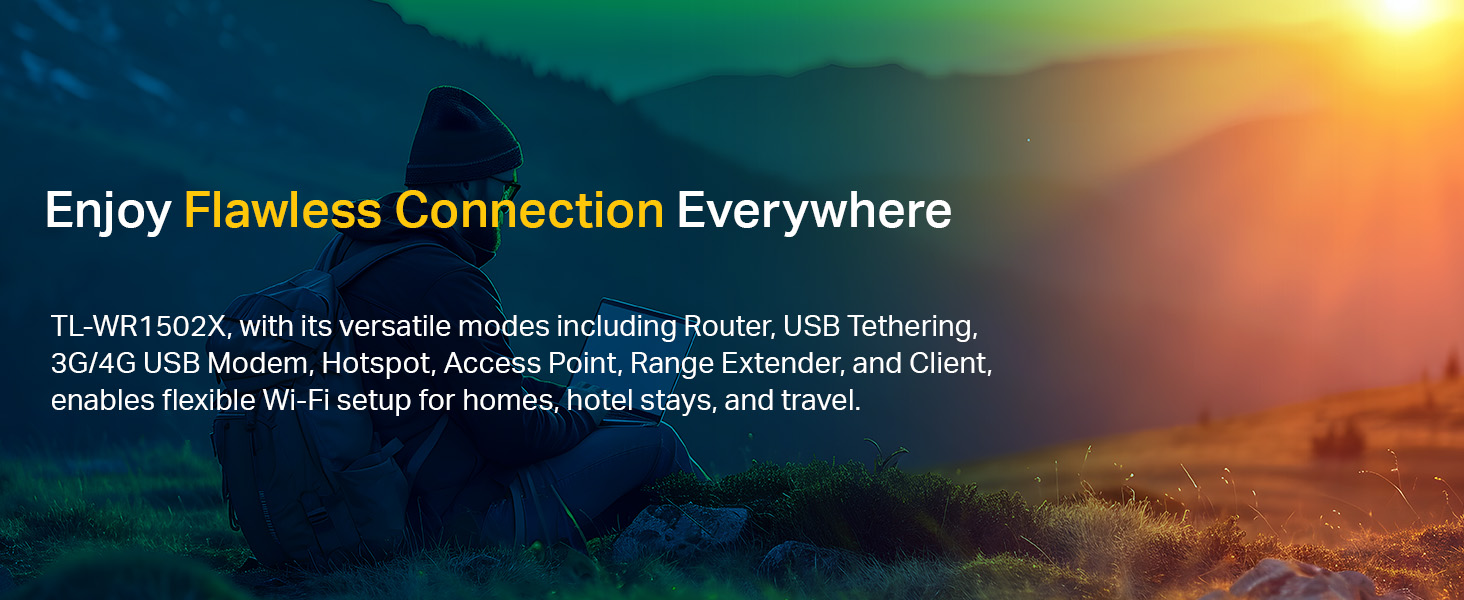
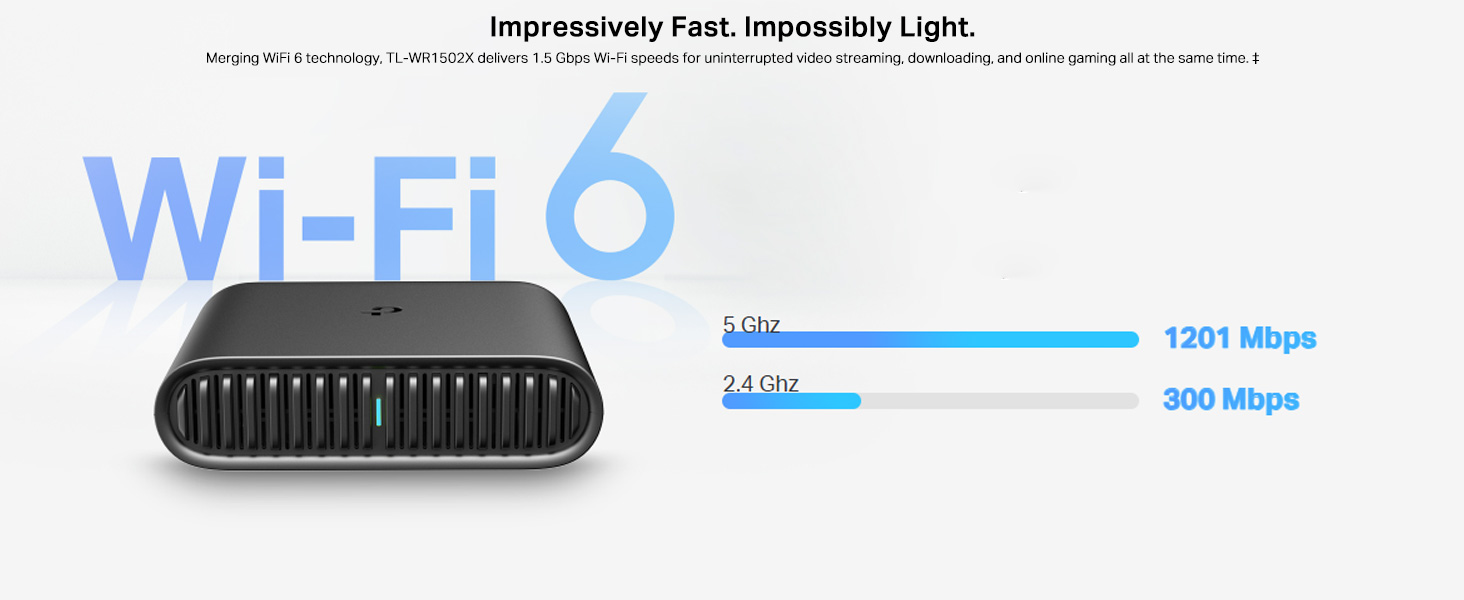
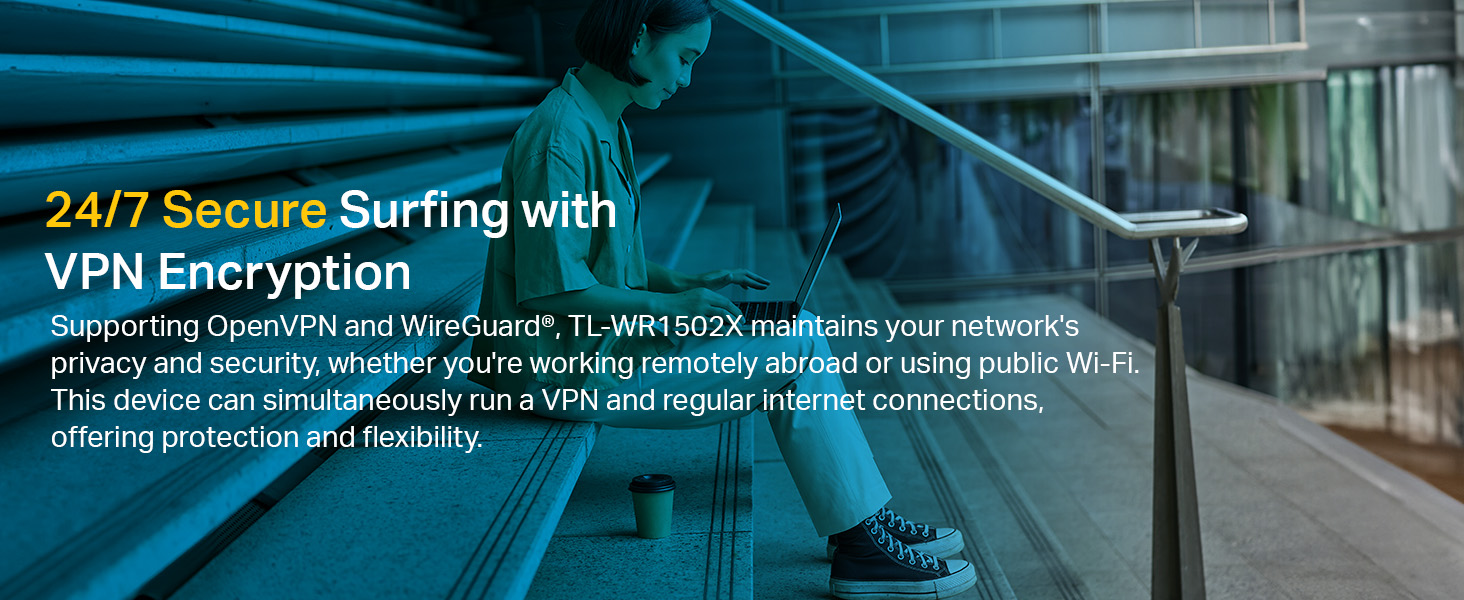
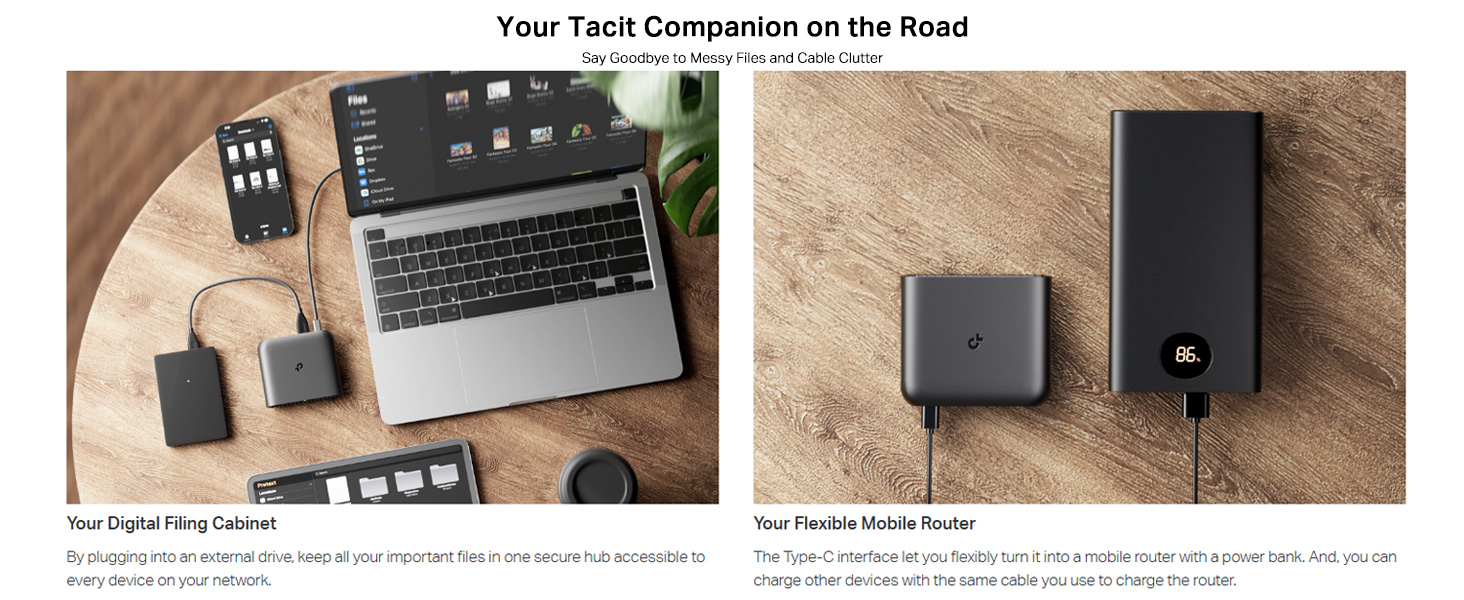
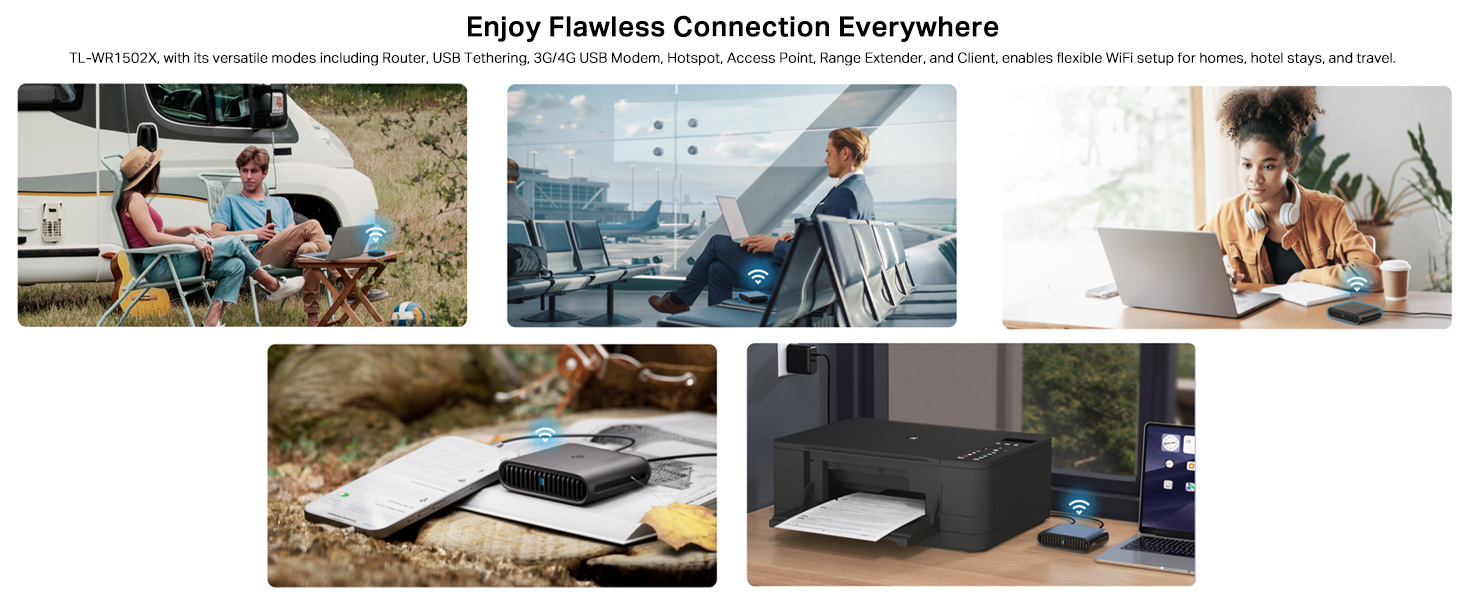
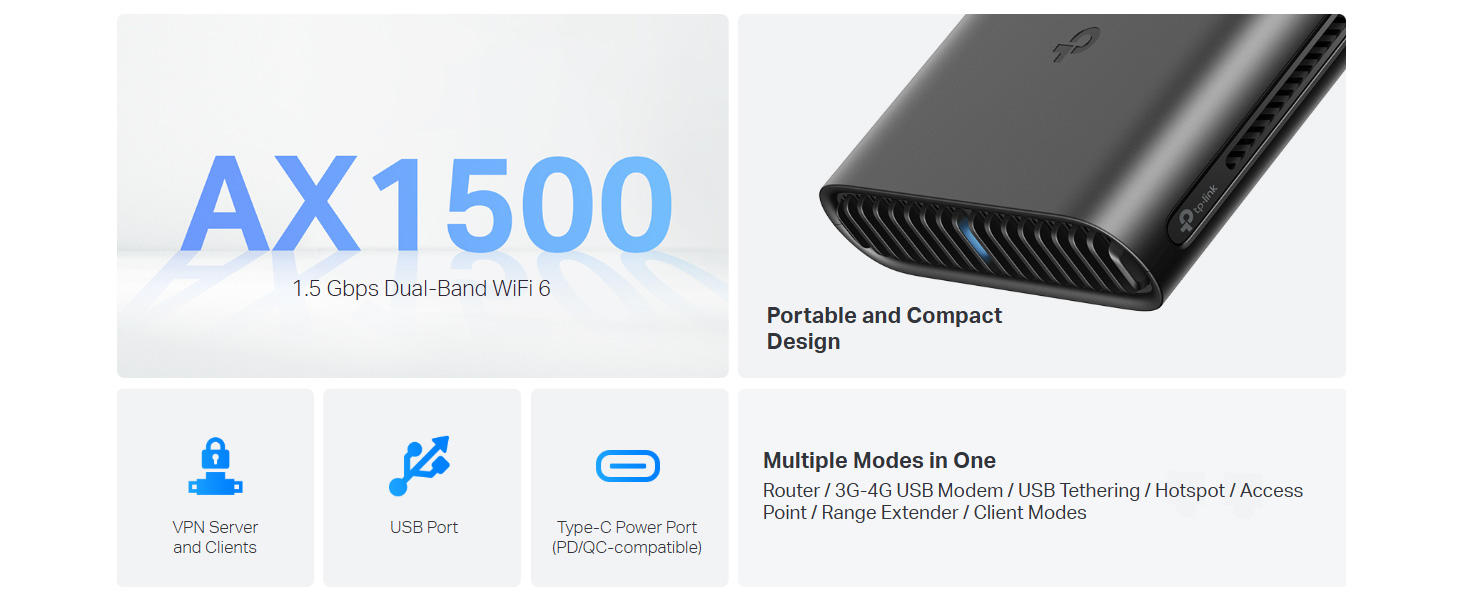
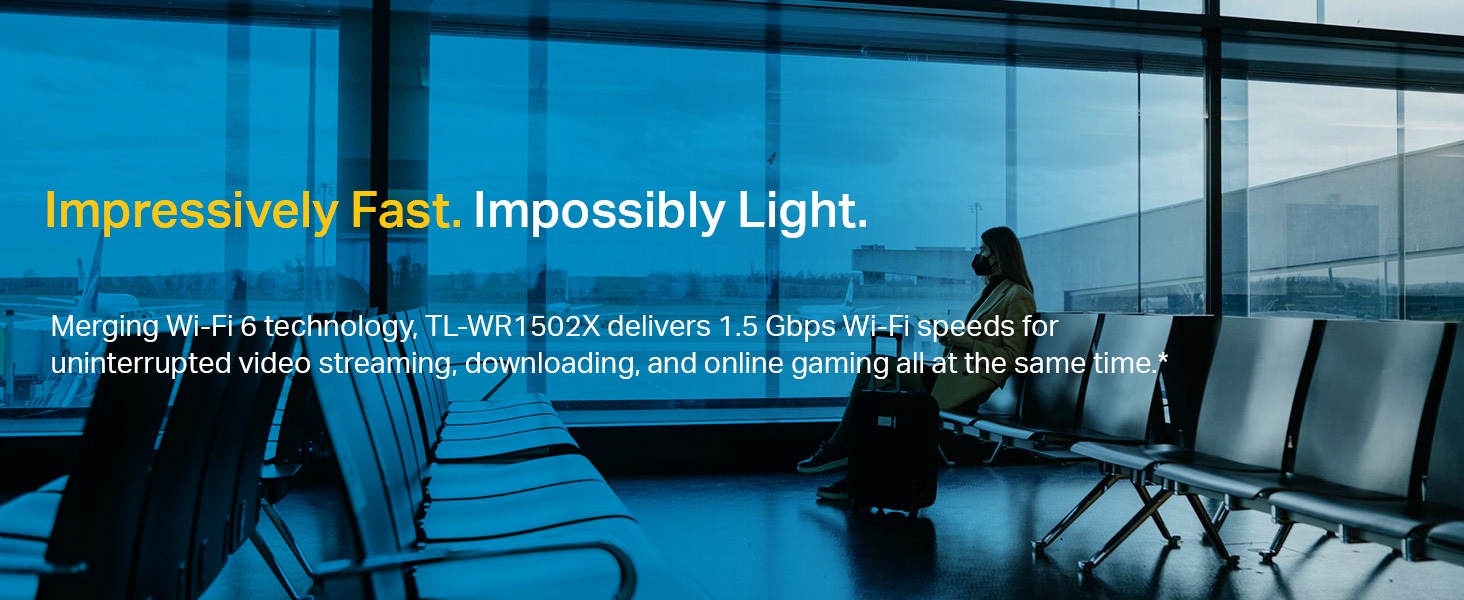
The TP-Link TL-WR1502X is a compact, ultra-portable Wi-Fi 6 AX1500 travel router delivering blazing dual-band speeds up to 1.5 Gbps. Equipped with dual Gigabit ports and versatile multi-mode operation, it ensures reliable, high-speed internet whether at home, hotel, or on the road. USB-C powered and VPN-secure, it’s designed for professionals who demand seamless connectivity and privacy anywhere.



| ASIN | B0D9LZTDLR |
| Are Batteries Included | No |
| Best Sellers Rank | #2,562 in Computers & Accessories ( See Top 100 in Computers & Accessories ) #33 in Routers (Computers & Accessories) |
| Brand | TP-Link |
| Colour | Wi-Fi 6 1500 Mbps |
| Connectivity Type | Wi-Fi |
| Country of Origin | China |
| Customer Reviews | 4.0 4.0 out of 5 stars (9,738) |
| Date First Available | 10 October 2024 |
| Generic Name | Travel router |
| Importer | TP-Link India Private Limited.,Office No-201,2nd floor, A-wing, time square Building, Marol Naka, Andheri Kurla Road, Andheri East, Mumbai, Contact: Toll Free 1800 2094 168, [email protected] |
| Included Components | TL-WR1502X, Power Adapter, RJ45 Ethernet Cable, USB Cable, Quick Installation Guide |
| Item Dimensions LxWxH | 10.5 x 9.1 x 3 Centimeters |
| Item Height | 3 Centimeters |
| Item Weight | 150 g |
| Item Width | 9.13 Centimeters |
| Item model number | TL-WR1502X |
| Manufacturer | TP-Link |
| Net Quantity | 1 Count |
| Operating System | Tenda OS |
| Packer | TP-Link Corporation PTE.LTD. 7 Temasek Boulevard #29-03 Suntec Tower One Singapore 038987 |
| Product Dimensions | 10.5 x 9.13 x 3 cm; 150 g |
| Series | TP-link AC |
| Voltage | 12.0 |
| Wireless Type | 802.11a, 802.11ac, 802.11ax, 802.11b, 802.11n |
S**B
Good product - Worked as advertised
I am using this as a what TP-Link likes to call it as "Multi-Wan" setup, Fibre + 4G dongle, connected to Wifi AP TP-Link Archer BE6500 (Wifi 7), had to also purchase TP-Link XX530v (GPON - Fibre Optic modem) as most of the Indian ISP's send locked down modems, and worst add CGNAT. If the 4G dongle properly worked on xx530v, I wouldnt have purchased this TL-WR1502X. Tp-Link uses microprocessors in the case of Wifi 7 AP is Broadcom BCM6766 (non- 6Ghz), which arent compatible with OpenWrt. So look for other routers. However, not sure what TL-WR1502X uses. But its less powerful. Dont know if its was delibrate, but I am okay for now, as I am more into reliability and easy of use. Unfortunately TL-WR1502X isnt good for VPN server but client, so dont expect it to handle a lot of devices at once. It serves a purpose, and its good at it. Dont use it as your main AP, its a good travel device and offers dual-Wan (with 4G USB Dongle and Fibre) device. I am looking forward for TL-WR3602BE, if its launched, I will rather buy it as my primary travel router.
C**R
Superb Travel Modem
Modem concentrated on travel oriented task and does well in utilising mobile internet, LAN internet, USB Modem and HOTSPOT. One downside is during power up WiFi get error in connection and resolve automatically after 5 min. Issue persists even after updating to latest firmware and every powering on device. And during open box USB CABLE MISSING, cannot claim since not taken video
B**H
This review is about the TP-WR902AC Travel Router (Do not confuse with other routers here)
First of all - please get this fact right. The seller has placed multiple routers in a single ad. The Star ratings that you see is an aggregate of all the routers. Therefore, let me first clarify that this review is about the TP-WR902AC Travel Router. Seller has put so many routers on the same page either inadvertently - or deliberately. Either way, it misleads customers. When you start to set up the router, it asks whether you want to configure this as a "3G/4G Router" or as a "Wireless Router". One of my uploaded images clearly shows "3G/4G USB" written beside the USB port. If you are seeing Q&A to understand this router, you will have seen some answers saying that there is no USB port. If you have been to the Q&A section, I am sure you are as confused as I was. Not only does this router have a USB port - the port serves a dual purpose. * In 3G/4G mode, this is where you connect the dongle * In Wireless Router mode, this accepts an external USB which can be accessed by your devices with proper configuration. I have added a screenshot for this too - showing my external USB disk partitions as sda1 and sda2 Configuration is easy - my son (12th std) got to work on a router for the first time and he did it in minutes. Both 5 GHz and 2.4GHz WiFi working excellently (Yes - you will have two WiFi signals from this one, as the AC suffix suggests) If you configure this as a repeater, you will experience loss of speed (as with ALL repeaters - something which I explained in my review of the Netgear EX3110 extender ... search for ASIN: "B07B1B2CZT"). However, in my case I pulled a LAN cable from my main router to this one. This makes it simple to connect - just select "dynamic IP" and your router is connected. I get ISP speed and hence happy about it. Just beside the ethernet connector, there is a switch to select whether you want to share ethernet, share a hotspot or create an Access Point. Signals are very strong (as expected, the 2.4GHz gives higher range while 5GHz gives better Signal-Noise ratio). The 2.4 GHz is reaching a third room about 20 feet away - penetrating two walls. So yes - the signal is good. Three dampeners why I gave one star less: 1. Cable is just about 1 foot long (see image). Now *that* is cost cutting. I had to use an extension board to be able to place it on the table. Plug point is just about a metre higher. Wonder how much profit TP Link is making by saving the cable length !! 2. The MiniUSB charging port is a bit inside - therefore every miniUSB charging cable may not be suitable (it will keep falling off). To get a proper one, you need to see and compare the sizes to buy the longest (This one needs an additional 1mm to fit properly). This is not the only device with this issue - and there are many cables easily available - only you need to physically search for it. Online purchases may not work. 3. This does *NOT* accept third party software. dd-wrt definitely is incompatilbe. OpenWRT includes this under their compatible routers list, but their forum says they lose the 5GHz band. Also - no clarity whether OpenWRT will support the 3G/4G mode. However, the OEM firmware is great in itself offer many options to use. So I suggest you stick to it. The hardware version I got was TL-WR902AC v3 00000001 which probably uses a Mediatek card. The preloaded firmware was 0.9.1 0.2 v008a.0 Build 191209 Rel.57116n(5553). When I tried to upgrade from the India site, it said incompatible firmware and when I googled more to realize that this is probably a US firmware. I tried to upgrade to the US firmware and was told that the router already already the latest, so no changes made here. SUMMARY Pros: Ethernet input, Dual-purpose USB, 3G/4G support and rock solid dual-band signals in a pocket-sized package costing less than ₹ 2000 ... I guess that speaks volumes to help you decide. Cons: Short power cable (1 foot) and no compatibility with dd-wrt or OpenWRT made me reduce one star. I felt that this is truly what it claims to be - a powerful travel router with 3G/4G mode available.
A**H
Wi Fi connectivity issue. Worst call center support. TL WR 902 AC, AC 750 Wi Fi Travel Router.
Very Disappointed. TTL WR 902 AC, AC 750 Wi Fi Travel Router. Product description says it can be used to make WPA2 Enterprise wifi as private wifi. But No support for WPA2 Enterprise PEAP. It actually can not connect to WPA2 Enterprise wifi setup. The worst thing is their call center doesn't take the call even after even 12 rings after a long queue wait when it gets connected to representative, happened twise. They don't know hot to configure. They promised call but never called me. 3 executives disconnected the call after listening to the problem. Even after 8 calls no proper answer as they dont know about their product. The product quality, packaging seems good. But all these are meaningless when the router is not doing what it is supposed to do. Even worst feel is their call center support. On email they never replied till date. Only good thing is this product can be returned.
S**Y
Works Perfectly
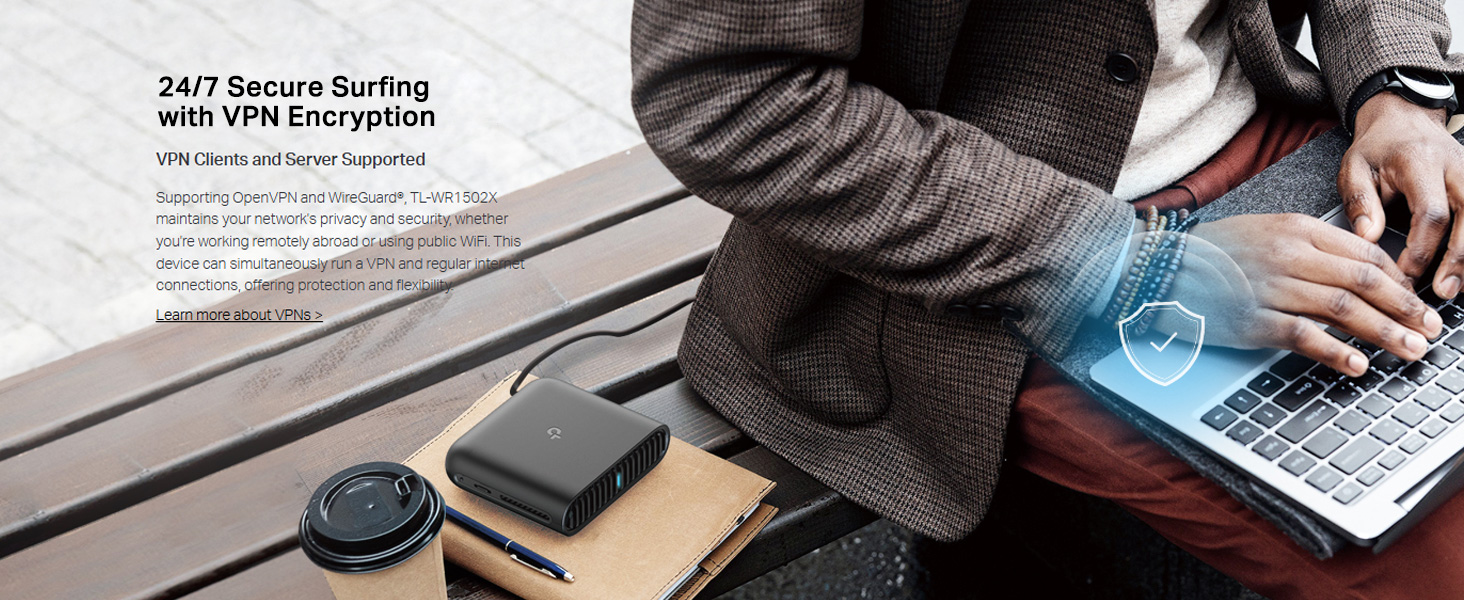
was easy to setup downloaded the tether app from tp link to smoothly set it up first , then i went to its admin portal at 192.168.0.1 to set up its advanced settings not available to be edited on the mobile app , set up a firewall blocked a lot of social media addictive websites, connected my router to my own self hosted WireGuard VPN server , and then secured all of my devices at home with it. It feels very premium to hold and very light, and works very well. For now, and mostly using it in hotspot mode, and it’s working perfectly. If you need to secure your network while travelling and going to Coworking Space. Or to set up your own social media firewall to curb your addiction. Or set up parental settings for your different family members tour restrict internet timings. Then this is perfect for you. , I tested out the file server too and while the USB port connection is on USB2 .0, Samba file server protocol and FTP, both work perfectly. However usb 2.0 does restrict its speeds to act as a file server it’s not a big deal for me as I am mostly using it to secure my internet connection across all my devices while travelling and connecting securely to my home network, it performs like a champ with very high speeds 10/10 would recommend
L**I
Molto versatile. Ottimo prodotto.
A**R
Would not connect on Android phone, I had to use an iPhone to set up, once connected to iPhone othe phones and computer connected without a problem, very small and will be great for travel purposes
J**O
Es muy bueno para solucionar cuestiones de señal de wi-fi ya sea para usar como repetidor, punto de acceso hasta modo cliente para usar como antena de algún dispositivo que solo cuente con puerto ethernet. Fácil de configurar y tamaño versátil para colocar o pegar en cualquier superficie por su peso ligero.
A**Y
I travel for work. So I am in hotels often. I LOVE the ability to plug a gadget in, and point it to the access point, and have all my devices automatically connect up. This was necessary to satisfy the problem of Google chromecast, where it requires a phone to operate, and they must be on the same wifi network. (Most hotels isolate devices to keep guests secure from each other) I bought the small nano first. And I later purchased the larger version (TL-WR902AC). So I will provide the pros and cons of each here. Please also note that I am EXCLUSIVELY using this in hotels in wi-fi only (never plugged in the RJ-45 ethernet) as a wi-fi access point for all my tech, I've not used it for anything else. There are many other features and capabilities that are not accounted for here. Nano: + simple setup, great wizard. + SOOOOO tiny + Works great with Marriott/SPG hotels (and everywhere else I've tried it) - Struggles with multiple devices, the single band antenna seems to be a big restriction in speed and multiple devices. - Slow speeds Big brother (AC902 model) + Much cleaner and more stable connections - handles all my devices brilliantly. + Far more features (that I don't use) + Larger than the nano (picture for reference) but still so small that it's perfect for travel - Setup is not so streamlined. Additional hardware toggle on the device makes it more confusing. (I use the middle setting, "Share Hotspot") Side-notes: I used this exclusively at a single hotel before upgrading, so the differences noticed between the two models were all at the same property. Both devices get a bit warm, but nothing concerning, and it's not at all surprising given how tightly they are packing them. Both are small enough that the only reason I would recommend the nano over the big brother is if you need something to fit in your pocket, or purse, and don't have high expectations in terms of speed.
S**Y
Just works as it should.
Trustpilot
1 month ago
2 months ago



