Desert Online General Trading LLC
Dubai, United Arab Emirates
Desert Online General Trading LLC
Dubai, United Arab Emirates


💧 Cool tech, hotter style — your CPU’s new best friend.
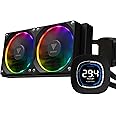
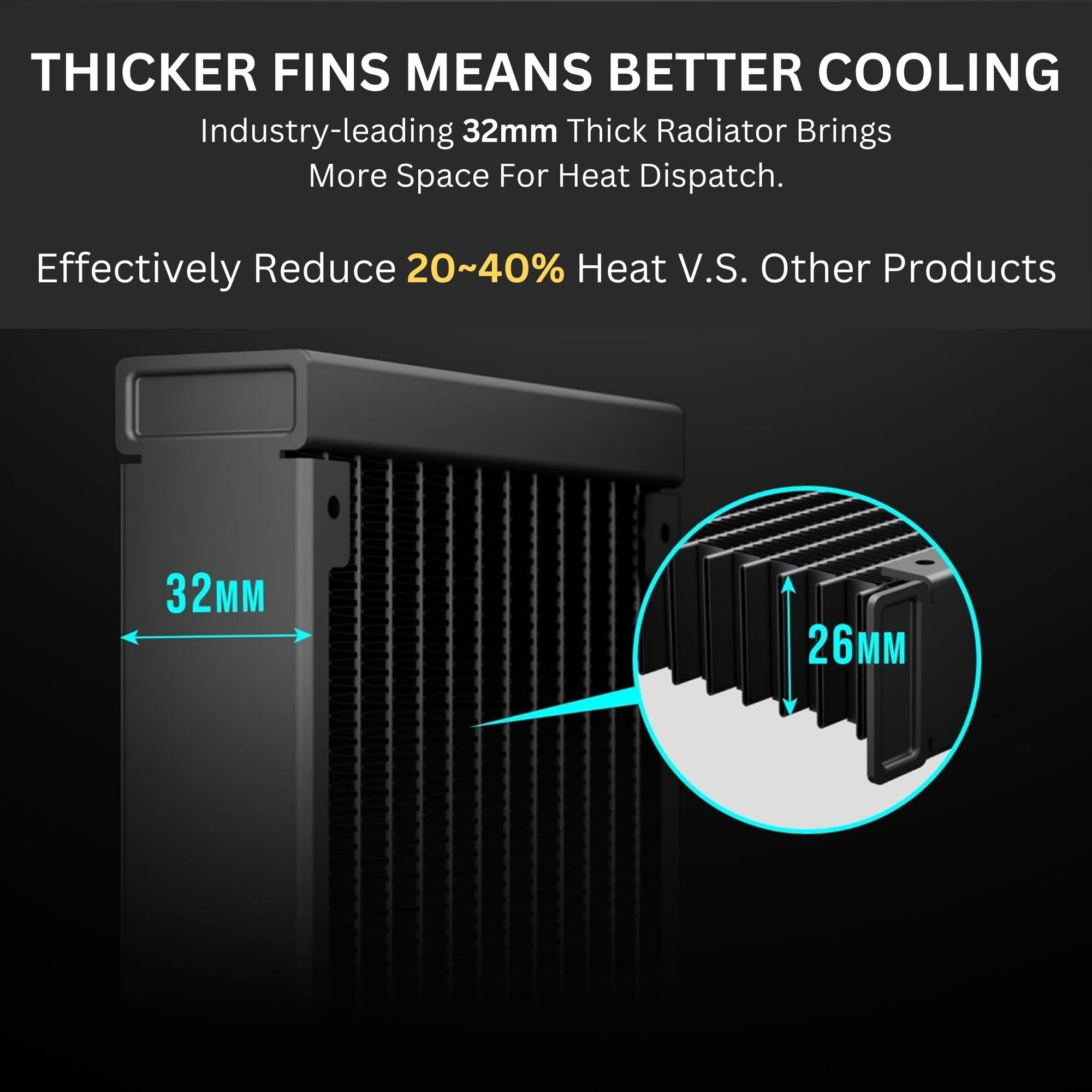
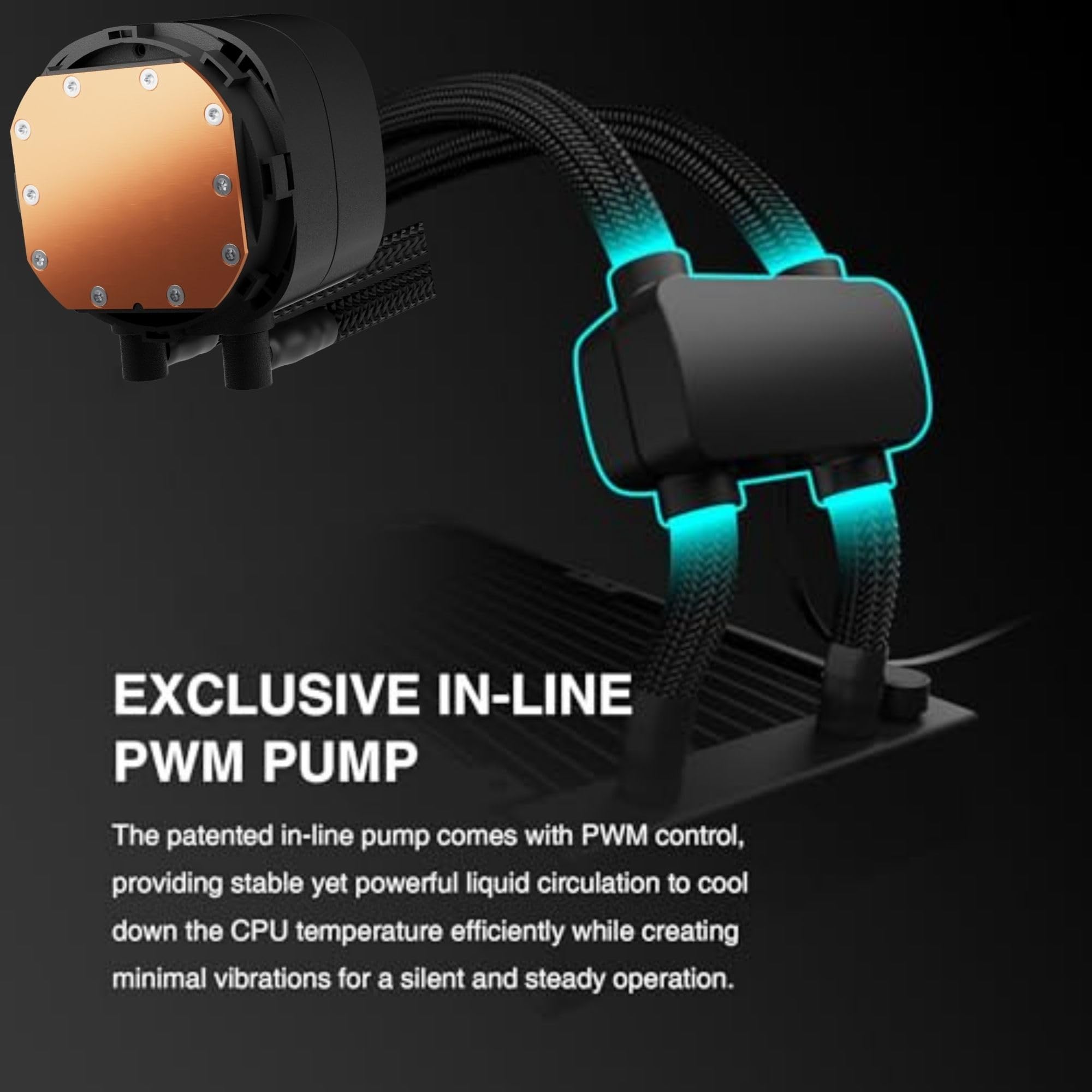
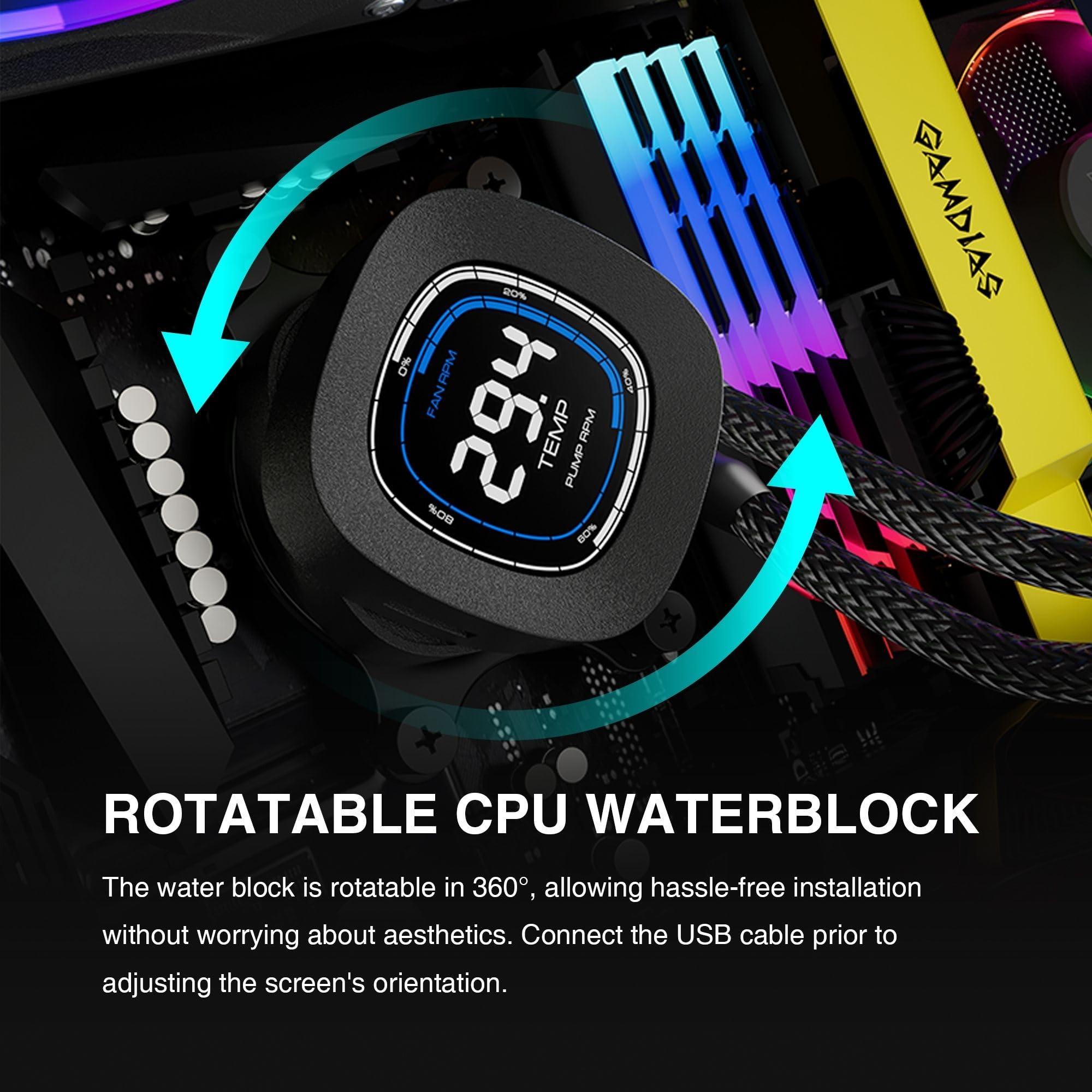
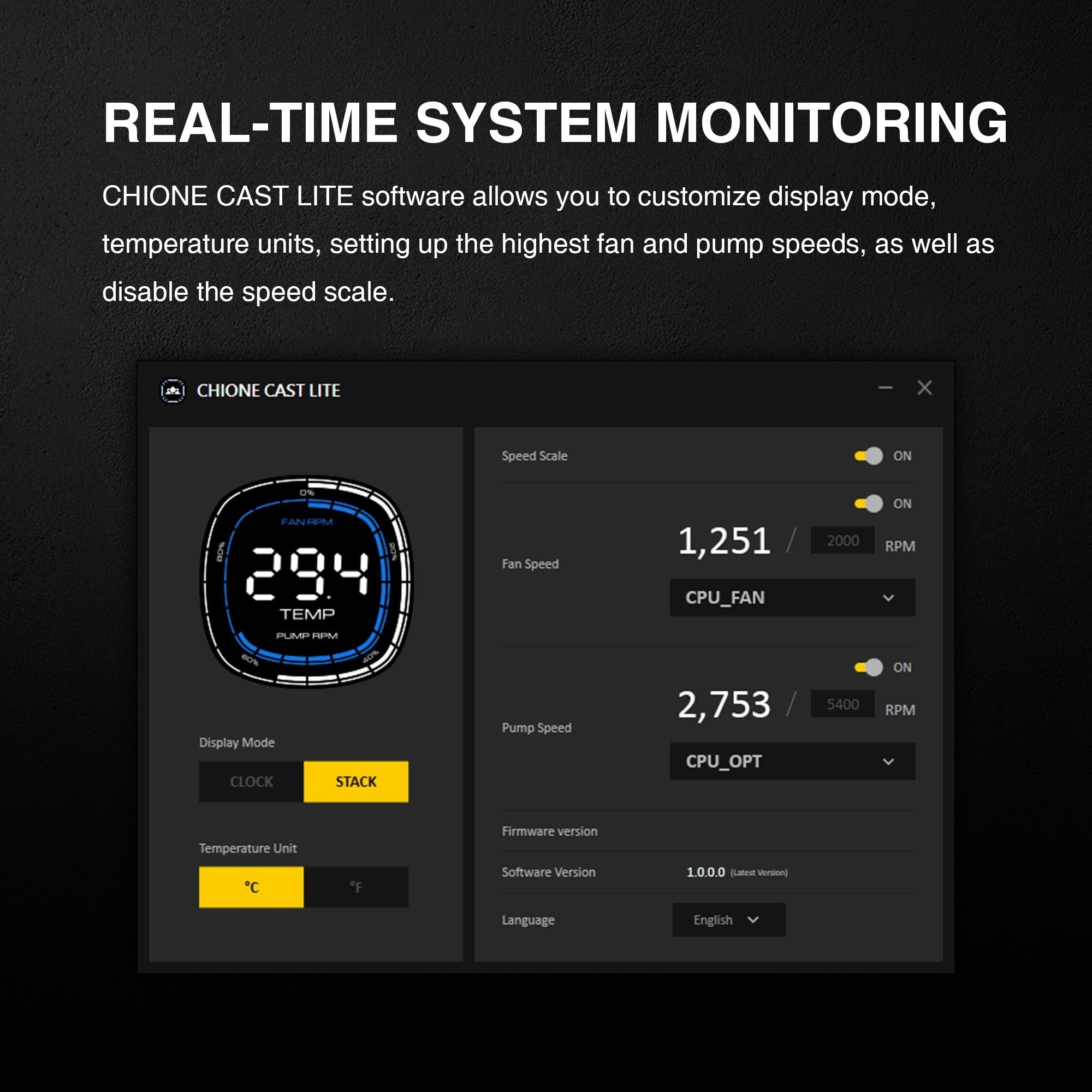
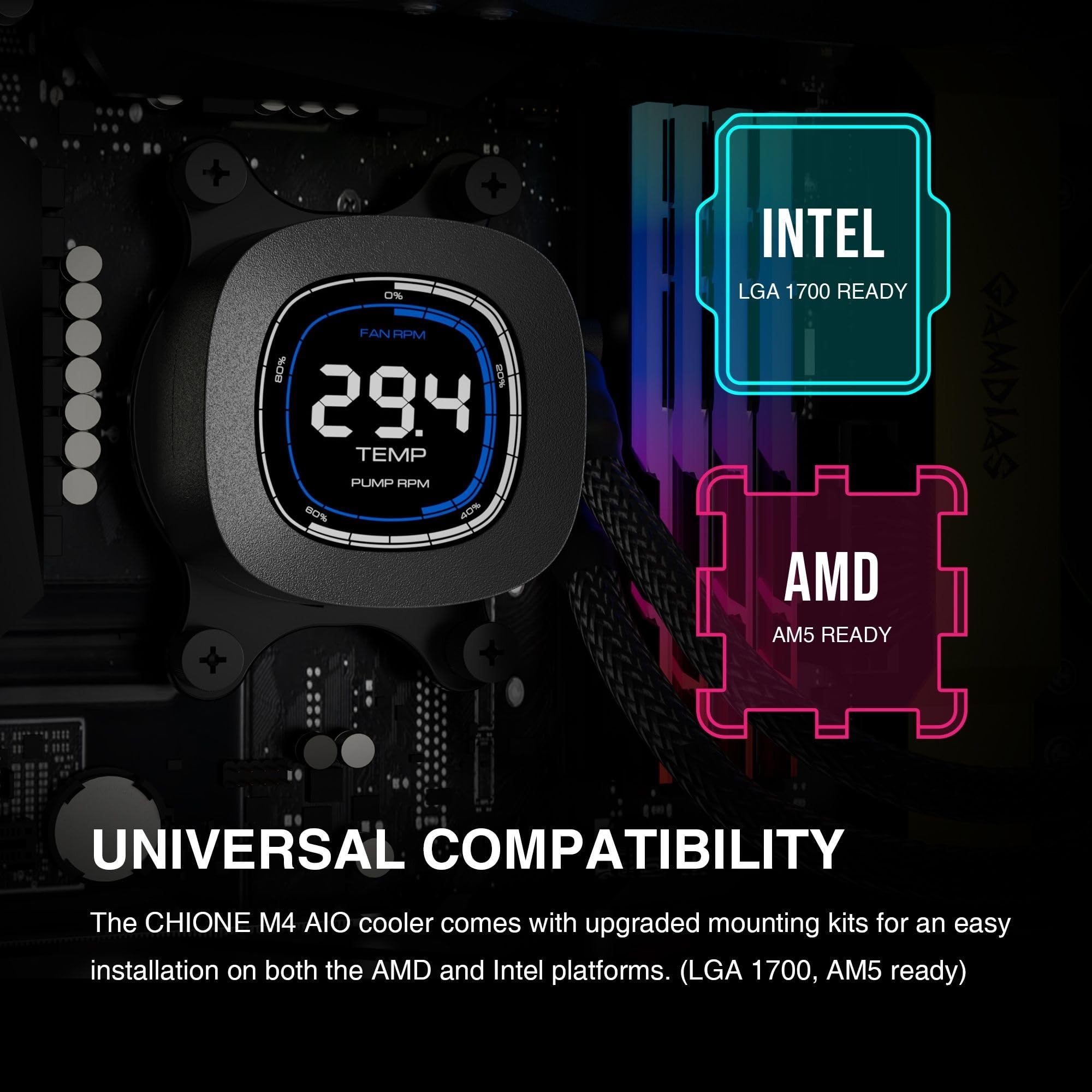
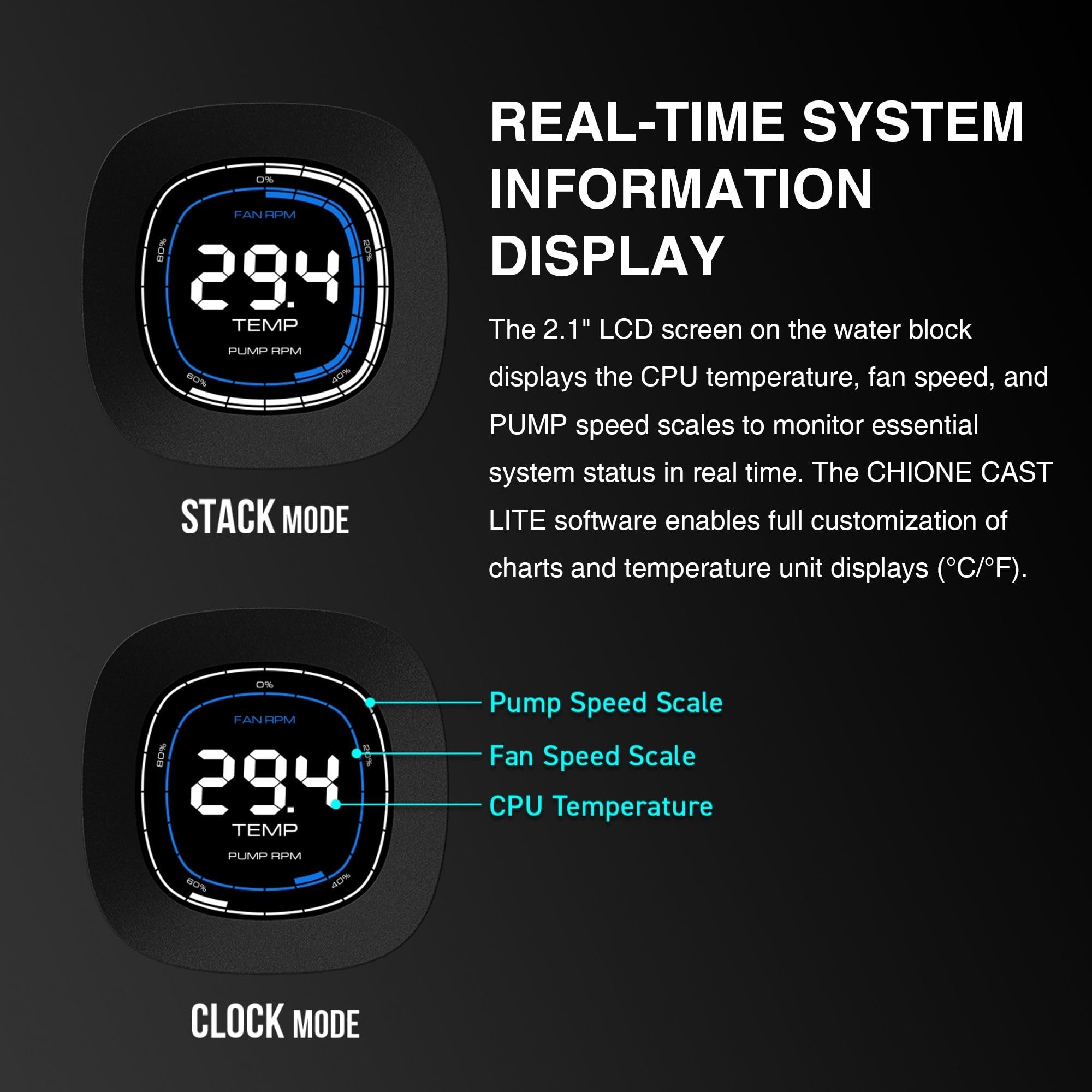
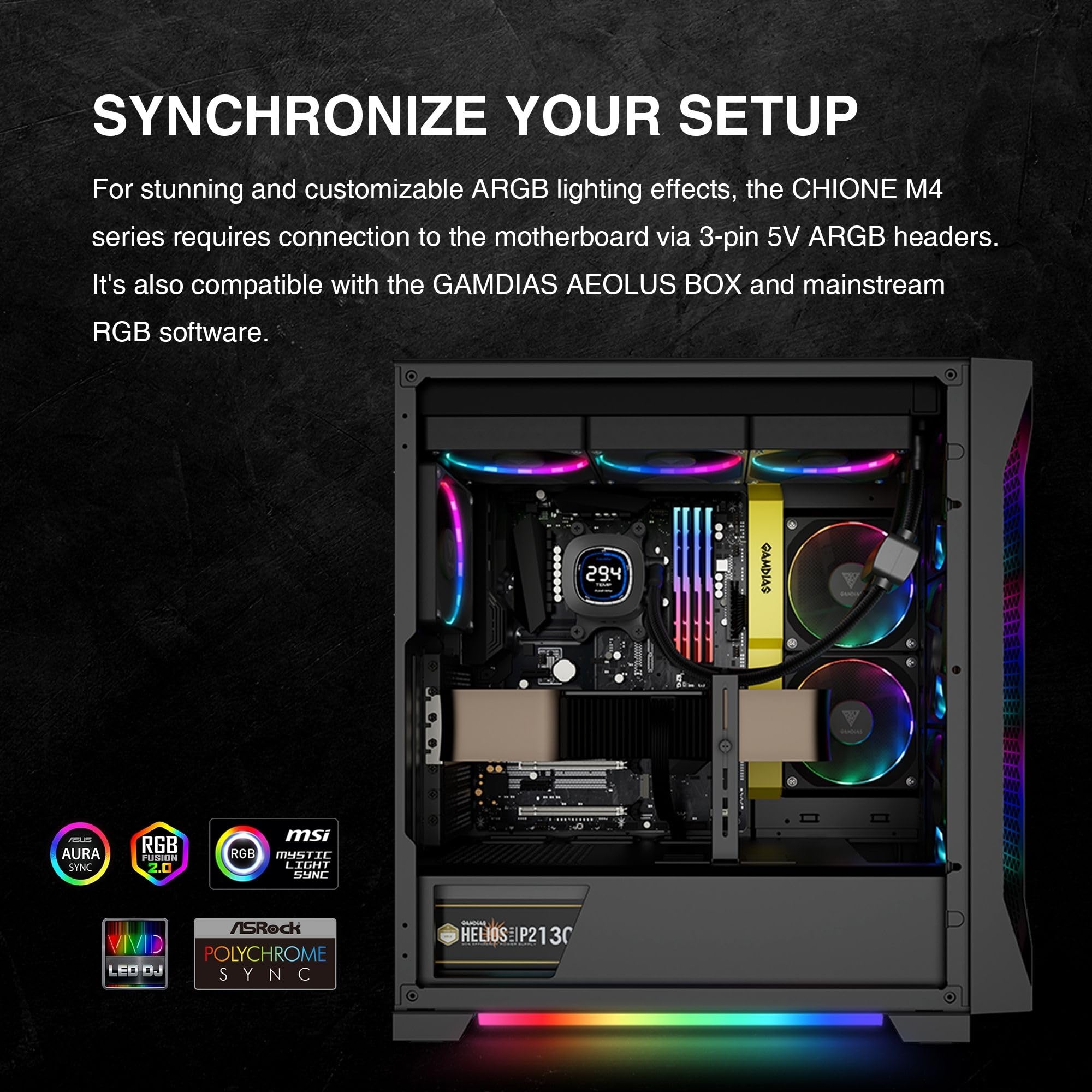
The GAMDIAS 240mm AIO liquid cooler combines a high-performance 2800RPM 3-phase pump and a thick copper radiator with 25% increased fin density for superior heat dissipation. Featuring a unique 2.1" rotating IPS LCD display customizable via software, it offers real-time CPU and GPU monitoring alongside vibrant ARGB lighting. Compatible with the latest Intel and AMD sockets, it delivers silent, efficient cooling tailored for professional gamers and creators who demand both performance and style.


| Product Dimensions | 10.91"L x 4.69"W x 1.26"H |
| Brand | GAMDIAS |
| Power Connector Type | 4-Pin |
| Voltage | 12 Volts |
| Wattage | 3 watts |
| Cooling Method | Water |
| Compatible Devices | Radiator |
| Noise Level | 29 Decibels |
| Maximum Rotational Speed | 2000 RPM |
| Air Flow Capacity | 69.01 Cubic Feet Per Minute |
| UPC | 848475008431 |
| Manufacturer | GAMDIAS |
| Number of Items | 1 |
| Part Number | GD-CHIONE M4-240 |
| Item Weight | 4.14 pounds |
| Item model number | GD-CHIONE M4-240 |
| Style | GD-CHIONE M4-240 |
| Item Package Quantity | 1 |
| Batteries Included? | No |
| Batteries Required? | No |
T**.
Definitely worth it !!!!!
Hands down this cooler has given me the most significant temp drops I have ever gotten from an AIO. The RGB fans look great and works with the RGB controler on my motherboard. It was simple to instal. I had no issues there. The quality is great. Solid construction and quite honestly a lot better than I expected. The fans are pretty quiet at normal temps and even at high temps the 3 fans are quieter than the single fan wraith cooler I had. The screen displays CPU temps clearly and will look nice in any build. Just make sure it will fit in your case. This cooler is a beast.
J**S
Good for the price.
It works really good, I got a happy and cold processor .
J**Y
Decent Cooler for Mid/Smaller Case
Does what it says. I got this because my mid atx case has a 2 fan side port. Fits but needed rear spacers for my case because of the case housing itself. Not the fault of the AIO.Only issue is that the cooler display was a dud on arrival. I only know it because the soft works without issue and I get the full readout which is what I was after. Dunno if I want to go through the hassle of an RMA when everything works except the blinky shiny.
W**E
Read before purchasing this product please.
Mid, display is like a clock (expected if you read better than me), display doesn’t turn off when you connect via motherboard USB port, rgb doesn’t turn on because of something wrong with the 3-pin connection, pump noise is fine (I’m using different fans so I don’t know how the stock ones sound), 4-pin/motherboard USB cable is WAY too short. Software is trash, sometimes it won’t boot and only shows cpu temps, and only in degrees C. I couldn’t recommend this product to the next guy, but if you truly need an instant/cheap fix, this is the product for you. The product is still beautiful irl, but the thing doesn’t work in a hyte Y60 :/
J**M
Wow! For the price!
I just bought this to try it out and test it. I paid $68.99 on October 13, 2024, today is October 17,2024 and it went up in price to $89.99 just making a note of it.With that said here are my thoughts on it so far it works very well for me, as for installation the pump is in the end of the radiator, I thought was uniquely designed and at full speed it hits 4400 rpms, so I don't need it running at full tilt, in the bios I have it set to normal.Let's talk wires, the main 1 coming off the radiator for the pump is too short for me so I ordered a 4 wire pwm female to male fan cable extension Noctua NA-SEC3, 4-pin Fan Extension Cables (60cm, Black), I do have it connected but its tight right now. all the other cables were long enough.There is a switch for the built-in rgb and it also has ARGB PWM Fan w/MB Sync, so I have it connected to my Gigabyte Aorus Motherboard and control all the RGB that way.Now my last thing the display only shows CPU Temps, or you can set it to show fan rpms in the software you can change the temp to read C/F degrees, and the software has to be running in order for the display to work if not it stays blank just FYI.For the price JS. I hope this helps you.
M**.
Good temps and quiet
The price is less now then when I got it. I have a R9 9900x, and my idle temps are consistently 120-130, with max capacity temps being around 170. I also found that the pump and fans also don't make much noise as other people have mentioned.
G**Y
Spend a little extra money
Lcd screen didnt work then RGB lights on fan stop working pump its. Self did work but also LOUD RETURNED IT
A**I
Superior Cooling
I got this cooling system for my new build, and I am super pleased with it! It is a little scary removing the original CPU mounting hardware off the motherboard, but follow the instructions and you will be fine.Word of warning though, be sure not to use too much colling paste of it might drip when installing the cooling block to the CPU. Probably best to install it laying the computer on the side.After installing the monitoring app you can see the CPU temperature in Realtime straight off the CPU cooling block! I love that feature! You can even twist the top of the cooling block display to orient the display however works the best for you.
Trustpilot
1 month ago
4 days ago
3 days ago
1 day ago