
DOWNLOAD THE APP


Customer Services
Copyright © 2025 Desertcart Holdings Limited
DOWNLOAD THE APP


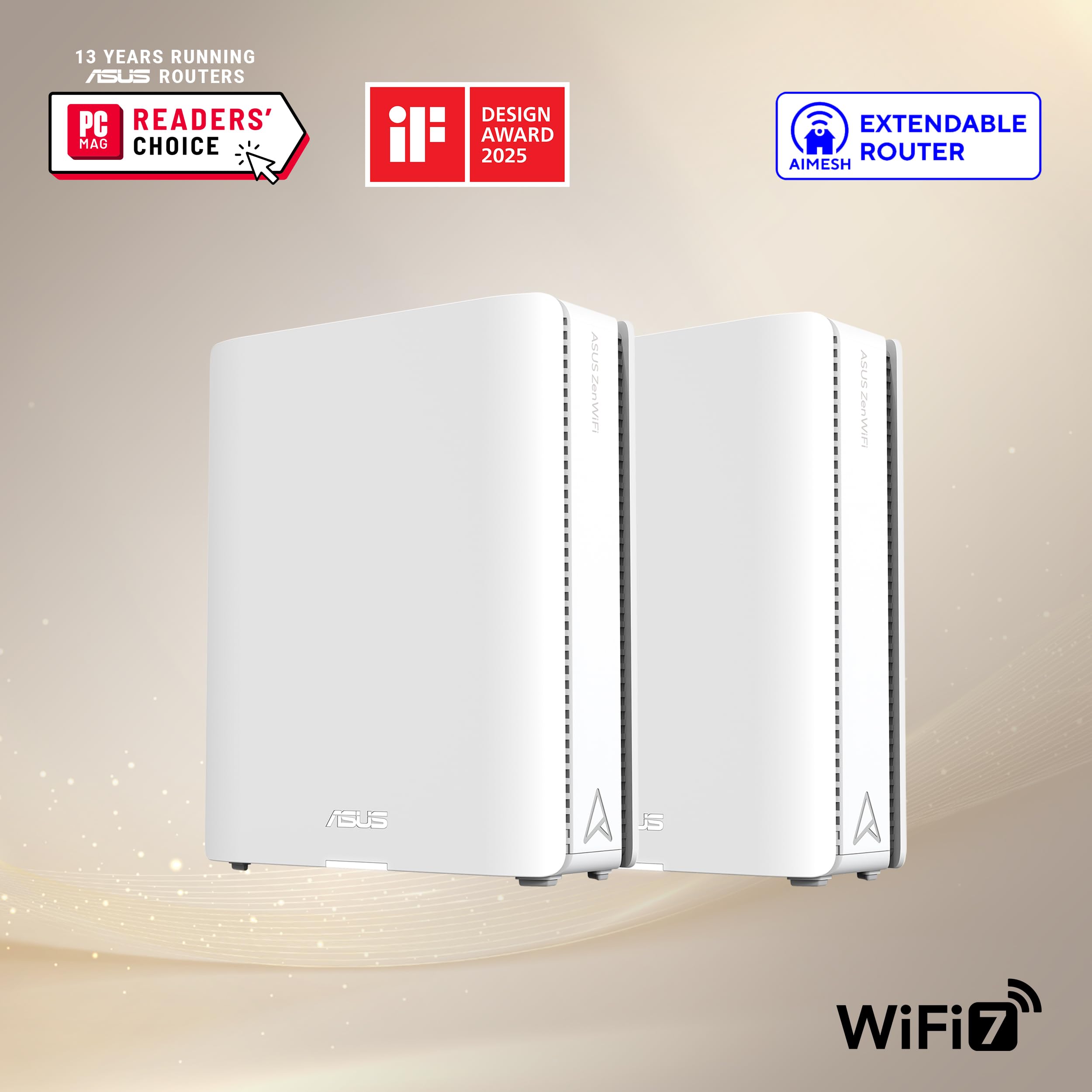


🚀 Elevate your home network to WiFi 7 speed and coverage — don’t get left buffering!
The ASUS ZenWiFi BQ16 Pro is a cutting-edge quad-band WiFi 7 mesh router system designed for expansive homes up to 8,000 sq.ft. Each unit features dual 10G Ethernet ports, 16 internal antennas, and AiMesh technology for seamless, high-speed connectivity. It supports multi-SSID management, VPN, and parental controls with subscription-free security, making it ideal for smart homes demanding future-proof, reliable, and versatile networking.


| ASIN | B0D398YQPN |
| Best Sellers Rank | #6,212 in Electronics ( See Top 100 in Electronics ) #34 in Whole Home & Mesh Wi-Fi Systems |
| Customer Reviews | 3.9 3.9 out of 5 stars (617) |
| Date First Available | May 7, 2024 |
| Item Weight | 2.9 pounds |
| Item model number | BQ16 Pro(W-2-PK) |
| Manufacturer | ASUS |
| Product Dimensions | 6.9 x 2.8 x 8.6 inches |
S**T
Setup and final results better than expected
We purchased a new, larger house, and I needed to resolve some coverage and speed issues. My AX86U did an admirable job and while I could have just purchased another, we have some Wifi 7 devices so I figured I'd go ahead and futureproof. I read a lot about my options (primarily Wifi 6E and Wifi 7) on several sites, but ultimately, DongKnowsTech is what convinced me to buy this unit over others. My main reason for writing this review is because there are not many reviews yet, and there are a lot of experiences posted elsewhere that were not good. Based on my experience and what I've read, I believe that this is likely related to bad software on release and has been resolved with firmware updates. Perhaps my experience will help you feel more confident about buying this unit if you are strongly considering it. I was nervous about the setup and performance based on experiences some other people had. The only issue that I had during setup was that the node MUST be close to the main unit when setting it up. Even though they can communicate in different areas of the house, it has a difficult time completing setup if they're not close by and will just flash blue. If you experience this and it's in another room, move it in the same room temporarily to complete setup. Once the setup was complete, I updated firmware on both devices, and updated the MAC address on my ATT Fiber modem which was already in Passthrough mode. Once that was complete, I moved the node upstairs and confirmed that it was working. Since I have ethernet in the room that it's in, I plugged in to utilize ethernet backhaul. I also changed a couple of settings in the Asus router app to prioritize ethernet backhaul over wireless backhaul. Once that was done, I confirmed that I still had a connection upstairs, and the app confirmed that it was using wired backhaul. Ran some speed tests on my phone and I was getting 700+mbps on the unit upstairs on 5ghz. Faster than I expected. Wifi downstairs is just as strong. My office and gaming pcs are plugged in ethernet, and I'm capping out at 900-1000mbps whereas I was previously hitting 600-750mbps. NOTE: I switched out all of my ethernet cables to Cat 6A, so this may have had an impact on speeds. Previously, I had Cat 5E and some cables that were not marked and may have been lower grade. One odd thing that I have run into is that my Bravia 7 does not want to connect to any network that has 2.4, 5, and 6ghz available. If I limit it to 2.4 and 5, or one or the other, OR just 6ghz, it will connect fine. But, it will not connect to a network with all 3 active. For now, I have it on it's own network using 6ghz but I'll have to dig into this. I have not had any issues with any other devices connecting. That includes TVs, Hue bridge/bulbs, tablets, game consoles, soundbars, robot vacuum, smartwatches. Everything is working. Overall, I'm very happy with the product. The setup was painless and though I expected good coverage, the speeds are better than expected. It has the same Asus features that I'm familiar with, without extra fees. The only thing that I'm not happy about is the price. I know it will come down and Wifi7 devices will be cheaper in time, but I needed a solution now and didn't want to re-visit again in a couple of years. Since I used Amazon Rewards, in combination with a lower priced Like New unit with Amazon Resale, the price was quite as hard a pill to swallow.
P**S
Powerful, expandable, with WebUI and Smartphone App management options
I bought both the XT9 2-pack in Black and XT9 single-pack in white for a total of 3 node AIMesh network. They all set up reasonably quickly and easily, starting with the one in the two-pack which is clearly marked on the front as the one to start with. Then I added the 1-pack white XT9. I'm not using ethernet backhaul, depending instead on 5G wifi for the backhaul. My internet connection is not that great, so I am not able to really test the 2.5Gbps WAN or LAN aggregation features. My clients are a handful of PCs (variously connected via wifi, wired directly, or wired through a switch), a handful of android mobile devices, smartTVs, and a dozen or more IoTs [thermostate, smart bulbs, etc]). WiFi coverage is pretty good, and the system is fairly powerful in terms of features, although the documentation is not that great. It tells you what you can set, but rarely explains why you would want to make one selection over another. I like that you can admin it via a web-browser, which is one reason I did not go with other brands which require a phone app. That being said there are some features which are only available in the app, and others which are only available in the webUI. For example: In the app, you can set some interesting "parental" controls such as ad blocking, malicious content blocking, etc. The way to do this in the webUI is not very clear or perhaps not even possible. In the WebUI, you can "Manage" the different nodes of the mesh and do things like set the USB port for different purposes. As an example, on one node, I have a USB Drive serving uPnP media service. On another node, a different USB HDD is serving files via Samba and (LAN-restricted) FTP. Some features don't seem to work such as the ability to make the WPS button control the LED. And some of my devices (Smart Bulbs especially) don't seem to bind to the nearest mesh node, instead binding to the farthest one, which surprises me. Another thing that baffles me: 2 of the Cat5e-connected devices on my second node show "yellow" in the app (with vague description and confusing "Things to check"). One is a smartTV and the other is a connect AV-Receiver, both purchased this year. The one wired device showing green is a 10 year old Laptop. One thing I really don't like is that you cannot NAME the different nodes for where they are located. Yes, you can label them (as I've done) for Office, Living Room, and Master Bedroom, but when you see them in a list they all say "ZenWiFi XT9". Overall, this is a powerful system, more powerful than the single-node netgear WiFi router I've been using for years. I'm glad I upgraded!
R**E
Enfin un réseau Wi‑Fi digne de ce nom ! Le ZenWiFi BQ16 Pro d’ASUS m’a permis d’obtenir une connexion stable, puissante et constante dans toute la maison — et même au jardin ! L’installation est un vrai jeu d’enfant, tout est intuitif et bien pensé. La qualité du produit est tout simplement phénoménale : design élégant, performances impressionnantes et couverture jusqu’à 8 000 m² parfaitement assurée. ASUS confirme encore une fois sa réputation d’excellence dans le matériel informatique : fiabilité, puissance et simplicité réunies dans un seul appareil. Je recommande sans hésitation !
C**N
No es tan fácil de instalar directamente con la pc o laptop, me funciono mejor con uno solo conectado y usándolo como mesh, que usando los 2 como mesh, ya qué cuento con un router principal. El segundo, cuando lo instalaba, no distribuian bien el trabajo. Preferiría usar uno solo o tal vez los 2 pero 1 como router y el otro, como mesh.
W**F
Added in my existing Asus Zenwifi Mesh Wi-Fi system for basement. The signals are strong and the Internet connection is stable now.
S**U
I screwed up my first attempt at setting it up, but resetting the "base" unit allowed me to do it properly, and since then it's been flawlessly issuing a ~1GB signal without interruption. Handles multiple IOT devices as well as sometimes two laptops, two tablets, two handhelds, and one or two video streaming devices, with no interruption in service. Expensive, but worth it.
A**I
La señal del repetidor no conectado vía ethernet es mala y eso solo cuando logra establecer una conexión. Para el precio que pagas deberías de recibir mejor calidad de producto, mejor regreso a Deco.
Trustpilot
1 month ago
2 weeks ago