⌨️🖱️ Cut the cord, command your workspace with precision and style!
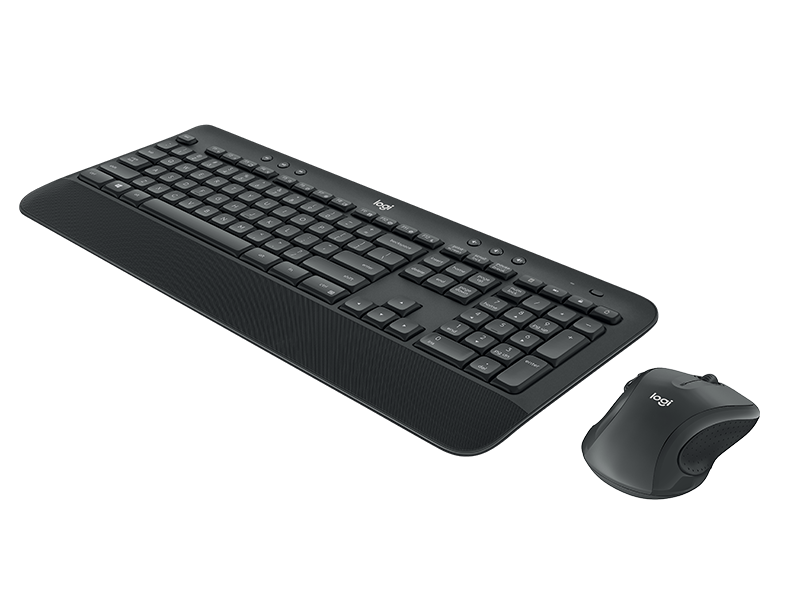
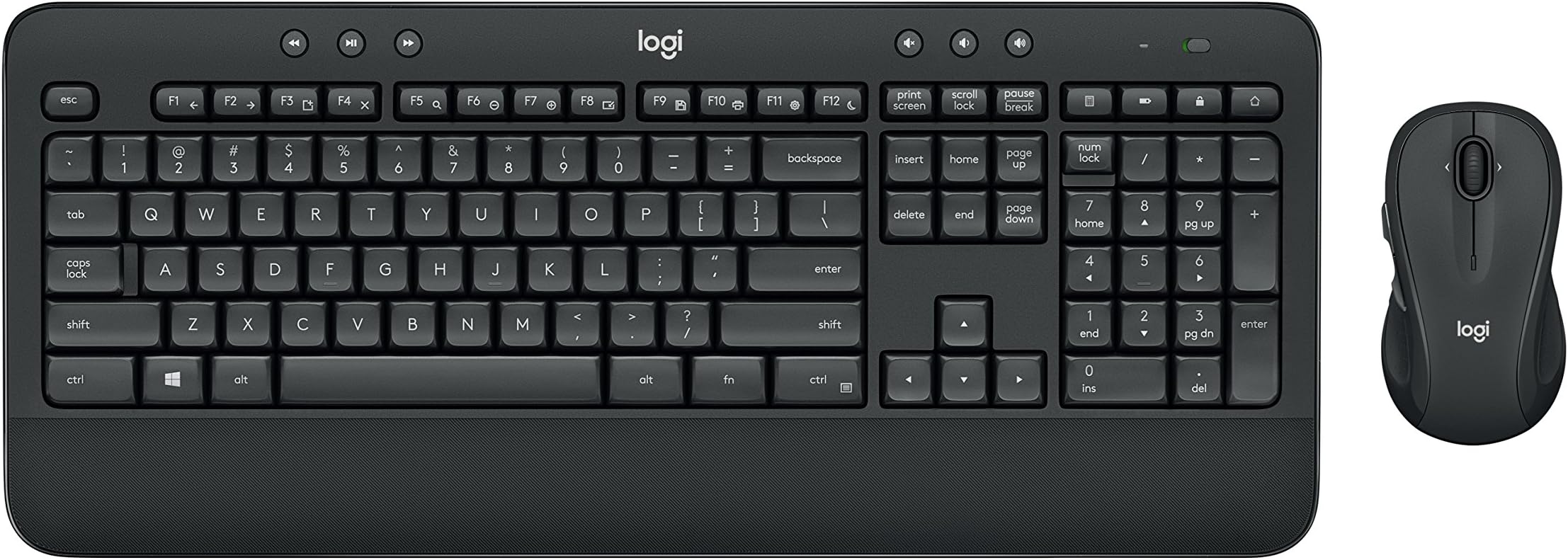
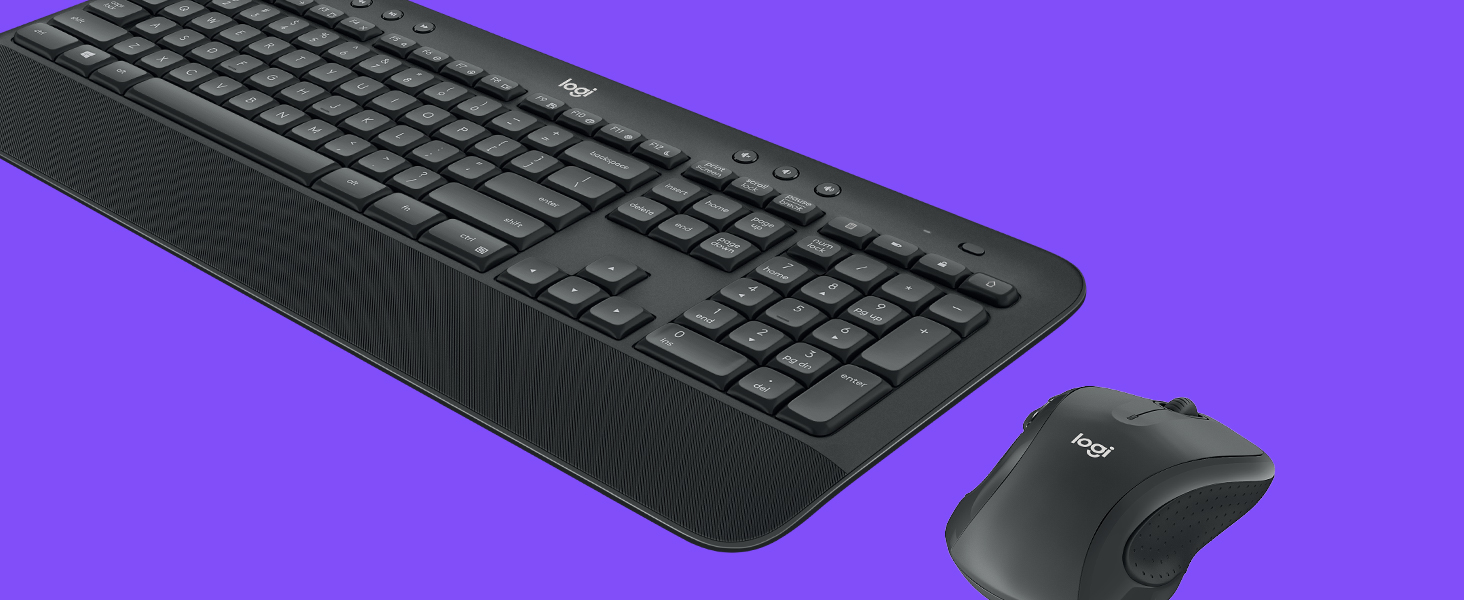
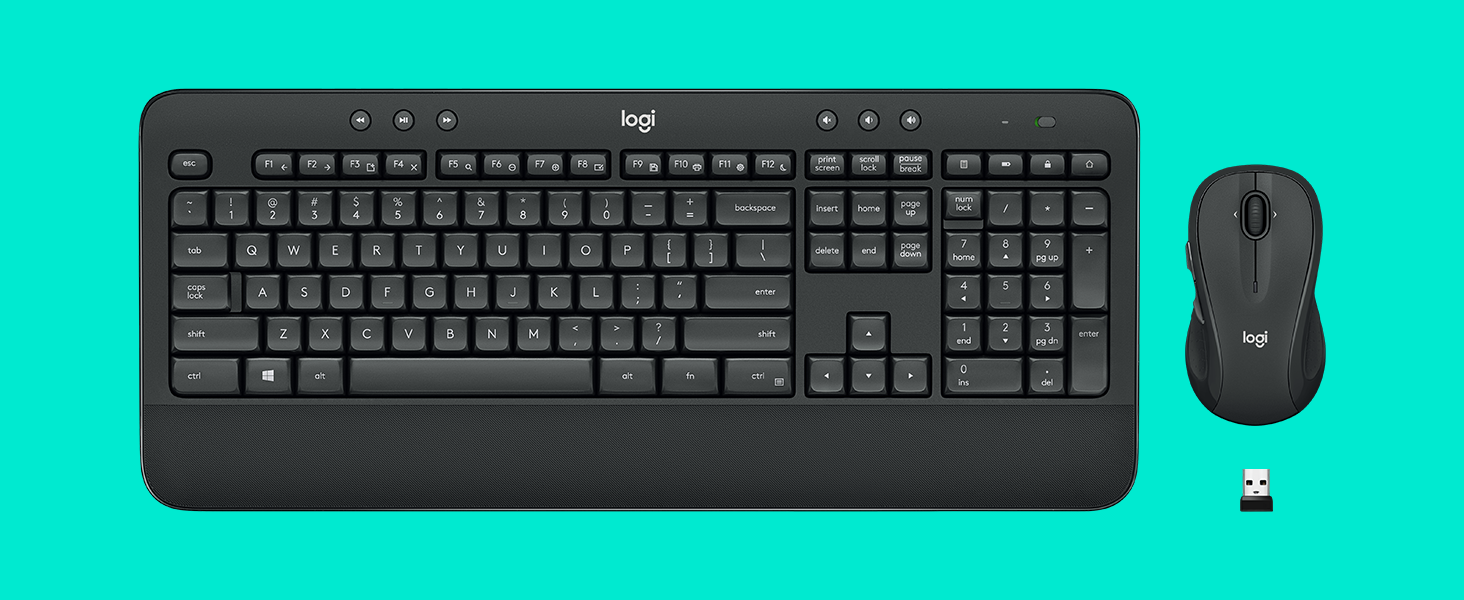
The Logitech MK545 Advanced Wireless Keyboard and Mouse Combo delivers a professional-grade typing and navigation experience with a full-size, noise-reduced keyboard featuring a textured palm rest and adjustable tilt legs. Its ambidextrous mouse offers laser-grade tracking for precise control. Both devices connect seamlessly via a single USB receiver with encrypted wireless technology, providing up to 10 meters of reliable, lag-free freedom—perfect for millennial managers craving comfort, efficiency, and clutter-free desks.
| ASIN | B079HR85C3 |
| Antenna Location | At home |
| Are Batteries Required | Yes |
| Best Sellers Rank | #880 in Computer Keyboard & Mouse Combos |
| Brand | Logitech |
| Built-In Media | keyboard, mouse, user guide |
| Color | Black |
| Compatible Devices | Personal Computer |
| Connectivity Technology | Usb |
| Customer Reviews | 4.4 4.4 out of 5 stars (11,198) |
| Global Trade Identification Number | 00097855137319 |
| Hand Orientation | Ambidextrous |
| Item Type Name | Logitech 920-008695 MK545 Advanced Wireless Keyboard and Mouse Combo |
| Item Weight | 2 Pounds |
| Keyboard Description | Indoor |
| Keyboard Layout | QWERTY |
| Manufacturer | Logitech |
| Movement Detection | Laser |
| Number of Batteries | 2 AAA batteries required. (included) |
| Number of Keys | 104 |
| Operating System | Windows 7, 10, 11 or later, Chrome OS |
| Other Special Features of the Product | Laser Projection, Wrist Rest |
| Power Source | Battery Powered |
| UPC | 097855137319 |
| Unit Count | 1.0 Count |
| Warranty Description | 1-year Limited hardware warranty |
S**M
The Roller Coaster of Keyboard Wonders - Lighter Than Air, Quirkier Than a Circus Clown!
Hold onto your hats, folks, because I'm about to spill the beans on the Logitech MK545 Advanced Wireless Keyboard and Mouse Combo. Brace yourselves for a wild keyboard ride, with a few bumps along the way! Let's start with the pros, because who doesn't love a good pros-and-cons show? This combo is lighter than a helium-filled marshmallow on a diet. It practically floats on air! Setting it up is as easy as pie, or maybe even easier. I'm talking pie-level simplicity here. And let's not forget those sweet keyboard switches - they're like tiny, magical elves performing a synchronized typing ballet. So satisfying! Now, the ergonomics and size of this thing? Talk about a match made in keyboard heaven! It fits my hands like a tailored glove made by a genius fashion designer who specializes in hand-friendly couture. And did I mention it's wireless? Oh, the freedom! No more wrangling with wires like a clumsy cowboy herding cattle. But now, let's bring on the cons, the minor hiccups in this keyboard extravaganza. First off, I've had to change the batteries once already, and my keyboard seems to have a taste for them. I feel like I'm feeding it more batteries than a hungry toddler devours cookies! And seriously, Logitech, why no USB charging option? It's like the combo missed the memo on 21st-century convenience. We're in the wireless age, people! But wait, there's more! The sleep mode button on this thing is a bit of a diva. It wants to be the center of attention, but really, it should have its own button, like a spoiled celebrity demanding a personal entourage. Come on, Logitech, give the sleep mode button some humble pie! But despite these quirky cons, I can't deny that the Logitech MK545 combo has stolen a piece of my heart. It's brought joy, comfort, and a touch of keyboard magic to my computing adventures. Just make sure to stock up on batteries, invest in a charging dock, and maybe give that sleep mode button a little talking-to. So, my friends, get ready to buckle up and embark on a thrilling ride with the Logitech MK545 Advanced Wireless Keyboard and Mouse Combo! It's a roller coaster of lightness, ease, and keyboard dreams, with a few surprises along the way. Enjoy the ride!
S**.
Can't believe I waited so long to cut the cable!
Preface: This is a review of the keyboard only. I already own a wireless mouse (MX Master also from Logitech!) and thus set the mouse aside. Prepreface: I've owned the product for ~1 week. Thus no reliability issues so far but then again, it's only been a week. The keyboard works great! I have plenty of Logitech products and the unifying receiver was one of the big reasons why I picked a Logitech keyboard over a different brand. I was able to connect to my pre-existing unifying receiver with 0 issues. No issues at all with connectivity. I wake up in the morning, start typing, and letters show up. It just works! I've also played games on it and there's no noticeable input delay either. Ergonomically, the wrist rest is a wrist saver! However, not everything is perfect. Couple of minor cons to look out for: - The wrist rest material is a rubbery textured material. You know the type. It's going to wear off and gather grim. - There's no right windows key. I didn't know keyboards existed without the right windows key. - The top right shortcut keys. I hate them. I despise them. I can't disable them. One is a battery light indicator. Cute. 1 opens up your calculator app. Why the heck would I need a keyboard shortcut for that? 1 locks your computer. I hate hitting that. And the last one, the very top right key, is a monster. It opens up your web browser home page, using your CURRENT tab. While writing THIS review, I accidentally hit that godforsaken button and it deleted my review. It doesn't ask, there's no confirmation for leaving a form. Homepage. Watching a YouTube video and grab the corner of your keyboard to adjust it and hit the key? Homepage. Inputting numbers through the numpad and accidentally hit the key while trying to type -? Homepage. Drop everything and go directly to homepage. I'm making it a bigger deal than it should be because I'm still rating the keyboard 5 stars!
K**G
Love the Keyboard! If you experience connection lost issue, read this.
A few months ago, I bought a new laptop and this keyboard and mouse combo. Strange things happened since then. The keyboard and mouse kept losing connection. I thought it was a problem with my new laptop because I have never heard of similar problems with mice and keyboards. I then tried and moved my laptop to different positions, from the right of my desk to the middle and from the middle to the left. None of those moves worked. I got very frustrated and I just wanted to break the keyboard and mouse every time the connection was lost. I had to unplug the receiver and put it back in for it to work. I also almost wanted to return my laptop, keyboard, and mouse. But I was like, no that doesn't make any sense and I really like the keyboard, so I went ahead and did some research about the compatibility of these new devices. I found out that there is a known problem of interference between USB 3.0 which my laptop has and 2.4GHz signal which most keyboard and mouse use, including this combo. The keyboard and mouse with 2.4GHz work better with USB 2.0. So I further looked to see if there are adapters that can fix this known problem. Thank god! Yes, with a little adaptor, my keyboard and mouse work just perfectly fine! Again, I love this keyboard and of course, my new laptop and so didn't want to just return them. Phew!! Problem solved! I'm so so happy! For those of you who experience a similar issue, try my solution. Here is the link to the adapter that I bought. https://www.amazon.com/Syntech-Adapter-Thunderbolt-Compatible-ChromeBook/dp/B082V3C83D/ref=pd_rhf_ee_p_img_13?_encoding=UTF8&psc=1&refRID=6S9V0XRNKRGRNBP0WRWB
H**Y
Works well
Connects nicely to the computer but unfortunately mine didn’t come with a Bluetooth receiver and I had to use an old one to get it to work. Other than that, the actual quality is top notch and the actual keyboard feel when typing is really good.
D**O
Quality items at outstanding price with delivery in just 5 days from Germany via DHL which is much quicker than estimated. Excellent service.
A**H
I type a lot for my work, so it was a surprise that my Microsoft Sculpt keyboard and mouse started wearing-off sooner than I expected. The Logitech MK545 combo felt like a good simple replacement. Its keyboard has a good layout, with just the right keys and not crowded than what's necessary. It has standard function keys, a calculator key, Windows lock key (handy), media buttons, and volume keys (takes a few presses to work at times). Typing is soft and comfortable. Keyboard build quality is decent, but it can be better at this price point. Hand-rest should've been a little longer for full placement. The mouse is just the right size for my hand, not too small and not too big. But Logitech should make the mouse clicks a bit softer. Overall a good combo for everyday use in home or office.
A**S
Having had to work from home for 6 weeks and developed back pain from hunching over my laptop, I was relieved when this product was delivered. It was expensive, but I thought it would be worth it. Unfortunately, the box was open and a key component missing on arrival. So now I have to go through all the inconvenience of returning it and still do not have a solution!
A**.
My review is after 3 months of daily usage. So for those who had Logitech wireless before (not Bluetooth) know how they already had perfected their technology. So there's no worry about that. The mouse is _fairly_ comfortable to work with. I have big hands so take that with a grain of salt. My issue was mostly with the keyboard. As sleek as it is to press the keys, I feel like they have put they keys too close to each other. I sometimes found myself using the backspace because I have missed the perfect target and pressed 2 adjacent keys at the same time. I think they were successful with keeping the size of the keyboard manageable with this strategy but created a learning curve. Having said all that I still I enjoy using this product on daily usage!
M**K
I've never really shopped for a keyboard or mouse. I'd pick up the store or bargain brand. When my last new cheapo wireless keyboard and mouse combo. died, I decided to upgrade. I selected this Logitech MK545. It has a natural and comfortable feel. The wristrest is perfect and I appreciate the slightly textured feel. The mouse is substantial and has a contoured. grip. It is precise and the only thing I don't particularly like is the mouse wheel has measured movement, not free movement. Sort of like a clock with a second hand that jumps every second, instead of a smooth, free-sweeping second hand. Some people may even like that feature. I am impressed.
Trustpilot
2 weeks ago
2 weeks ago