
DOWNLOAD THE APP


Customer Services
Copyright © 2025 Desertcart Holdings Limited
DOWNLOAD THE APP

⚡ Power your digital life with speed and stability—no compromises, just connection.
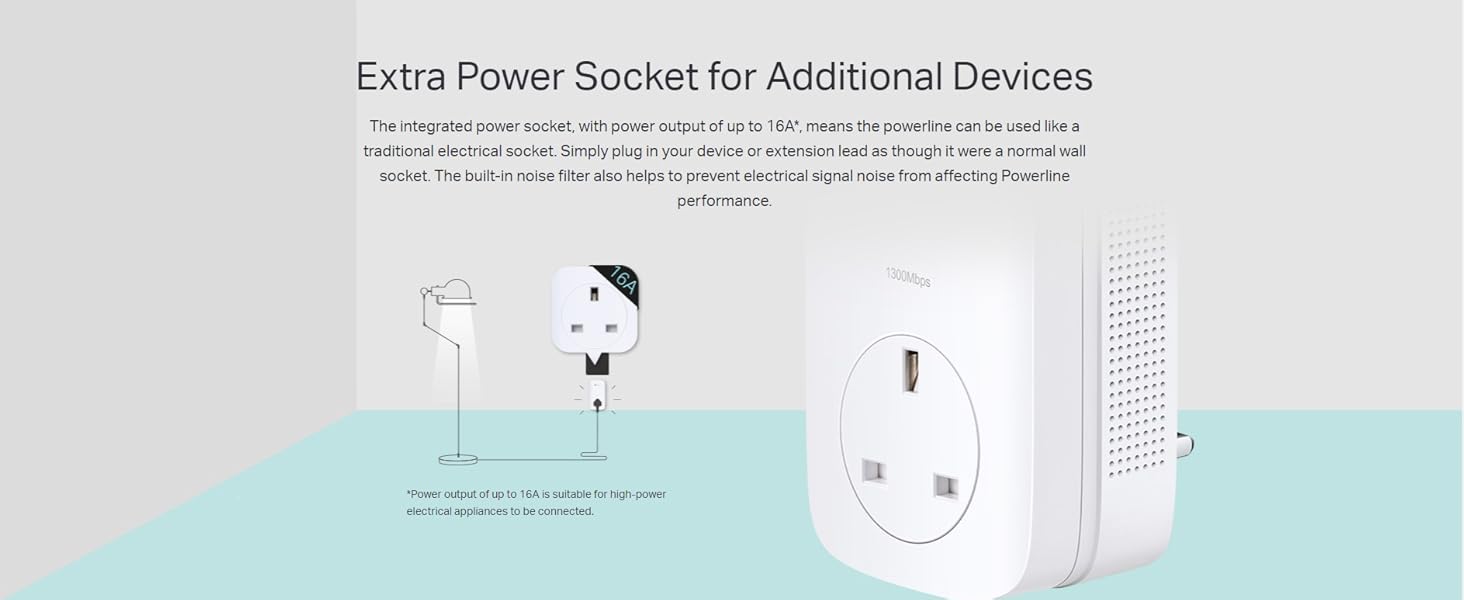
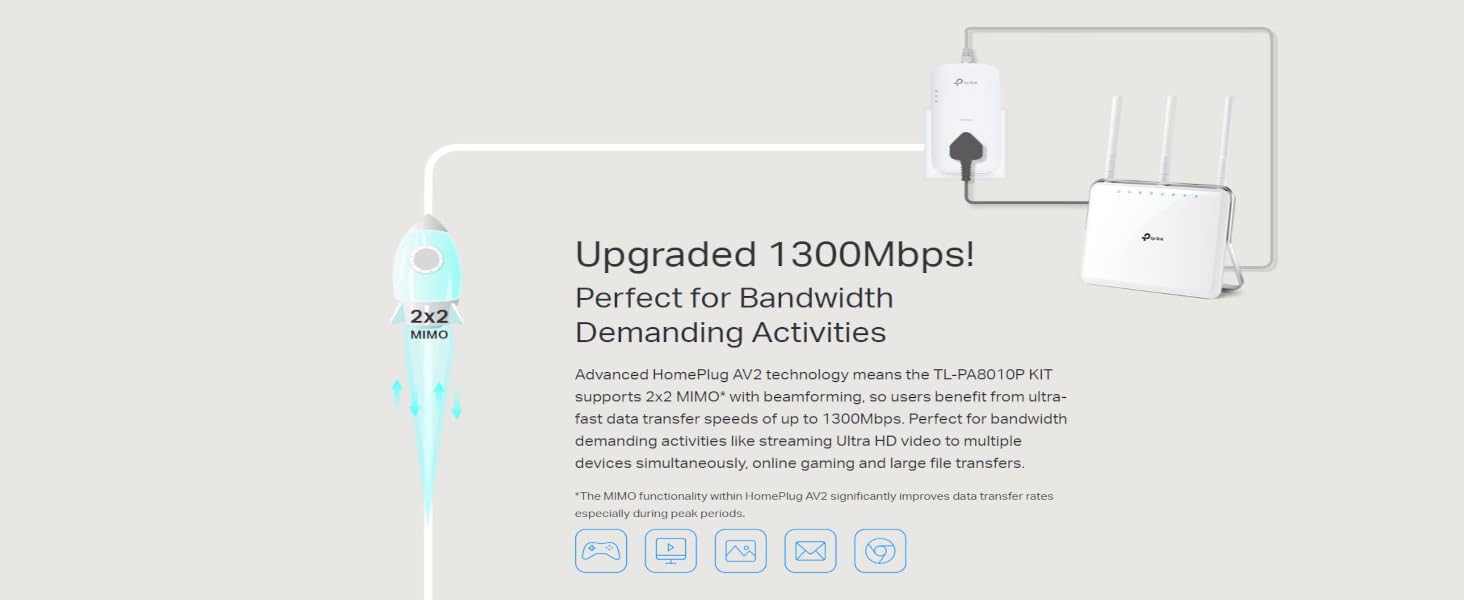
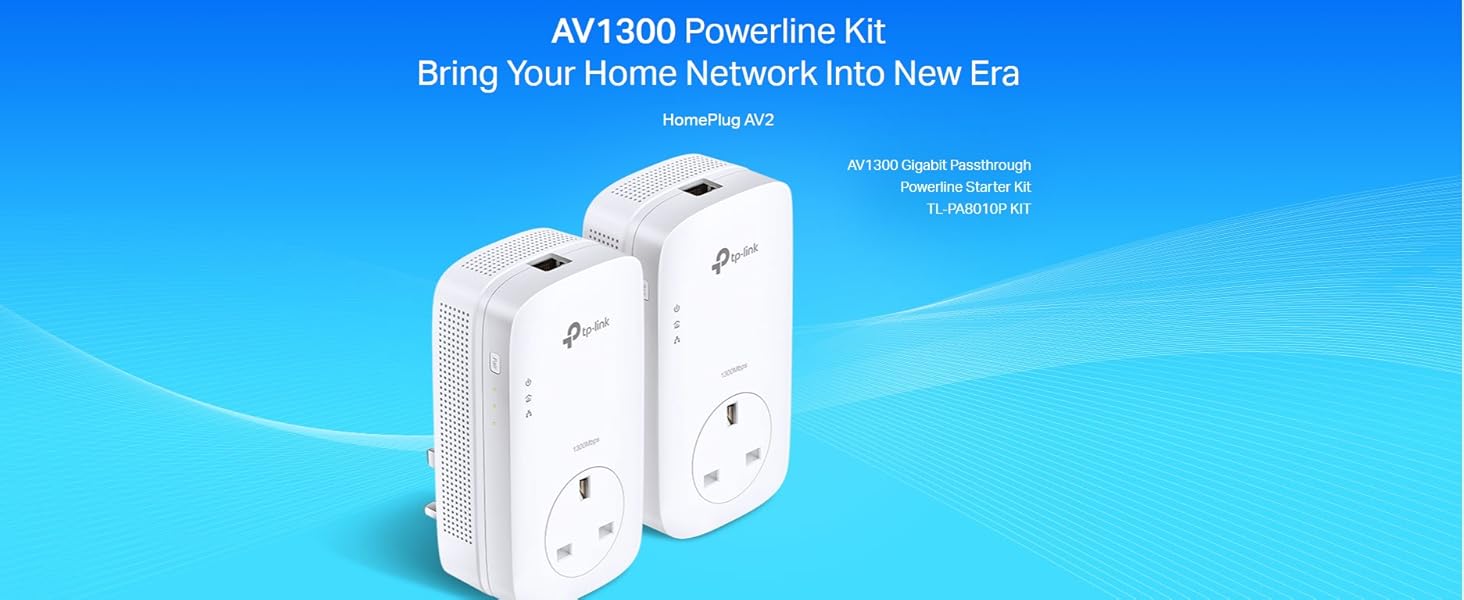
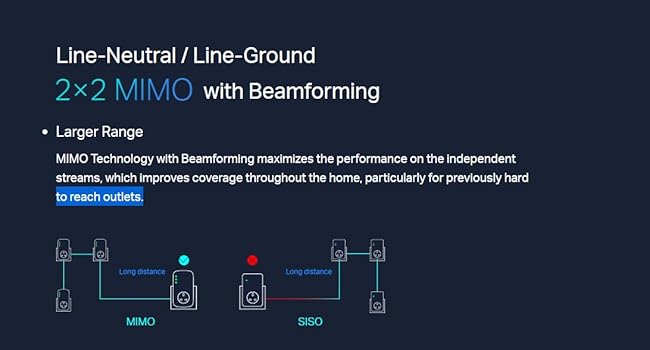
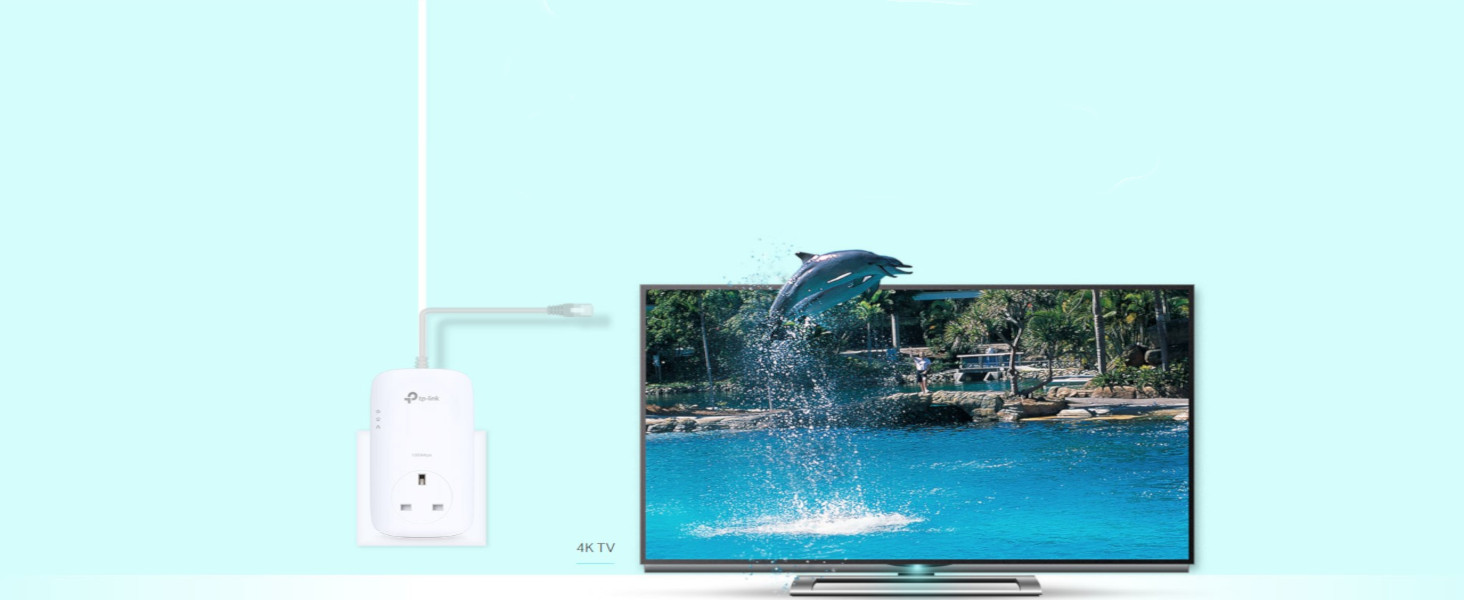
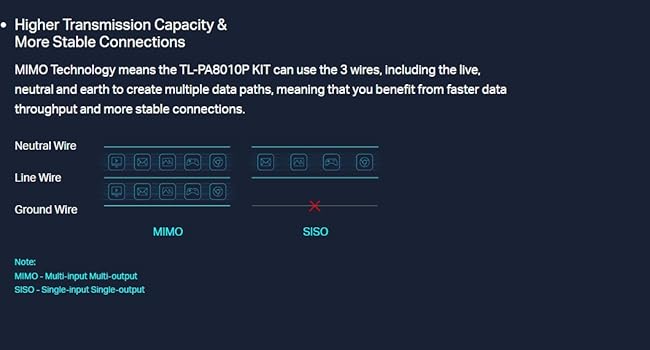
The TP-Link TL-PA8010PKIT is a high-performance powerline adapter kit delivering up to 1300 Mbps via HomePlug AV2 technology. Featuring 2×2 MIMO with beamforming for enhanced signal stability, it includes a passthrough power socket to maintain outlet availability and a gigabit Ethernet port for reliable wired connections. Ideal for seamless HD streaming, online gaming, and professional remote work, it offers plug-and-play setup with no configuration required.



| ASIN | B0734B71N6 |
| Are Batteries Included | No |
| Best Sellers Rank | 4,711 in Computers & Accessories ( See Top 100 in Computers & Accessories ) 18 in Powerline Network Adapters |
| Brand | TP-Link |
| Colour | White |
| Customer Reviews | 4.2 4.2 out of 5 stars (1,057) |
| Date First Available | 13 Jun. 2017 |
| Guaranteed software updates until | unknown |
| Item Weight | 469 g |
| Item model number | TL-PA8010PKIT |
| Manufacturer | TP-Link |
| Product Dimensions | 7.2 x 13.1 x 4.2 cm; 470 g |
P**A
Speed and reliability
I have bought one of these previously and it has worked fantastic for my ps5. This is the reason I have bought another one for my brothers computer. Playing on WiFi despite having fast WiFi was okay but still had its inconstancies. The connection would lag at times, drop out on rare occasions and this became annoying. This device fixed this instantly. Was easy to setup and took less than a minute. No more lag or random dropouts Design is where some might find issues. It is bulky compared to some but I feel the quality is worth it. It still allows you to use the socket for other things whereas many others will cause you to lose a socket and the speed is up there with some of the faster units. You don’t get the full speed but you can get around 100mbps which is ample for gaming and most things.
A**R
Easy set up
Easy set up and works great
R**Y
Look sturdy, well made
They seem to pair ok, but instructions not that clear, so not sure if they are actually transferring data??
D**N
Joined Up Thinking
Whenever our girls come home, they ask me why the WiFi is so poor in our house and my wife asks me several times each week if the Internet has gone down. Of course, after a review a year or so ago I did manage to install a pair of TPLink 1000Mbps pass through ports and one end is connected to the router and the other to the smart TV and the Fire box. This has worked really well and the TV never asks me if the WiFi is on as it just works. It struck me that my problem was that the Router is in my little study connected to the phone socket and my computer. As the study is at the side of the house the signal doesn’t really extend too far into the house and barely at all upstairs. I purchased a TPLink wireless booster and this certainly helped but we are lacking a suitable power socket upstairs in the hall. It struck me, eventually, that I should simply move the router into the hall, use the phone socket in there and connect the router to a new TPLink AV1300 passthrough port. The computer that has remained in my study simply then needs to connect to the original TP1000 in there. This has worked really well and great WiFi is now pulsating through our house and things that need bullet-proof connections like the computer and the Fire box simply get plugged in via the powerline network. I have re-sited the wireless booster but in truth I don’t think we still need it as the WiFi is so much improved. The hubs connected straight away but the computer told me initially it didn’t have an IP address and thus couldn’t connect to the internet. I simply pressed the little button on the router and the little button on the passthrough ports and within a couple of minutes all was working and beautifully connected. The only question now is to ask myself why it took me so long to figure out that the router didn’t have to be next to the computer and with a pair of TP link passthrough its fine anywhere where it can connect to the phone line – duh! One minor point when ordering is that I was a bit confused by the choices available whether the AV1300 had one or two network connectors on the top. In point of fact it only has one, which is fine for my needs but the one in the lounge, the Mbps 1000, as originally reviewed has two and this is essential both for the firebox and the TV. Happy surfing.
A**P
Better than the wifi extender.
Why 3 starts? Because TP-link wont tell you about the 70% decrease in internet speed one can experience with this device. Having said that, if you are ok with 65-70 mbps on a 250 mbps connection, then it is good device. Some will find it to be expensive at £60. So if you are looking to not spend that much, may be try e-bay for a used pair.
K**M
i had my doubts, but so far I am impressed
We had Sky Q installed recently and the connection over 5G WiFi to the mini boxes was a bit stuttery so a solution was needed. I remember buying a TP Link homeplug a few years ago and I sent it back immediately because it didn't feel any faster than the WiFi connection I had at the time. Admittedly, I know a lot more about networking now than I did then, so maybe (probably) I didn't have my network set up right, and technology moves on, so even with my doubts, I decided to take the plunge on a homeplug for a second time. Installation was as simple as plugging them in to their respective wall sockets and plugging in the cables, one from the router into one homeplug, one from the other homeplug into a switch in my bedroom. I turned off the WiFi on my laptop and configured the ethernet port and was up and running within minutes. My first port of call was a broadband speed test site, which showed I was getting very close to the full 38Mb/s my connection is rated at. A good start. The next test was how well the homeplugs could handle all the non-internet traffic in the house alongside the internet traffic. In my bedroom I have a NAS and a PC which I had connected to my laptop via ethernet while the WiFi handled the internet to keep them separated. The ethernet network was on a different subnet (xxx.xxx.1.2) to the internet (xxx.xxx.1.1), so after some faffing changing everything to the same subnet I spent 10 minutes experimenting by transferring a few files back and forth between laptop, NAS and PC while browsing and downloading from t'internet, all while streaming a full Blu-Ray rip down the same pipe via Plex to the Roku plugged into the TV downstairs. Theoretically the plugs should have been able to handle all that with room to spare, but not everyone's house wiring or setups are the same, so you never know. I needn't have worried, though. They handled it with aplomb. From a good start, I was now thoroughly impressed. And so on to the final test, handling the above, plus the traffic from the Sky Q box downstairs to the two Q mini boxes upstairs (I had already bought a 3rd TL-PA8010P homeplug refurbished from eBay to use with the mini box in my brother's room). I simply plugged the mini's into their respective homeplugs, turned their WiFi off, rebooted them and that was that. The connection is now stable, no stuttering or dropouts so far. Nothing on the network seems to be negatively affected by anything else. Result. I am a happy camper. Time will tell how long the units last, but hopefully I won't have to come back and edit this review!
K**.
Die TP-Link Powerline Adapter sind wirklich schnell eingerichtet und machen einen wertigen eindruck auch wenn ich finde das Sie recht groß sind. Es ist das GB Set somit nur in UK und Ireland etc. einsetzbar.
G**R
الفكرة جيدة انك تتخلص من التمديد والأسلاك ولكن.. لاحظت انه تنخفض سرعة الإنترنت على حسب استخدام الكهرباء في البيت يعني مثلا حطيته اسفل المفتاح حق لمبة الغرفة...اول ما افتح النور السرعة تنخفض للنصف طفي النور السرعة ترجع تطلع ...وهكذا
G**N
Very easy to setup and use
K**I
ممتاز
Trustpilot
1 month ago
2 weeks ago