Desertcart purchases this item on your behalf and handles shipping, customs, and support to Greece.
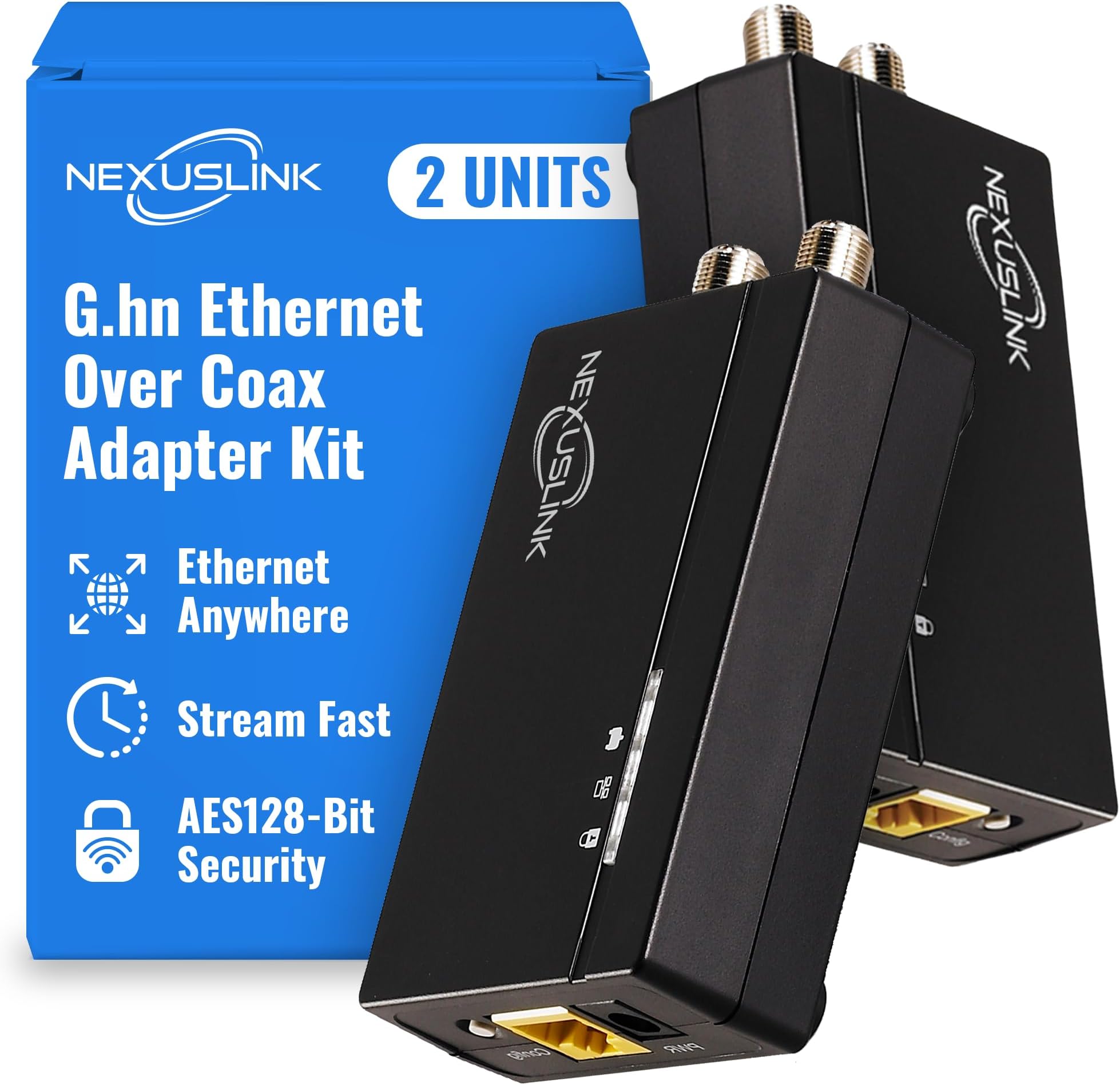
🚀 Turn Dark Coax Into Your Network Powerhouse!
The Nexuslink G.hn Ethernet Over Coax Adapter Kit delivers up to 1.2Gbps speeds over 800 meters by repurposing unused coax cables into a secure, wired network. Designed for fiber or satellite internet users, it offers low latency and stable connections ideal for gaming and streaming, with easy plug-and-play installation—no rewiring required. Note: Not compatible with active cable TV or internet coax lines.


| ASIN | B088LQ7V1Q |
| Best Sellers Rank | 153,957 in Electronics & Photo ( See Top 100 in Electronics & Photo ) 2,707 in Coaxial Cables (Electronics & Photo) |
| Brand | NEXUSLINK |
| Brand Name | NEXUSLINK |
| Color | black |
| Colour | black |
| Compatible Devices | Desktop |
| Compatible devices | Desktop |
| Customer Reviews | 4.4 out of 5 stars 180 Reviews |
| Data Link Protocol | Ethernet |
| Data Transfer Rate | 1200 Megabits Per Second |
| Data link protocol | Ethernet |
| Data transfer rate | 1200 Megabits Per Second |
| Hardware Interface | Ethernet |
| Hardware interface | Ethernet |
| Item Weight | 0.66 Kilograms |
| Manufacturer | NEXUSLINK |
| Manufacturer Part Number | AUB088LQ7V1Q |
| Model Number | AUB088LQ7V1Q |
| UPC | 850005998006 |
P**Y
Gute Alternative bei bestehender Coax Verkabelung
Habe das Kit am Freitag bestellt. Montag war es da. Lieferung aus USA. Einrichtung bzw. In Betrieb nähme verlief ohne Probleme. Wie hier schon beschrieben benötigt man andere Netzteile oder Adapter von US auf EU Stecker. Die Webinterfaces sind über die IP 192.168.0.5 zu erreichen. Ich komme nach Test mit iperf auf Fritzbox auf 300MBit. Da ist bestimmt noch Potential nach oben. Für mich eine gute Variante ohne neue Kabel zu legen das WLAN dort hinzubekommen wo ich es benötige. AP angeschlossen und gut.
S**A
Best if you have coaxial cables and can some how isolated them from cable internet.
THIS SEEMS LIKE JUST A REBRAND OF OLD COMTREND G.HN WHICH WAS GOOD. I have cable internet. This product is not the best suited one if I had just added the connectors everywhere in my house. So I had to go to my attic and isolate the incoming internet coax from the other ones in my house. I had to put 1-3(explained later) extra cables from my attic to my router. That was easy as my router is very close to my attic. But this saved me the extra ethernet wiring I would have to add. At first I isolated the incoming coax so that it directly goes to my router. METHOD 1 (not recommended but cheaper): NLC == Nexuslink/Comtrend converter Router(WAN PORT) -- COAX0 ---1-1 Coax Connector COAX1 form CABLE INTERNET from PROVIDER Router(LAN PORT) -- Ethernet -- NLC -- COAX2 -- SPLITTER -- COAX3 ------ NLC -- TV -- COAX4 ------ NLC -- Access Point -- COAX5 ------ NLC -- Switch -- Laptop/Desktops I added 1 coax from router to attic. This coax was connected via splitter to all other coax in my house. Then I added converters to all end points. Thus creating a mesh of coax with this converter at all ends, one of which is attached by ethernet to router. This seems to work quiet well and my latency reduced quiet a lot. At some endpoints I even connected switches or Access points. Everything was fine (very good infact) till I replaced Access points at some endpoints with mesh nodes (ethernet backhaul). Mesh nodes were constantly dropping. To fix this and only this i went to method 2 METHOD 2: NLC == Nexuslink/Comtrend converter Router(WAN PORT) -- COAX0 ---1-1 Coax Connector COAX1 form CABLE INTERNET from PROVIDER Router(LAN PORT1) -- Ethernet -- NLC -- COAX2 -- 1-1 Coax Connector -- COAX3 ------ NLC -- TV Router(LAN PORT2) -- Ethernet -- NLC -- COAX6 -- 1-1 Coax Connector -- COAX4 ------ NLC -- Mesh Node 1 Router(LAN PORT3) -- Ethernet -- NLC -- COAX7 -- 1-1 Coax Connector -- COAX5 ------ NLC -- Mesh Node 2 I I added 3 coax cables fron router to attic. Each of these new cables connected 1 on 1 to each endpoint in my house. So one side of each of these 3 links were connected to converter and then to router while the other sides to mesh nodes. This created an effect of having put a dedicated ethernet cable to each endpoint. This method works best and has the best throughput but is obviously expensive and difficult to achieve.
M**T
It worked better than a bonded MoCA 2.0 pair!
Installation was a breeze. Easy to pair and setup and it secured my network with encryption so that no one else could tap in. Transfer speed and stability is far better than my former bonded MoCA pair. Truly plug and play!
D**A
Works wonders for my mesh system
This was exactly what I needed to boost speed on my mesh system. I have a fairly decent mesh system, but it was slow in the upstairs of the house. I have a fiber service and the only place they could put the ONT was in a very far back bedroom. Well, the signal just didn’t reach well enough throughout the house to give me a decent speed. This on the other hand was exactly what the doctor ordered. Occasionally I now have my full speed of 500 Mb per second (generally about 400 upstairs) where I was only getting 200 Mb wirelessly. Installation was very simple. I thought there was some button I had to push to pair these: not at all. I connected the one downstairs in the bedroom to the cable, came upstairs attached that to the cable outlet and boom it was done they paired and it works flawlessly. Plus, the fact that Amazon reduced the price by 20% made it affordable for me so this was a no-brainer. I definitely can recommend this product.
P**.
Netzwerk im Dachboden
Funktioniert bislang ohne Probleme. Würde ich wieder kaufen.
Trustpilot
2 weeks ago
3 weeks ago