Buy anything from 5,000+ international stores. One checkout price. No surprise fees. Join 2M+ shoppers on Desertcart.
Desertcart purchases this item on your behalf and handles shipping, customs, and support to Greece.
🚀 Power up your home network with effortless speed and coverage!
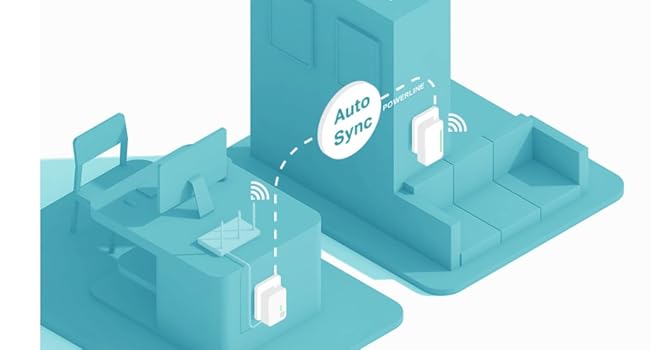
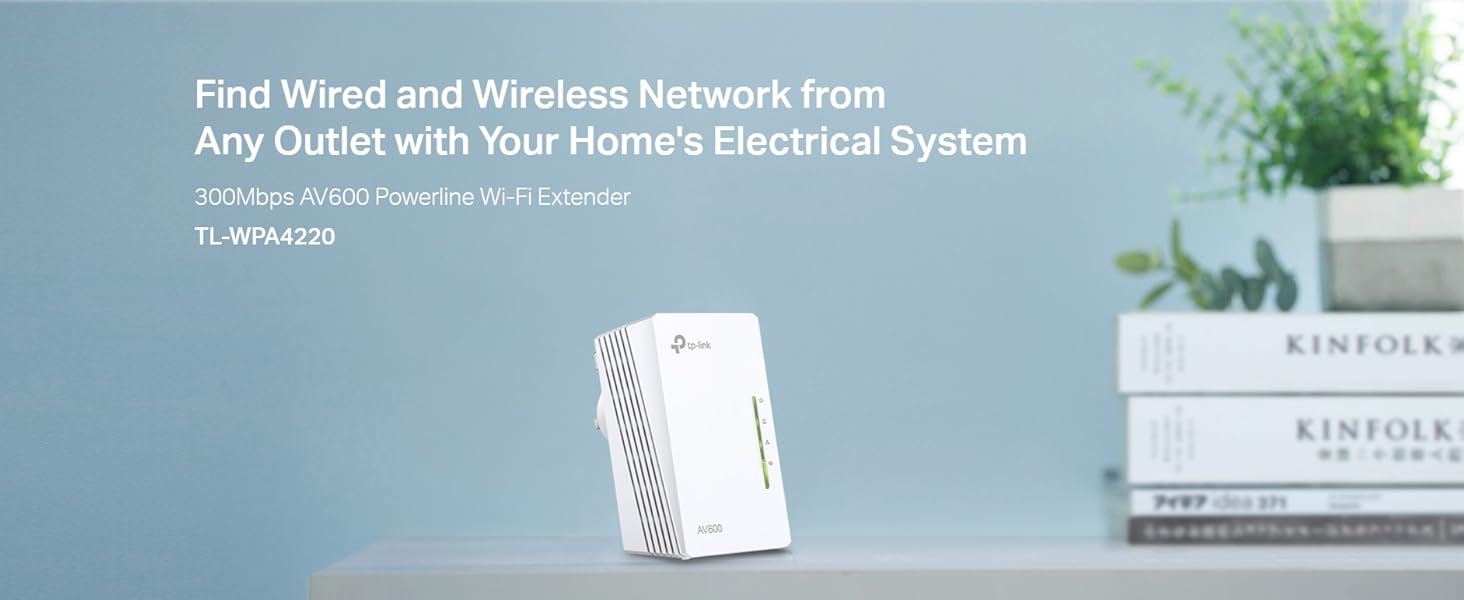
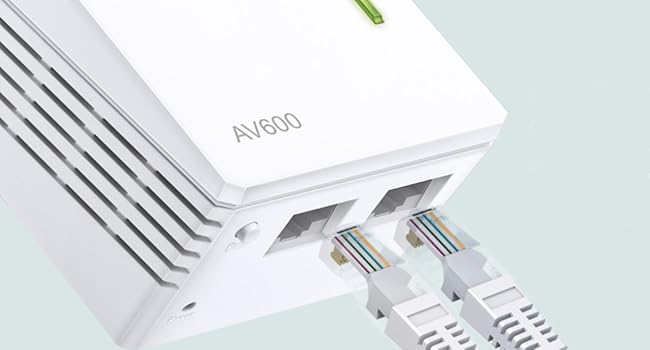
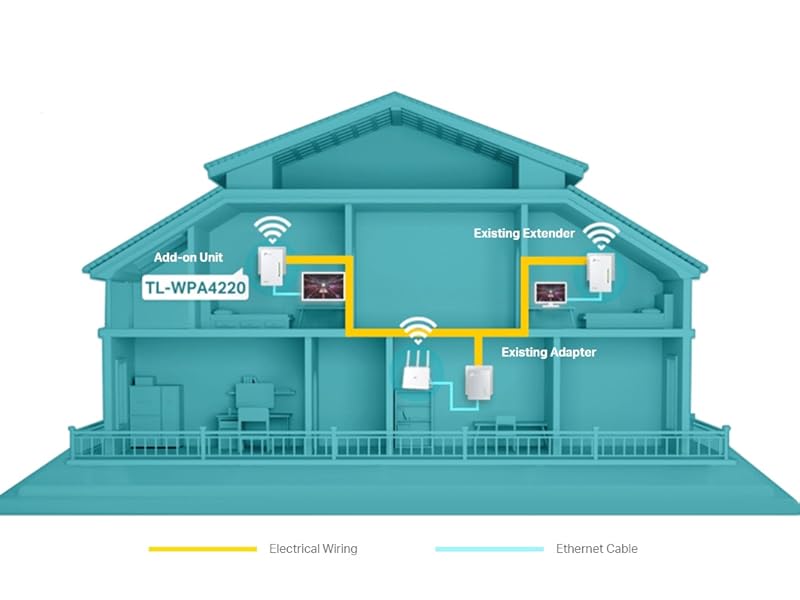
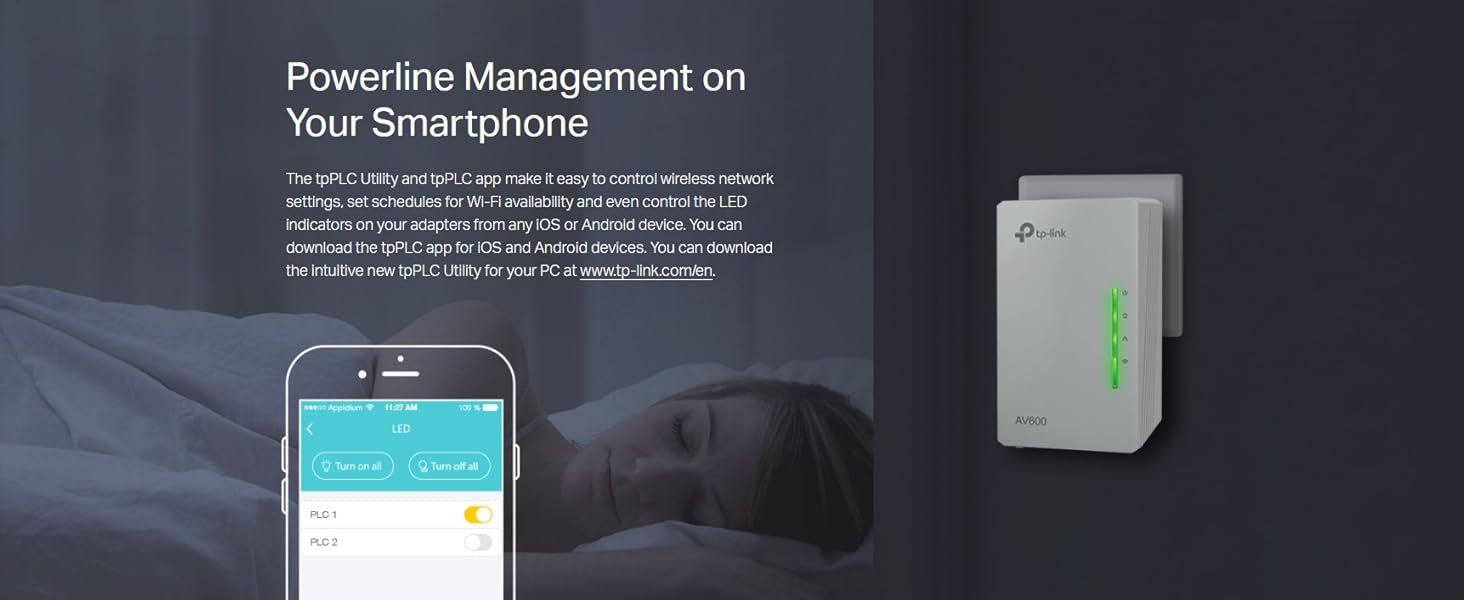
The TP-Link TL-WPA4220 AV600 Add-On Powerline Adapter delivers up to 600Mbps wired speeds and extends WiFi coverage up to 300Mbps using your home’s electrical wiring. Featuring two Ethernet ports and one-touch WiFi cloning, it creates a seamless, unified network ideal for UHD streaming, gaming, and smart home devices. Easy app management and plug-and-play setup make it a top choice for expanding reliable internet access in hard-to-reach areas.


| ASIN | B00DEYDF8I |
| Best Sellers Rank | 2,385 in Computers & Accessories ( See Top 100 in Computers & Accessories ) 11 in Powerline Network Adapters 33 in PlayStation Legacy Systems |
| Box Contents | Powerline Adapter |
| Brand Name | TP-Link |
| Color | White |
| Compatible Devices | Compatible with all HomePlug AV & AV2 standard powerline adapters |
| Compatible Operating System Family | Windows |
| Country of Origin | China |
| Customer Reviews | 4.4 4.4 out of 5 stars (4,729) |
| Data Link Protocol | Ethernet |
| Data Transfer Rate | 300 Megabits Per Second |
| Hardware Interface | Ethernet |
| Item Dimensions L x W x H | 5.4L x 4W x 9.4H centimetres |
| Item Weight | 4.94 Ounces |
| Manufacturer | TP-Link |
| Manufacturer Part Number | TL-WPA4220 |
| Model Number | TL-WPA4220 |
| Product Warranty | Manufacturer Warranty |
| Unit Count | 1.0 count |
A**O
A Solid Choice for Extending Your Home Network
I have been using the TP-Link TL-WPA4220 2-Port Add-On Powerline Adapter for over four years. Initially, I used it to extend the connection to my PS4, which was situated in a completely different room. It did the job perfectly, extending my wired connection speeds down to a different room. I was able to use this to game at a very stable rate. However, once I moved the PS4 into a different room, the speeds dropped intensely. I did some research, and it seems that on certain circuits, these powerline adapters can have better speeds and lower speeds depending on interference. Despite this, I am still happy with the TP-Link TL-WPA4220. I use it to connect my smart TV and other devices to the internet, and it works well. I would recommend it to others, but I would caution them to be aware that the speeds may vary depending on the circuit it is plugged into. One of the things I like most about the TP-Link TL-WPA4220 is that it is backwards compatible with older TP-Link powerline adapters. This means that I was able to use my previous TP-Link powerline adapter in conjunction with the TL-WPA4220 to create a more extensive powerline network. This saved me from having to buy two new powerline adapters.
S**D
Works well, easy to set up
To be clear, this is an add-on for an existing powerline set-up. You must already have a powerline adaptor wired into your internet router and plugged into a mains electrical socket. For me, this replaced an existing TP-Link powerline adaptor without Wi-Fi that seems to have stopped working properly after 3 years. This unit plugs in near our TV and I use an ethernet wire to the TV for best connection, just like the old one. This one additionally boosts the home Wi-Fi signal. There are two pairing steps, one with the other powerline unit to get signal in, and the other to copy the Wi-Fi name and password so that this unit broadcasts the same Wi-fi signal seamlessly with the current router. It took about 15 minutes for both. I measured the internet speeds using a laptop and the TalkTalk speed checker and there is very little difference between plugging in to the router and plugging into this unit, in our case about 39-41Mb/s. So it gives the TV a decent signal. The Wi-Fi is also much improved with a similar speed near the router and near this unit. The set-up is miles better than my c. 8-year-old TP-Link non-powerline wi-fi booster that must be given a different network name, otherwise it somehow clashes with the router signal (presumably which it has to both receive and broadcast) and confuses everything. This means manually switching on a phone or tablet to get the best wi-fi signal as you move around. I would definitely buy this unit again.
G**A
Easy networking
The limiting factor for the speed of your internet access is the router to the internet not the connections inside your home. TP-Link powerline adaptors utilise the mains wiring as a form of built-in network cable so that you don't need any additional cabling to be installed. The has the advantage of only requiring two or more devices to be plugged in to bring networking throughout your property, however, the devices must all be on the same part of the ring main or they will not communicate. It's important NOT to plug in the powerline unit via a surge-protected socket as that will block most of the data signal that they need to function. This particular unit is an extension unit for an existing powerline configuration. It has two wired ethernet ports and also has w-ifi – but only in the 2.4GHz band and does not use the most recent fast wi-fi protocols. It is still adequate for most domestic uses apart from 4k (ie UHD) streaming. Sometimes electrically noisy devices, such as electric drills or motors on washing machines or tumble dryers, will cause interference on the mains wiring, compromising the capabilities of powerline units. The worse interference comes from devices that are on the same ring-main but interference may also come from other nearby sources such as in neighbouring properties. Surge-protectors used on electrically 'noisy' devices can reduce how much interference the latter produce. The powerline units can be set up quickly and easily if you follow the instructions – however if you want to have a secure powerline network then you will need to use TP-Link's application to configure the security. Older and newer generations of units seem to be able to communicate with each other, which gives one the option of adding more advanced units at another time. Powerline adaptors are a predecessor to the more modern MESH systems, which give better network area coverage.
T**R
Great product
One thing to watch out for here is that this device has a default IP of 192.168.1.1, which is the same as my router so caused a few headaches when first setting it up (I just switched my router off and then changed the IP of this device to something else, then switched my router back on) The WPS function worked flawlessly. I originally tried setting it up with the same settings as my main wireless network, but must have missed a setting as I got authentication errors whenever I tried to connect. I just logged on to my router and selected WPS (push button option, not code entry) and then pressed the bottom LED on this device for a second and it grabbed the correct network settings then. Apart from that I only had to change the default password and set it to channel 13. The device came with the latest firmware already installed (1.2.8 Build 140401 Rel.49960n), so no need to touch that. After 10 minutes spent setting it up I now have full signal strength in the top bedroom of my house, and the option to add two wired devices should I want to... The only negatives I can think of is that it's a little bulky when compared to the other powerline devices I bought (PA411), and the aforementioned IP conflict issue... I also can't comment on long-term stability, as this always gets switched off when not in use, so the reports of flaky connections after it's been running for a few days didn't really put me off buying.
C**N
fonctionne, mais je n'arrive pas a "étendre " le WIFI existant. Il y a donc un deuxieme réseau avec ses propres caractéristiques
C**O
Die Installation ist sehr einfach. 1. Möglichkeit:Wenn schon ein Powerline Adapter in der Steckdose steckt und mit dem Router verbunden ist, braucht man nur dieses Gerät in eine andere Steckdose im der Wohnung oder dem Haus zu stecken und nach knapp einer Minute hat man eine neues WLAN-Signal. Der WLAN-Schlüssel für dieses Signal ist auf dem Gerät notiert. 2. Möglichkeit: Man steckt den Extender im Raum mit dem Router in eine Steckdose, drückt am Router die WPS-Taste und innerhalb von 2 Minuten am Extender die kleine unter den Lichtern befindliche Taste, übernimmt der Extender den WLAN-Schlüssel des Routers. Jetzt kann man wie zuvor den Extender in irgendeine Steckdose im Haus oder der Wohnung stecken und man hat ein neues WLAN-Signal mit demselben Schlüssel wie der Router. Den auf dem Extender notierten Schlüssel braucht man nicht. Beides sehr gut und einfach und bisher, seit ein paar Wochen, funktioniert es zuverlässig.
A**L
Lo tengo conectado con un alargador a cincuenta metros de mi casa. Funciona como dios. Además, tiene su propia contraseña, independiente de la que trae el propio router, con lo que da mas posibilidades para compartir Wi-Fi. Yo ya tenía un conjunto de emisor receptor y ahora añadí otro receptor. Tenía miedo de que no fuera compatible, pero no hubo problema.
A**O
tutto ok
R**U
Configurato in meno di un minuto, messo in opera insieme ad altri due apparati. Ottimo segnale ( potenza ) del WiFi e nessuna perdita rilevante di banda ( UP/DOWN ) internet. Validissimo.
Trustpilot
2 months ago
1 month ago