Buy anything from 5,000+ international stores. One checkout price. No surprise fees. Join 2M+ shoppers on Desertcart.
Desertcart purchases this item on your behalf and handles shipping, customs, and support to Greece.
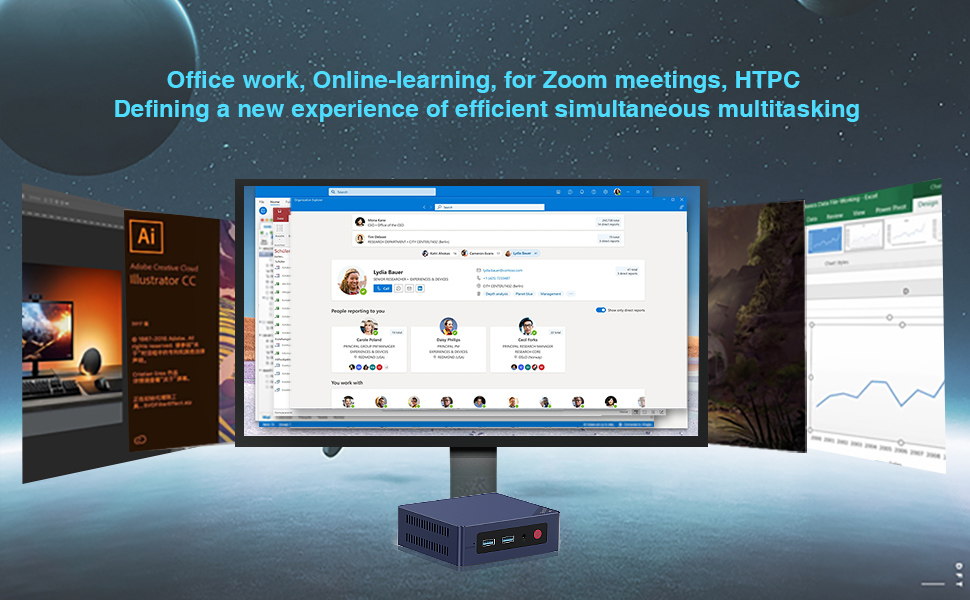
🚀 Compact Powerhouse: Elevate your workspace with 4K dual displays and next-gen connectivity!
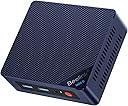
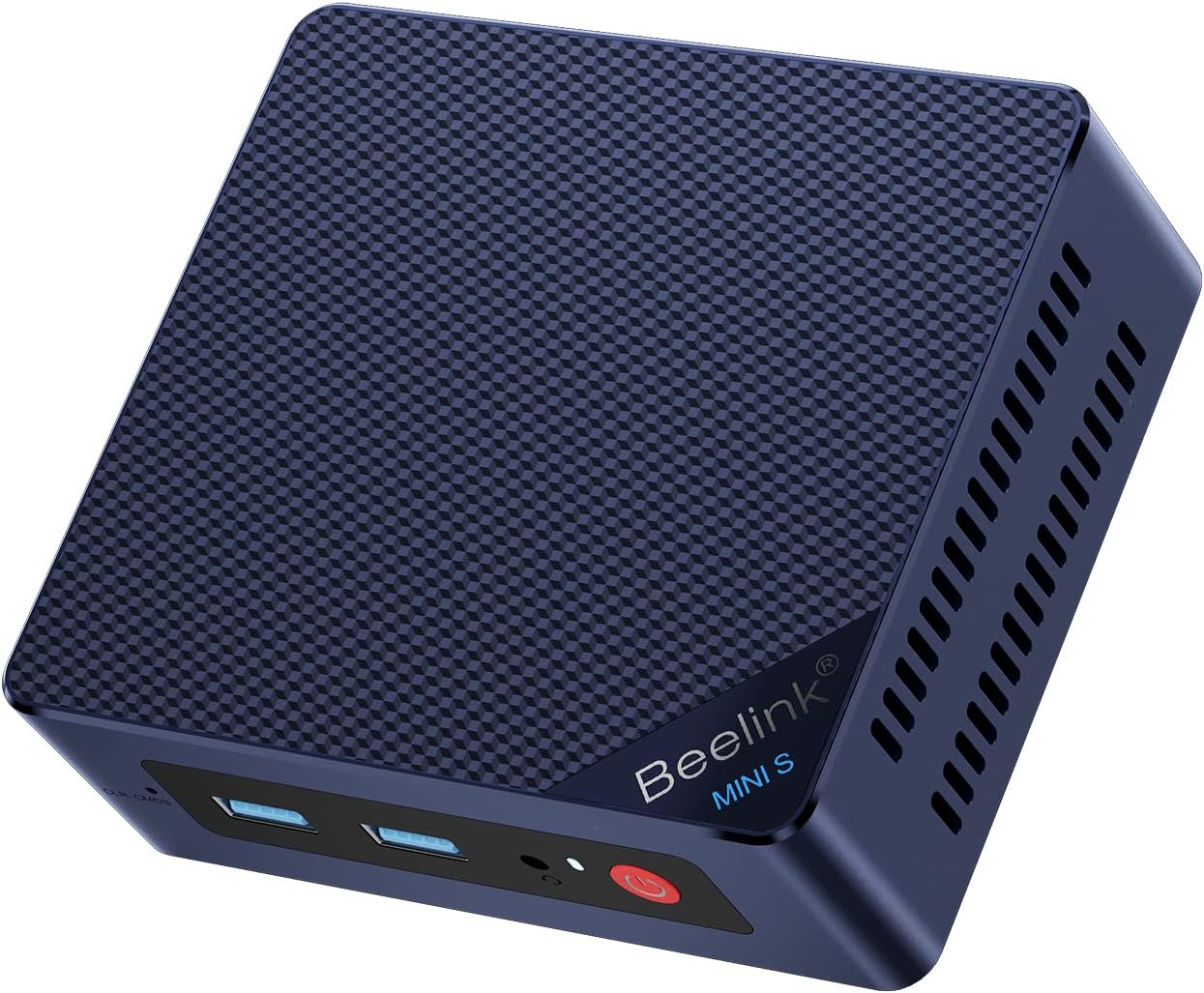
The Beelink MINI S13 is a compact desktop PC powered by an Intel Celeron N150 quad-core processor clocked up to 3.6GHz, equipped with 12GB LPDDR5 RAM and a 500GB M.2 SATA SSD. It supports dual 4K UHD displays via HDMI 2.0 ports, features WiFi 6, Bluetooth 5.2, and 2.5G Ethernet for ultra-fast networking. Designed for office, entertainment, and light gaming, it offers efficient cooling, a sleek wall-mountable design, and energy-saving operation, all backed by a 3-year warranty and lifetime technical support.


| ASIN | B09DPV3D4N |
| Additional Features | office,business,home entertainment,Online courses,supermarket,industrial CNC,Billboard,Plex server |
| Aspect Ratio | 16:9 |
| Best Sellers Rank | #49,206 in Computers & Accessories ( See Top 100 in Computers & Accessories ) #1,393 in Mini Computers |
| Brand | Beelink |
| Built-In Media | 1 x HDMI Cable, 1 x Mini PC, 1 x Power Adapter, 1 x User Manual |
| CPU Model Number | Intel Celeron N150 |
| CPU Model Speed Maximum | 3.4 GHz |
| Color | Blue |
| Connectivity Technology | 802.11a/b/g/n/ac, 802.11ax, Bluetooth |
| Cooling Method | Air |
| Customer Reviews | 4.0 4.0 out of 5 stars (112) |
| Display Resolution Maximum | 3840x2160 |
| Display Type | 4K UHD |
| Graphics Card Interface | Integrated |
| Graphics Coprocessor | Intel UHD Graphics |
| Graphics Description | Integrated |
| Graphics Ram Type | DDR SDRAM |
| Hard Disk Description | SSD |
| Hard Disk Interface | Serial ATA |
| Hardware Interface | 2.5mm Audio, 802.11 ac/b/g/n, SATA 3.0 Gb/s, USB 3.0, Unknown |
| Human-Interface Input | Buttons |
| Item Dimensions | 4.52 x 4.1 x 1.7 inches |
| Item Weight | 0.88 Kilograms |
| Keyboard Layout | QWERTY |
| Manufacturer | Shenzhen AZW Technology Co.,Ltd. |
| Memory Slots Available | 1 |
| Model Name | Beelink MINI S |
| Model Number | Beelink |
| Model Year | 2026 |
| Native Resolution | 3840 x 2160 |
| Number of Component Outputs | 2 |
| Operating System | OS |
| Personal Computer Design Type | Mini PC |
| Power Plug Type | Type B - 3 pin (North American) |
| Processor Brand | Intel |
| Processor Count | 4 |
| Processor Series | Celeron |
| Processor Socket | FP4 |
| Processor Speed | 3.4 GHz |
| RAM Memory Installed | 16 GB |
| RAM Memory Technology | DDR4 |
| RAM Type | DDR4 SDRAM |
| Ram Memory Maximum Size | 16 GB |
| Resolution | 3840x2160 Pixels |
| Specific Uses For Product | Business |
| Specification Met | true |
| Style Name | office,business,home entertainment,Online courses,supermarket,industrial CNC,Billboard,Plex server |
| Total Number of HDMI Ports | 2 |
| Total Thunderbolt Ports | 2 |
| Total Usb Ports | 4 |
| Video Output | HDMI |
| Video Output Interface | HDMI |
| Video Processor | Intel |
| Warranty Description | 3 Year Warranty |
| Wireless Compability | 2.4 GHz Radio Frequency, 5 GHz Radio Frequency, Bluetooth |
| Wireless Network Technology | Wi-Fi |
| Wireless Technology | Bluetooth 802.11a/b/g/n/ac, 5 GHz Radio Frequency, 2.4 GHz Radio Frequency |
M**M
Excellent little computer.
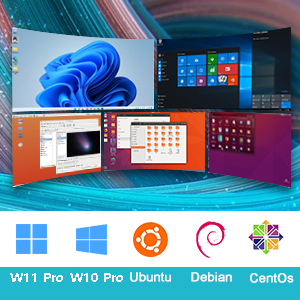
Excellent little computer. I use it as a Plex server and run some small VMs under Hyper-V. It's very quiet and Windows 11 Pro was setup on start.
R**B
Good budget option when on sale.
I got this item for 60% off during a holiday sale. That put it right in line with the raspberry pi 5. But for that price, it outperforms the pi by a wide margin. This is a much better choice than waiting to get a pi 5. Even when not on sale is a strong consideration. I would recommend this for a project computer or for someone needing a computer dedicated to browsing and light gaming. The most taxing game I played just to test it out was doom 2016. It ran terribly until I scaled everything down to lowest settings, and set the resolution to less than 480p. At that point it looked like original doom. The eq12 is capable of emulation up to ps2/dreamcast/gamecube at native resolutions. This is with standalone emulators running in windows 11. Batocera is an option for a Linux based emulator box, but it may run into some issues with the WiFi module being too new for older Linux kernels. Off the top of my head, I believe you need to run kernal 6.2 or newer to support the WiFi card. My original purpose to get this was to replace my pi 4 running OMV 6. The pi 4 does not have the IO bandwidth to handle the sabrent 5 bay usb C dock. The pi 4 chokes on any real data handling and crumbles under a modest docker compose stack. This EQ12 handles the IO much better, even though my OMV 6 install is on kernal 6.15 which looses WiFi support. The EQ12 has 2.5gb lan, and with newer fanless 2.5gb switches on the market it makes up for the WiFi loss in spades. On sale the EQ12 is such an outstanding value that I bought two. One for my pi 4 server replacement, and one to replace the pi 5 I’m still waiting to get 5 months after ordering. I will keep one on widows 11, because even getting windows license and all the included hardware at retail prices is a decent value. The only slight complaint I have about the EQ12 is that the power cord feels cheep and the pc cannot be powered by usb c. Higher end models can run off of usb c, but the price climbs up quickly with each step up.
S**L
This is a very capable little box for non-demanding workloads!
I purchased this computer for my father. He is in his 70’s and is not all that computer savvy, but he uses it to check the news, pay his bills, etc. His old computer was a Compaq tower that was ancient (yes, he was still using a Compaq in 2023). It was running Windows 10, but that took forever to boot up, just as long to log in, and loading pages seemed like an eternity. I grabbed this little box and mounted it to the VESA mount on the back of a new monitor I purchased as well, and he couldn’t be happier. It boots right up, logs right in, and web pages load the way a web page should load. Everything about this little box is fantastic for someone that just needs something for the consumption of media and to pay the occasional bill.
E**R
Cheap alternative to Intel NUC with drawbacks
Beelink is a step up from all the Chinese no-name mini PCs. They at least have a website with things like BIOS updates. The N100 is a surprisingly powerful low power CPU/SoC based on 12th generation Intel technology. This PC is suitable for most tasks short of gaming, video editing, heavy photo editing, content creation, and other CPU/graphics heavy applications. PLUSES: It's rather inexpensive considering the spec with 16GB DDR5, 512GB SSD, and Win11 Pro. It's usually relative quiet despite having dual fans. The BIOS is fairly full featured and you can even control the CPU power consumption in a variety of ways as well as the operation of the fans. It's the same size as a "short" Intel NUC but manages to squeeze in a 2.5 inch drive bay (that's empty). Dual 2.5G ethernet is a rare feature and I can verify it connects at 2.5G and identifies as Intel (even though the chips appear to be some no-name brand). It comes in fancy almost Apple-like packaging if that's your thing. NEGATIVES: The Windows 11 license is highly suspect. I would not use or trust the pre-installed Windows. It's almost entirely plastic including, laughably, the M.2 SSD "heatsink" which is entirely fake. I would worry about the longevity of the tiny proprietary case and CPU fans especially in 24x7 operation. You also have to pull the motherboard to gain access to the CPU fan (also true of Intel NUCs). I haven't removed the motherboard. Many N100 mini PCs are fanless and even many of the Intel i3 NUCs don't need to run their fan when idle. But, due to the all plastic enclosure, the EQ12 needs its fans even at idle even and even with the most power efficient settings in BIOS. Unlike a 12th gen or later NUC, there's no Thunderbolt. They arguably spent too much money on the packaging and not enough on the hardware. I bought this for use as a pfSense firewall/router due to the dual 2.5G ethernet ports. I can verify it does seem to run pfSense but the dual fans likely won't last long in any 24/7 application. For light occasional use as a desktop PC the EQ12 should work fine if you put your own operating system on it or don't mind a sketchy version of Windows 11 with potential licensing problems, unwanted software, potential malware, etc.
W**R
Great little mini-computer
Great computer for the money - so excellent value. It’s very compact - but solidly built. Performance is quite good too for such a small computer. Good selection of built-in ports.
C**W
Impossible to set up even with wired keyboard and mouse
I was not able to get beyond the welcome screen even with my keyboard and mouse plugged in. The user manual was useless in helping, and I tried various cables and ports - nothing worked.
F**S
Great workstation for simple tasks!
Day 1 out of the box: booted up, completed Windows 10 install, works great! Very small and quiet. Highly recommend for simple use - web browsing, video playback, email, etc. Comes with AC power adapter and HDMI cable only. You need your own monitor, mouse, keyboard, etc.
B**.
Would buy another... so far.
All I do is stream video and light browsing on this thing. Out the box, my unit was a bit touchy. Meaning, it would reboot randomly and take forever to come back. I requested labels for a return and kep using this thing and it just stopped acting up. So... I'm keeping it for now. I'm happy with my purchase. With a return policy like this it's worth a risk imo.
E**D
Estoy feliz, inmediatamente le instale Debian Linux 12 y CasaOS (no puedo reseñar su windows de fabrica) Debian linux detecto todo, incluso el Plex detecta la "aceleradora de video" para transcodificar. Le agrege un ssd interno de 2.5 y un disco externo para mas capacidad. ocupa poco espacio y solo necesita un cable de red y la energia.
S**D
Automatic Repair Loop and Incorrect Password when Trying to Access Anything in Advanced Options. I have been using this for very few time for over a year, and I have experienced an issue that many people also had too. I was updating some of my drivers from a third-party software that was reliable and restarted my system like usual when it began to send me into an automatic repair loop. I kept restarting it several times to see whether it will change anything and nothing. I tried to go through “Advanced Options” to see whether I could try to go to “Command Prompt” or some of the other options to get around the issue. Every time that I click on these options, it prompts to a message that I need to type in the password for my account to access the option. Essentially, I would always get an incorrect password error every time I typed my password in. I know that I typed the password correctly because I had my password saved in a password manager, looked at the password several times, and the keyboard layout was “US”. I even changed my password for my account and signed in into the Microsoft website with the new password and typed it all correctly. However, when I tried to type in the new password on my laptop, it gave me the incorrect password message again. I restarted once more and got the same results. There’s no way that I kept typing it incorrectly because I looked at it several times and even checked to make sure “caps lock” isn’t on and also “num lock”. Nothing changed from there. I looked on YouTube to find solutions and go through BIOS or whatever to diagnose the issue and either nothing came up, or it failed to detect the issue. I had essentially tried everything and there was an option for “Startup Setting” where I could try to disable something to see whether that was the problem. That option initially wouldn’t require me to use my password to sign in because I had to restart my device to disable a setting, but it would always send me to a black screen for essentially hours. Nothing happened and I had to physically hold down the power button to force shut down the thing again. I really need to find out what could possibly be the issue here.
W**Y
Got the EQ12 w/ 16 GB RAM. And despite of the listing states in parts of the description, rest assure that you will receive the 16 GB model. So far, it is working great. Setup was easy, all connections are working fine and it was delivered fast. Nice package as well. Also, it is running smooth and quite. Didnt notice any overheating coming from the box.
D**A
La entrega en los tiempos marcados. Sin problemas. El embalaje bien, no hay queja alguna. La configuración es sencilla. La descripción de componentes corresponde, muy bien por ello. El precio está también muy bien. El punto es que para tener 2 ventiladores, la parte superior de plástico de la carcasa se calienta mucho y no me parece normal. La seguiré observando pero no me agrada que precisamente en donde está el procesador se caliente tanto.
R**N
Ordered January 1, 2022 - received January 5th! Great response. Amazed how small it is. So far, so good! No problems at all but it's only been six weeks. Do not use every day, just most days. When I turn it on in the morning I usually do not turn it off until end of day after watching Youtube and other videos. Have put it to sleep and left it in that state for a couple of days. It turns on with no on/off button hesitations and is ready to use in less than one minute. Even after leaving it on all day it is still cool to the touch and although I sit less than a foot away from it there is no sound. In conclusion I can only say that it has worked as hoped - almost perfectly! Other purchasers have reported problems, but after 6 weeks I have no complaints.
Trustpilot
2 months ago
4 days ago