
DOWNLOAD THE APP


Customer Services
Copyright © 2025 Desertcart Holdings Limited
DOWNLOAD THE APP
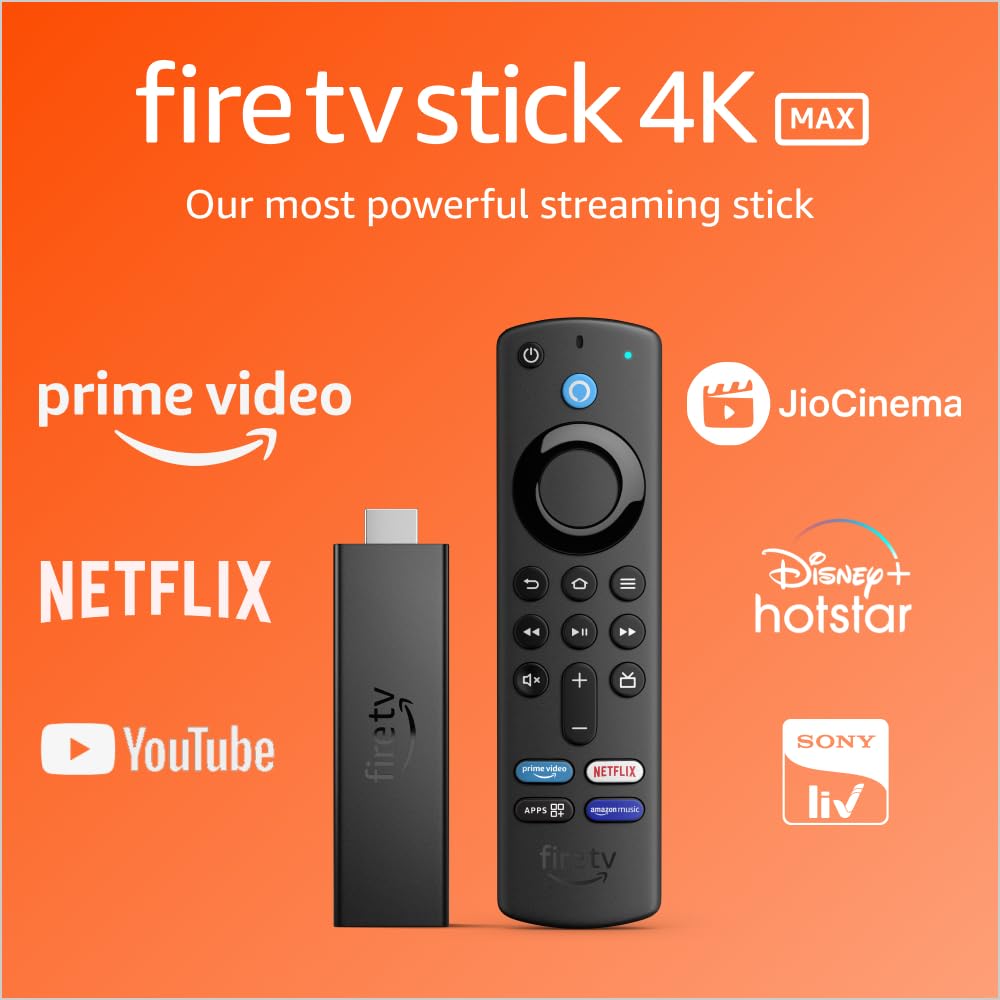
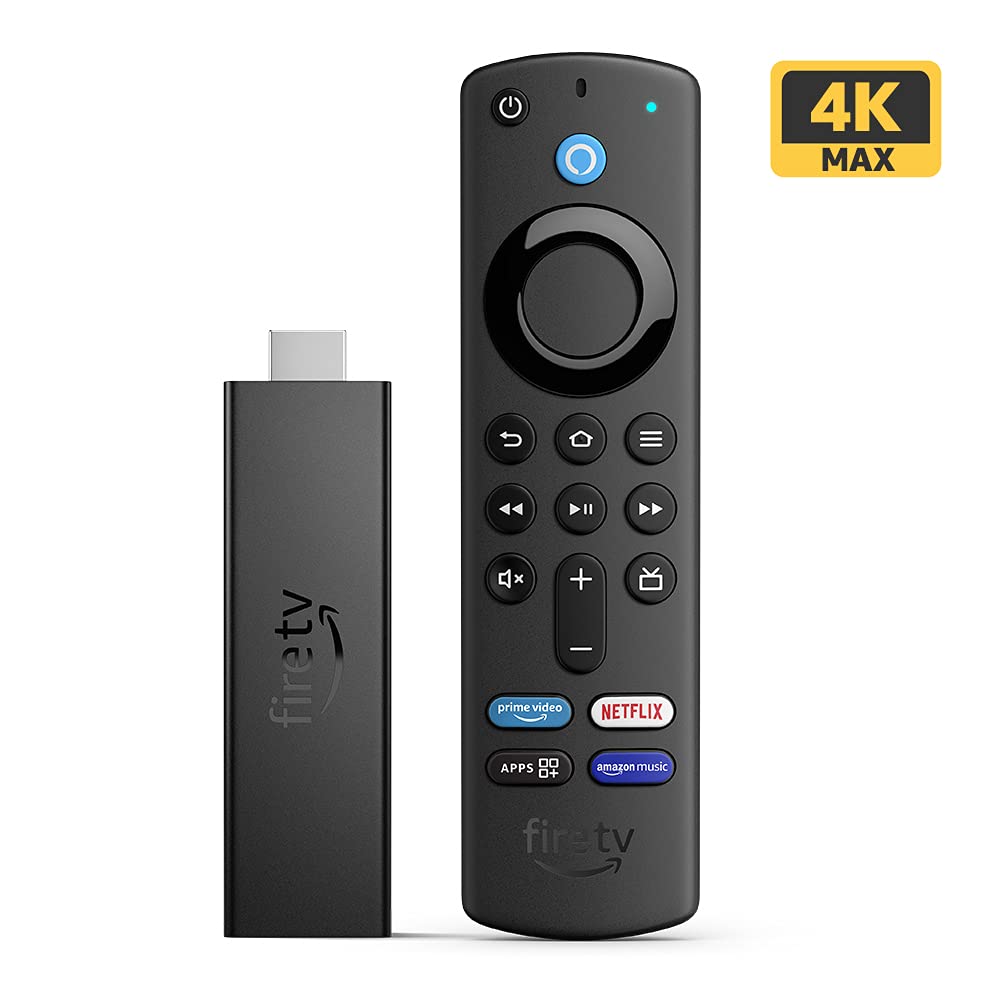


🔥 Elevate Your Streaming Game!
The Fire TV Stick 4K Max is the ultimate streaming device, boasting 40% more power than its predecessor. With support for 4K Ultra HD, Dolby Vision, and Dolby Atmos, it delivers a cinematic experience right in your living room. Compatible with Wi-Fi 6, it ensures smooth streaming across multiple devices. The Alexa Voice Remote allows for hands-free navigation, making it easier than ever to access your favorite content, including live TV, movies, and shows from popular platforms.
| Size | 99 mm x 30 mm x 14 mm (only housing) | 108 mm x 30 mm x 14 mm (including the connector) |
| Weight | 48.4g |
| Processor | Quad-core 1.8GHz MT8696 |
| GPU | IMG GE8300, 750MHz |
| Storage | 8 GB |
| Wi-Fi | MT7921LS. Supports 802.11a/b/g/n/ac/ax (Wi-Fi 6) networks |
| Bluetooth | Bluetooth 5.0 + LE. Pair with compatible Bluetooth speakers, headphones, video game controllers, and more |
| Voice support | Yes, with the Alexa Voice Remote (included) or free Fire TV app (available for download on Fire OS, Android, and iOS) |
| IR device control with included Alexa Voice Remote | The included Alexa Voice Remote can control Fire TV Stick 4K Max and certain functions (such as power and volume) on a wide range of compatible IR-enabled devices, including TVs, soundbars and A/V receivers. Note: Certain functions may not be available on some IR-enabled devices |
| Ports | HDMI ARC output, micro USB for power only |
| Audio support | Dolby Atmos, 7.1 surround sound, 2-channel stereo, and HDMI audio pass through up to 5.1. Dolby Atmos is available on select Prime Video, Netflix, and Disney+ Hotstar titles when connected to compatible equipment |
| 4K Support | To watch movies and TV shows in 4K Ultra HD, you need a compatible Ultra HD TV. All services may not be available in 4K/HDR. Certain services are subject to change at any time, may not be available in all areas, or in 4K/HDR, and may require separate subscriptions. Learn more about services |
| Content formats supported | Video: Dolby Vision, HDR 10, HDR10+, HLG, H.265, H.264, VP9, AV1 Audio: AAC-LC, AC3, eAC3 (Dolby Digital Plus), FLAC, MP3, PCM/Wave, Vorbis, Dolby Atmos (EC3_JOC), Photo: JPEG, PNG, GIF, BMP |
| Output resolution supported | 2160p, 1080p and 720p up to 60 fps |
| System requirements | High-definition television with available high-speed HDMI input, high-speed internet connection via Wi-Fi. Wi-Fi 6 router needed for Wi-Fi 6 support |
| TV compatibility | TV must support minimum HDCP requirements for protected content playback. Compatible with 1) 4K ultra high-definition TVs with HDMI capable of 2160p at 24/25/30/50/60 Hz and HDCP 2.2 or 2) high-definition TVs with HDMI capable of 1080p or 720p at 50/60 Hz. Learn more about high-definition |
| Warranty and service | Fire TV Stick 4K is sold with a limited warranty of one year provided by the manufacturer. Use of Fire TV is subject to the terms found here |
| Regional support | Certain services may not be available outside India |
| Accessibility features | VoiceView screen reader enables access to the vast majority of Fire TV features for users who are blind or visually impaired. Watch videos and TV shows with closed captioning displayed. Captions are not available for all content. You can also listen to Fire TV with compatible Bluetooth headphones. Learn more about compatibility |
| Included in the box | Fire TV Stick 4K Max, Alexa Voice Remote (3rd Gen), USB cable and power adapter, HDMI extender cable for Fire TV Stick 4K Max, 2 AAA Alkaline batteries, Quick Start Guide |
| Country of origin | China |
| Item quantity | 1 |
| Name and Address of Importer | Amazon Wholesale (India) Private Limited. Block E, Unit No. 1401-1421, International Trade Tower, Nehru Place, New Delhi- 110019 |
| Name and Address of Manufacturer | Shenzhen Fulian Fugui Precision Industry Co., Ltd FLOOR 1-4, BUILDING 1, F8D DISTRICT FOXCONN SCIENCE AND TECHNOLOGY INDUSTRIAL PARK, EAST SIDE OF MIN QING ROAD, LONGHUA STREET LONGHUA DISTRICT, SHENZHEN, GUANGDONG, CHINA |
| MRP (inclusive of taxes) | Rs. 6,499 |
| Size | 38 mm x 142 mm x 16 mm |
| Weight | 43.4 g (without batteries) |
| Batteries | 2 AAA Alkaline (included) |
| Technology | Bluetooth |
| Compatibility | Fire TV Stick 4K Max, Fire TV Stick 4K, Fire TV Stick 3rd Gen, Fire TV Stick Plus |
P**A
A good device but with some glitches in playing Dolby Atmos Content and video resolutions
I found the device perfectly fine for normal use but if you’re a Dolby Atmos-Vision lover then it will disappoint you in some cases. I contacted Amazon customer care and discussed the issue they replaced this device yet the problem was same. Pros: 1. You’ll get faster execution in playing HDR and high resolution videos compared to Google/android TVs (except some high end TVs) 2. You’ll get most contents in Dolby 5.1 which otherwise you may not get directly on Google/Android TVs for OTT apps. 3. Alexa remote to be around. 4. The response is better when you control Firetv with mobile app than remote. Cons: 1. You may not get higher resolution in some of the videos on OTTs & YouTube. 2. There would be times you’ll find that device would not give 4K option which you would get otherwise directly on android/Google tv app. I had several videos on Disney which plays in 4K but when I access the same through Firetv it doesn’t give 4K option though it gives the sound option in 5.1 Dolby. 3. YouTube video previews or suggestions are not shown on main page as like Prime or other OTTs. If Firetv technical team resolves this it would be a wonderful experience then. Also the product comes with power adapter which I think should be avoided as this can be meted out with tv usb which is more power efficient. Really loved the way Firetv is packed it’s so creative to find accessories in a single pack with different boxes. Edit 1: After giving this feedback to Amazon I’m amazed to see that the problem is resolved the a day after uploading this video. Now the videos are playing in 4K format with no issues. Now I can give it a 5* rating it deserves.
A**R
Let me clear your doubts brothers and sisters. ATMOS WORKS
Its a good product. To use dolby atmos there are a few things that you need to know. 1) Dolby atmos is not available on all firestick versions. It is only available in 4k max. 2) Dolby atmos is not available on all OTT platforms. Majorly it is available on netflix and that too only if: i) If you have the premium Ultra HD plan (probably Rs.650/m) ii) The movie/content is in Dolby atmos print. 3) you have a dolby atmos supporting AVR or dolby atmos enabled sound equipment. 4) After you unbox you firestick 4k max and switch it on for the first time, get all the steps done. Once you are on the home page: Go to settings--My fire TV--About Check the right panel of the screen and ensure the OS version is 7.0 or above (it might have more decimal points but the number 7 is important)(I am breaking it down to the layman level) If it says 6.0 or anything less than 7, then this OS version will not support Dolby Atmos. In this case, scroll down and click on --Update-- A new version will come up, click on "Install update" and wait for the setup to complete. It is more or less similar to updating an android phone. ***Imp*** i) Sometimes, when you turn on the firestick for the first time, it will automatically download the latest OS software but it does not get installed on its own. Hence you will have to go to settings--my fire tv--about--scroll down to last option-- click on "Install Update". At times, you might not have to do anything at all as it happens automatically. Lastly, to check weather everything is working fine, go to netflix and search for a dolby atmos enablled movie. Before hitting the play button, just check below the main movie title. If everything is in place, you will see some signs that show the features of the movie print. It will show 4k HDR/HDR10+ and DOLBY ATMOS (With a dolby atmos logo). If you can see it, you are good to go. Enjoy you movie. P.s= Almost all marvel movies are in dolby atmos. You can also try 1) RRR (Hindi) (Netflix) 2) The adam project (Netflix) 3) Extraction 1 (Netflix) 4) Extraction 2 (Netflix) Its a fairly new technology as far as home cinema entertainment is concerned. In future other OTT platforms will surely have this format. Amazon prime video does not show any dolby atmos content logo. It shows 4k HDR/HDR10+ but nothing regarding atmos. Also dont forget to turn your AVR to "Dolby atmos" sound mode to get best results. In many models, it might happen automatically.
R**R
Review shouldn't be only about price. Using all versions of firestick. ATMOS works ! Read...
EDIT: --------------------------------------- PLEASE DON'T FALL FOR NEGATIVE REVIEWS - ATMOS WORKS. FASTEST STICK IN INDIA AT THE MOMENT. 'DONT BUY THIS IF YOU WANT TO USE IT FOR A BASIC TV WITH TV SPEAKER- THERE ARE LOWER VARIANT FOR THAT'. IF YOU DONT KNOW HOW TO SETUP, READ / WATCH OR EVEN TALK TO SOMEONE WHO KNOWS ABOUT IT ! REALLY ANNOYED SEEING -VE REVIEWS WITH NO ATMOS SUPPORT ! -VE REVIEWS ARE EITHER ABOUT 'ATMOS' OR ABOUT 'PRICE' ATMOS WORKS (IF YOU HAVE AN ATMOS SETUP) . PRICE VARIES FROM 3.9K TO 6.5K. So, seeing a -ve review for the price when the price is already 3.9K doesn't make any sense. ------------------------------------------------------------------ ORIGINAL REVIEW History with FireTv Stick: First I got a 4K 2nd gen almost two year back for my tv. Then got the lite version for my projector as i didnt want the power button on remote. Then got the 2021 full HD stick because of the 4 extra button remote (Got at a steal price - cheaper than remote price along with echo dot 4th gen). So, typically was using lite for tv (with 4k remote) and 4k for projector. When I got Samsung Q950A atmos soundbar, everything went upside down. Connected 4k 2nd gen & was not able to see any content in ATMOS IF YOU JUST WANTED TO TEST THE ATMOS, GO TO AUDIO/VIDEO DIAGNOSTICS IN SETTINGS AND PLAY THE CONTENT - THAT IS THE EASIEST OF IT - YOU CAN EXPERIENCE THE BEST ATMOS IF YOU HAVE ATMOS SETUP For those who wanted to know ,'how to find ATMOS title' - here is the tip . Open Netflix (you can go for a month plan if you dont have subscription), search for ATMOS . Once you open any listed titles , you will see ATMOS next to title (Otherwise it shows 5.1 / Stereo depending on your speaker setup). Mowgli, Animals, Great national parks (narrated by Obama) are few among ATMOS titles. There are plenty of titles in Netflix. Hostar/amazon, I see it as dolby digital plus (they dont mention atmos). So, it is difficult to say whether it is in 5.1 or ATMOS . Coming back to 2nd Gen 4k, It didn't support ATMOS. Called the customer care and they were ready to replace if it was under warranty. Then went thru some forums and found that it is not available on 4k 2nd gen. It was available on 4k Max and 2021 full hd stick. Connected 3rd gen 2021 full hd stick, and i could see all ATMOS title and was able to feel the same. I was missing something then. I still felt 2nd gen 4k was smoother than 3rd gen stick (My personal opinion). As per paper, 3rd gen is faster than 2nd gen 4k. It was not snappy and i felt a second or two delay when i press home. Then waited for a deal. The Normal selling price on 4k Max was bit too much for me. Bought during the May - Summer days sale - Got a 30% discount. Connected - Voila , it downloaded all apps as i linked this device to my amazon account. Very fast. one app to another app hardly takes any time. ATMOS works ! Was initially thinking of apple 4k TV. But i am not sure 5 times the price will justify my buy. Live Picture in Picture mode - If you have any security cameras (like mi 360 camera), you can stream either big screen or along with your content. Useful for few. Negatives - Instead of 8GB, they should have made 16GB for the price. All remotes are same - Wish they had a better quality remote Final thoughts:- If you have a 4k TV where the android/built in apps are not that smooth, go for a 4k max. If you have a full hd tv with atmos setup and not worried about price , go for a 4k max. If you are okay with full hd stick, go for 3rd gen 2021 model. Go for lite only if you have a basic projector /tv where you cant control power/volume thru firestick remote. Do not buy 2nd Gen 4k anymore as it is outdated and they dont get the latest firmware updates on them ! Good luck
Trustpilot
2 months ago
2 weeks ago