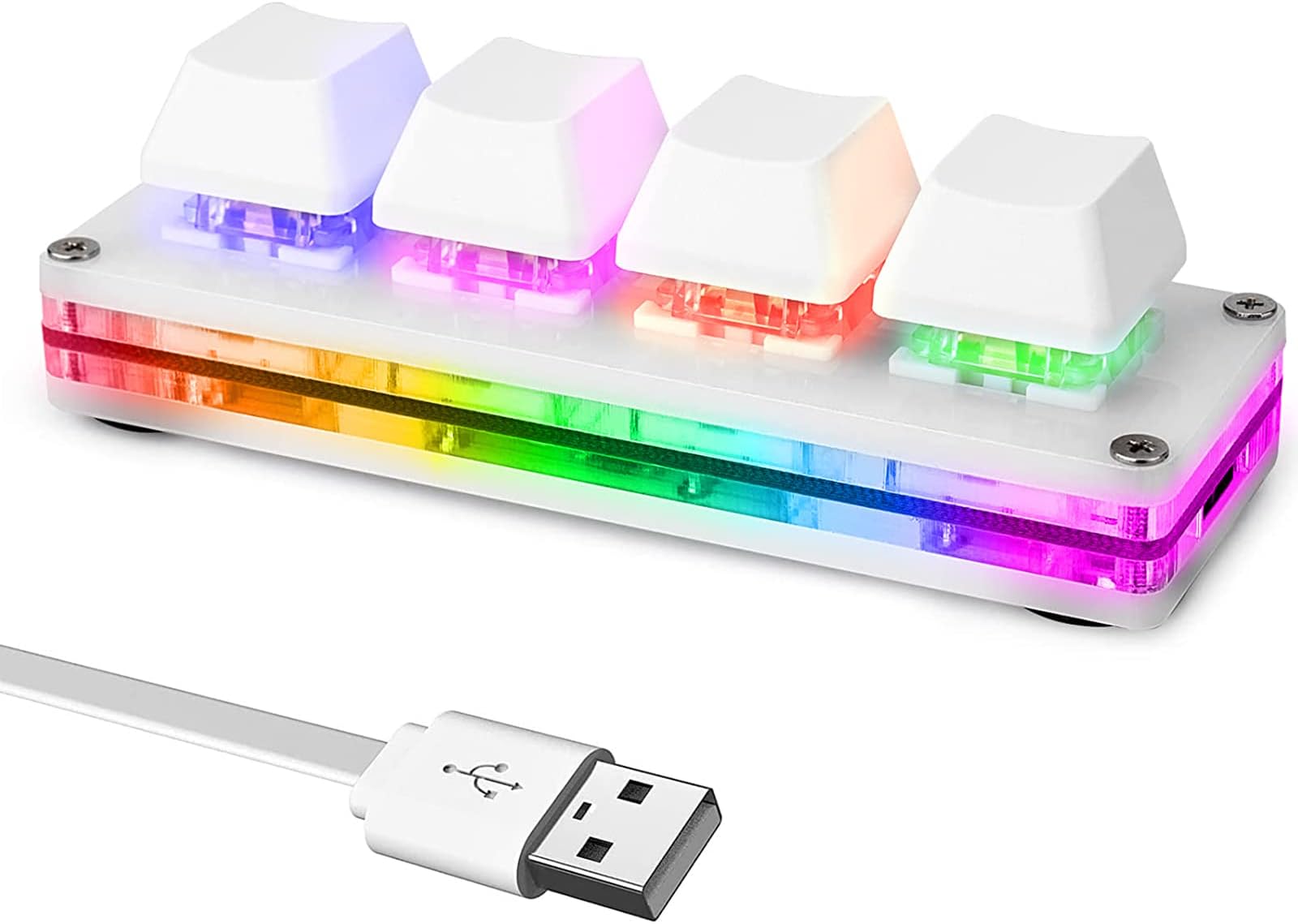
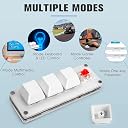
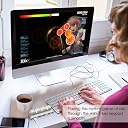
When I first started to try to use this I was having what was most likely a software issue. I had no save option in the software, could not figure out why. I read over all the reviews of this product type and watched a few youtubes, someone had mentioned someplace along the line that his other keyboard was likely somehow interfering with the programming of this keyboard. I use an 88 keyboard and an additional numeric keypad, after I unplugged the mechanical numeric keypad all the problems with the software disappeared and it started working properly. I am using the version of the software that runs under chrome browser, you can also download it if you prefer. From the sounds of several things I read you can use this in a Mac environment but it might be a bit more difficult to deal with the software. In short, if you run the software and it detects more than one keyboard, you probably have a conflict. I had never heard of sayobot before but it appears they might make quite a few keyboard type products, thus the possibility of conflicts. This unit has two different usb c ports on it so you could orient it vertically or horizontally. What you basically get is the hardware to hold four three pin keyboard switches (the switches are removable) and a usb c to A cable. It comes with squishy red switches, I prefer clicky switches so I bought myself some clicky blue water resistant switches that I'll probably swap into it when they arrive. This uses standard keycaps so if you have an old keyboard laying around that doesn't work you could steal the keycaps off it and install them on this. You can also buy stick on labels or even use a sharpie to mark the keycaps if you wish. I have a bad disk in my back but I like to play my mmo games, I use this keyboard and program common keys to make it easier to run my game. For instance I have Tab to change targets, B to choose closest target, and E for attack button and the fourth button I currently have programmed for interactions F this is a lot easier on my left hand since I don't have to stretch across the keyboard to reach the keys during combat etc. The lights also work well, I like to use Breathing with random colors. I tend to play in a somewhat darkened room so I like the lighted keys. This tiny keyboard has some nice rubber feet on it so it does not slide around on my desk. I just ordered another product like this with more keys not sure what I want to do with that one yet but I could probably program attack powers for my Bard in Ashes of Creation or something along those lines. What's important to note is that you can plug in as many of these as you want and they will not fight with each other or your main keyboard. I think this just might be the best idea I ever had for dealing with my nerve issues in my left hand. The software at least under windows is pretty obvious. Plug in the keyboard, open chrome browser and click on the web link, it will give a detect button which should see the keyboard no problem and may offer you a firmware update option I updated the firmware but don't know if I really needed to do that or not. From there, there are a bunch of options, if you look around the web and on youtube there are some basic videos and instructions for setting up stuff like passwords programmed into a key. A lot of that stuff is a bit more difficult to learn and not what I wanted this for but heck have at it, it's nice to know the function is there even if I'm not using it. I'm simply using default which then opens up a keyboard graphic and you click on the button you want it to be, then you should get a Save button bottom left of the screen if you don't get the save button you may have a hardware conflict with another keyboard like I had. Lights are set similarly but you do it from the main screen there are quite a few choices of lighting type and colors, I just picked breathing and random color for a nice choice. When you change something don't forget to hit save or it won't be programmed into the keyboard. Now you can put this keyboard on any machine and it will keep the programming. I hope at some point they might upgrade their instruction sheet to mention the possibility of a conflict with another keyboard, that one had me cursing some bad words until I figured it out. I have three of these products now this one, a 8 key and I just ordered a 24 that's coming from china, this is the only one that has the two usb c ports that is a great feature that I wish they all had because it makes easier to use the keyboard vertically instead of horizontally if the cable plugs into the top/bottom instead of the side when oriented vertically. I prefer clicky blue switches to the squishy reds they give you with this one but they're very easy to change and not expensive so change away if you want to. You can buy different types of keycaps or even ones with a top that opens so you can put your own slip of paper inside to mark the key function. There are also sets of stick on key cap letters on amazon and other places or you could just go low tech and use a paint pen. Working great, easy to use. Note/Update: You may have difficulty using usb A to C cables other than the one that came with it. I've tried half a dozen shorter cables because I don't need such a long one and none of them transmit the key presses, the keyboard lights up but keys do not respond and the software can't see it when the keyboard is plugged in. So be aware there may be something non standard about the cables that come with these, mark them accordingly so you can locate them. If I find out what the difference is I'll post.