Buy anything from 5,000+ international stores. One checkout price. No surprise fees. Join 2M+ shoppers on Desertcart.
Desertcart purchases this item on your behalf and handles shipping, customs, and support to Greece.
๐ Upgrade Your Connection Game โ Stay Ahead, Stay Connected!
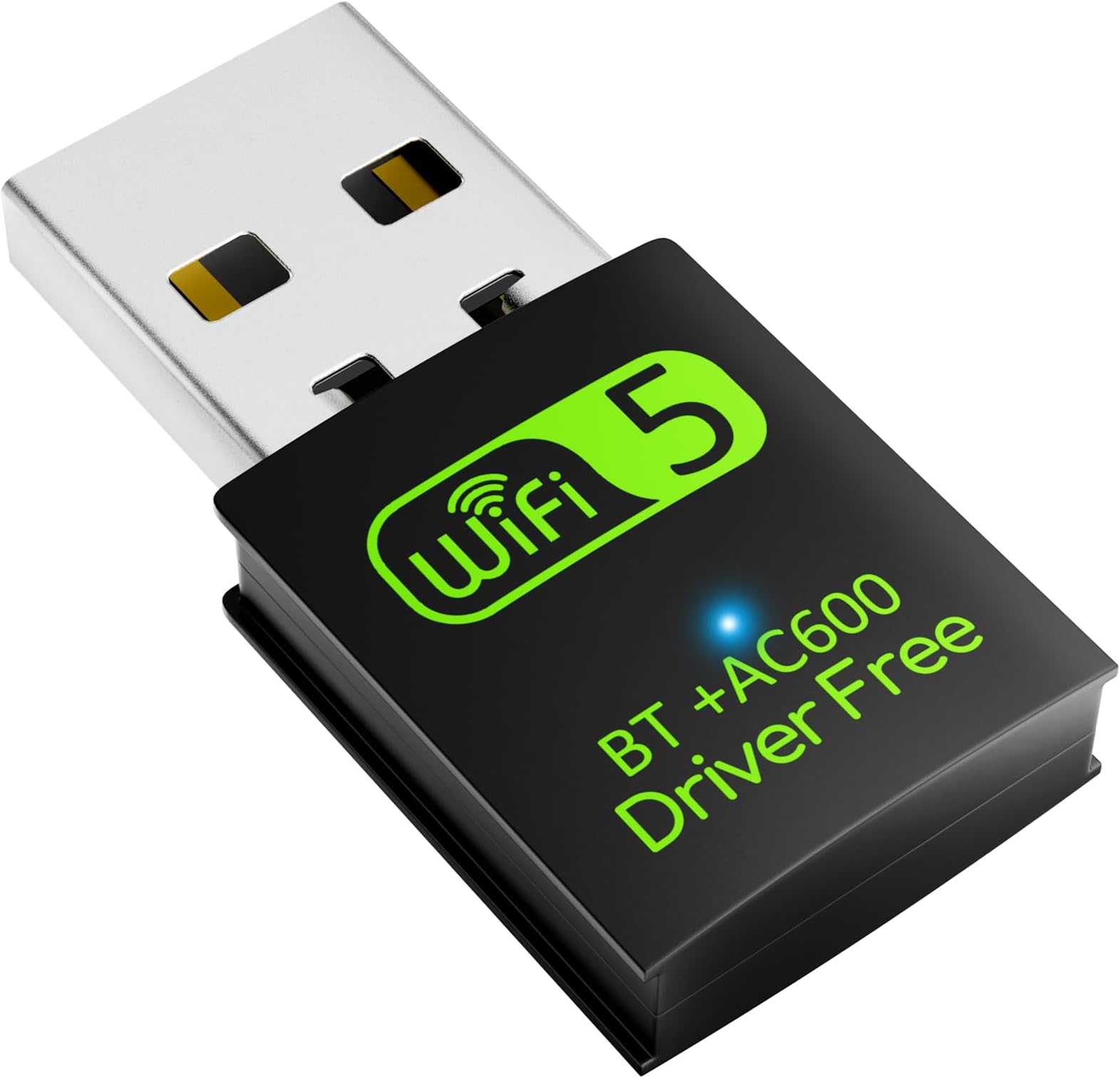
The Auscoumer USB WiFi Bluetooth Adapter delivers dual-band wireless speeds up to 600Mbps with seamless plug-and-play setup on Windows systems. Featuring Bluetooth 4.2 support and AP mode, this compact dongle effortlessly upgrades any PC or laptop with fast WiFi and versatile Bluetooth connectivity, ideal for streaming, gaming, and multitasking professionals.


| Brand | Auscoumer |
| Colour | 600Mbps |
| Compatible devices | Desktop, Headphone, Keyboard, Laptop, Mouse, Phone, Printer, Projector, Smartphone, Speaker, Tablet, Television Compatible devices Desktop, Headphone, Keyboard, Laptop, Mouse, Phone, Printer, Projector, Smartphone, Speaker, Tablet, Television See more |
| Data link protocol | Bluetooth, IEEE 802.11a , USB |
| Hardware interface | USB, USB 2.0 |
| Product dimensions | 15L x 8W x 33H millimeters |
R**.
Good product
working as described
R**N
Very bad
Doesnโt work total waste of money and trust me that 5g is fake guy donโt get scammed and go buy from tp link
O**Y
It doesn't support 5g wifi network
They show 5g but send 4 dongle don't buy and bluetooth don't even connect
G**G
It took a little work, but now working just great.
I'm giving this adapter 5 stars because it's now working great. However, for me it was not "plug & play". I have an older Toshiba laptop with both a on-board plug-in and Realtek wireless NIC. The laptop originally was loaded with W7, and later updated to W10. Following the W10 update the Realtek wireless stopped working. After some research I found this was a common issue and that W10 driver(s) were not compatible. I purchased this USB wireless adapter, plugged it in and it installed "successfully". I rebooted and it did not work. It recognized misc. local wireless networks, but would not "see" mine. This was the same problem I had been having. I checked Device Manger and both the original Realtek and new plug-in displayed error-free, the plug-in Properties displaying a 2019 driver. I removed the plug-in and disabled (not un-install) the Realtek wireless. I then plugged the USB Wi-fi adapter back in and it re-installed, this time displaying a 2025 driver. Following that it has worked like a champ, no issues.
D**.
Doesn't work.
When plugged in, internet keeps disconnecting resulting in really instable connection.
J**S
Bueno y Barato
Para mi laptop fue mรกs que suficiente
Z**Z
Resolveu o problema
Chegou no prazo em perfeito estado. Resolveu o problema. Funciona bem.
Trustpilot
1 month ago
1 month ago