Desertcart purchases this item on your behalf and handles shipping, customs, and support to Greece.
๐ Print smarter, faster, and safer โ because your team deserves the best.
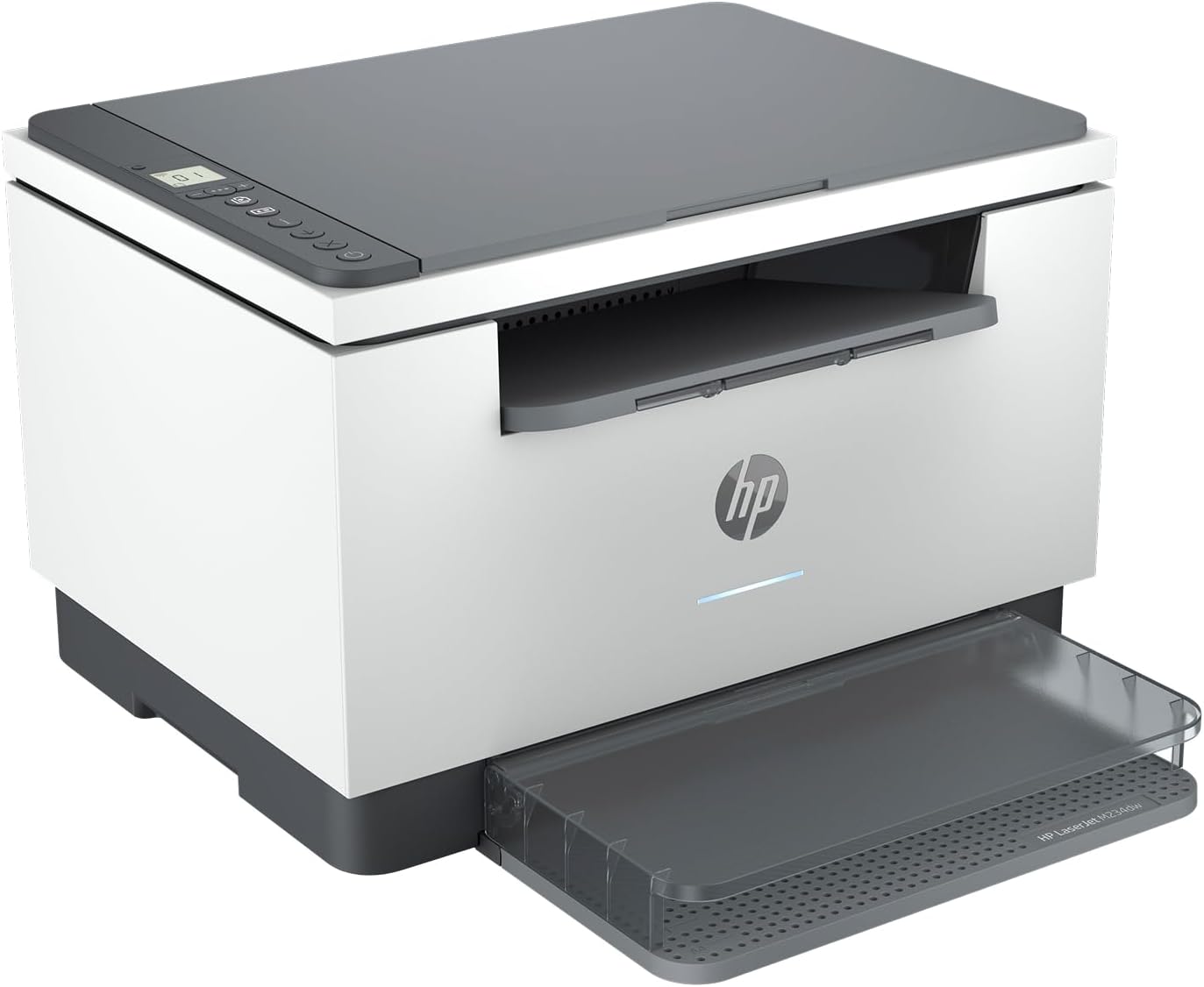
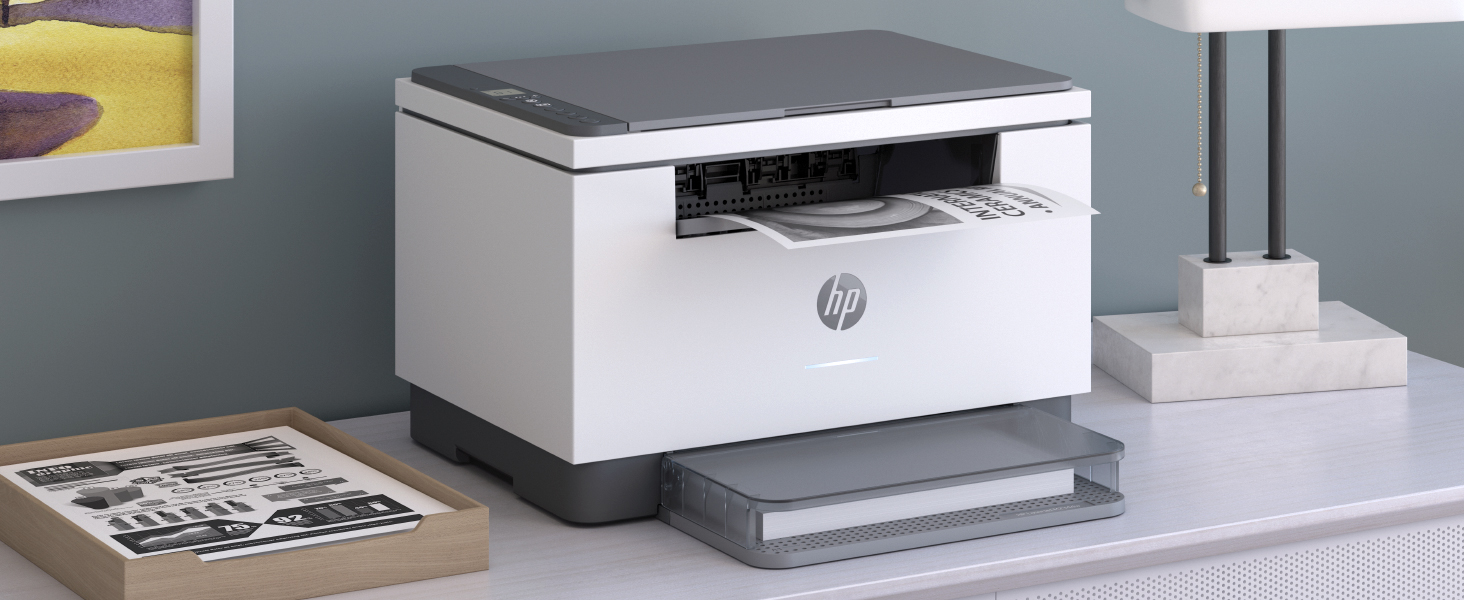
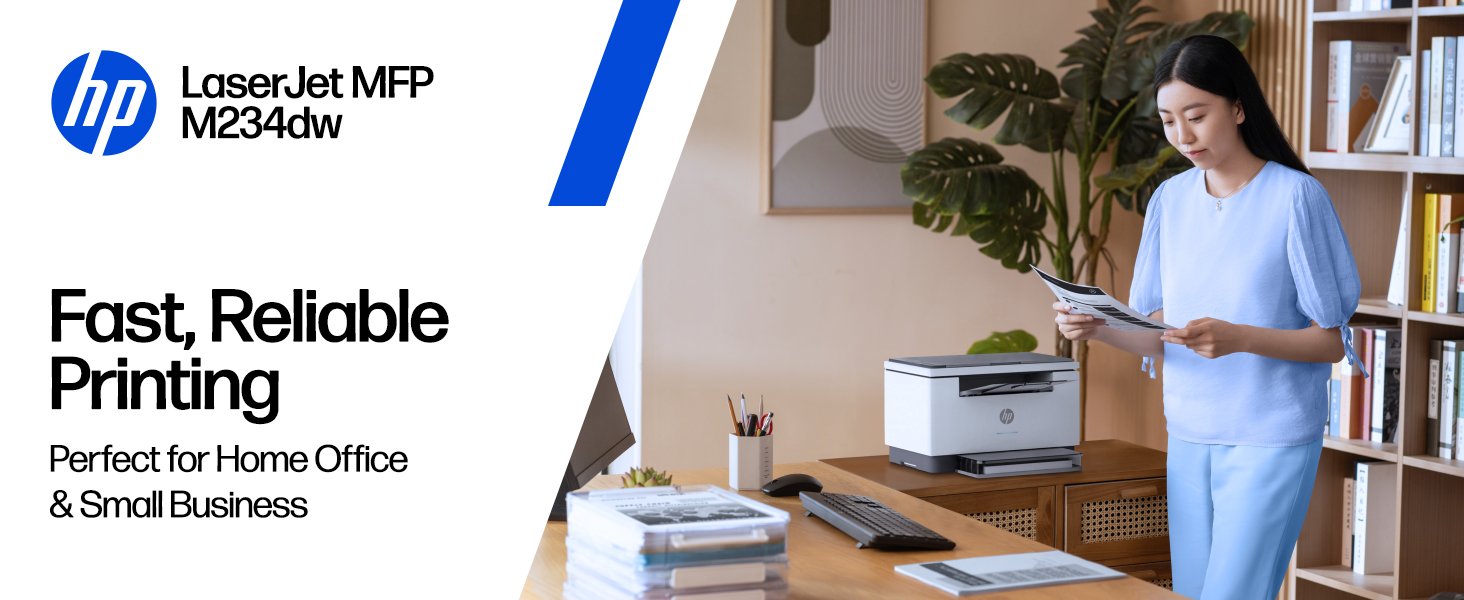
The HP LaserJet MFP M234dw is a high-speed monochrome laser printer designed for small teams (1-5 users). It delivers up to 30 ppm single-sided and 19 ppm two-sided printing with automatic duplexing. Featuring dual-band Wi-Fi with self-reset, built-in security, and seamless mobile printing via the HP Smart app, it combines professional-quality print, scan, and copy functions in a compact, energy-efficient design.


| ASIN | B08SHZQ4VN |
| Additional Printer Functions | Copy, Scan |
| B&W Pages per Minute | 30 ppm |
| Best Sellers Rank | #19,835 in Office Products ( See Top 100 in Office Products ) #28 in Laser Computer Printers |
| Brand | HP |
| Built-In Media | 6GW99F HP LaserJet MFP M234dw Printer; HP Black LaserJet Toner Cartridge (~700 pages); Dust Cover; Reference Guide; Setup Poster; Warranty Guide & Flyer in some countries; Power cord |
| Color | Gray |
| Color Depth | 1 bpp |
| Compatible Cartridge | [HP Black LaserJet Toner Cartridge (~700 pages)] |
| Compatible Devices | Laptops, PC |
| Connectivity Technology | Wi-Fi |
| Control Method | Touch |
| Controller Type | Android |
| Customer Reviews | 4.2 out of 5 stars 1,105 Reviews |
| Dual-sided printing | Yes |
| Duplex | Automatic |
| Hardware Interface | Ethernet, USB 2.0 |
| Ink Color | Black |
| Item Dimensions D x W x H | 11.75"D x 14.49"W x 9.5"H |
| Item Type Name | Laser Printer |
| Item Weight | 19.4 Pounds |
| Manufacturer | HP Printers |
| Maximum Copies Per Run | 1000 |
| Maximum Copy Resolution Black and White | 600 dpi |
| Maximum Copy Resolution Color | 600 dpi |
| Maximum Copy Speed Black and White | 30 ppm |
| Maximum Media Size | 8.5 x 14 inch |
| Maximum Print Resolution Black and White | 600 dpi |
| Maximum Sheet Capacity | 150 |
| Model Name | LaserJet Pro M234dw |
| Model Number | 6GW99F#BGJ |
| Model Series | M234dw |
| Number of Ethernet Ports | 1 |
| Number of Licenses | 1 |
| Number of Trays | 1 |
| Other Special Features of the Product | Auto-Duplex, Network-Ready, Energy Star Certified, Cloud Print Enabled, Works with Alexa |
| Paper Size | 4 x 6 to 8.5 x 14 |
| Power Consumption | 453 Watts |
| Print media | Card stock, Envelopes, Labels, Paper (plain) |
| Printer Connectivity Type | Wi-Fi |
| Printer Output Type | Monochrome |
| Printer Type | Laser |
| Printing Technology | Laser |
| Processor Count | 1 |
| Resolution | 600 x 600 |
| Scanner Type | Flatbed |
| Series Number | 234 |
| Special Feature | Auto-Duplex , Network-Ready, Energy Star Certified, Cloud Print Enabled , Works with Alexa |
| Specific Uses For Product | Office |
| Total Usb Ports | 1 |
| UPC | 194850664212 |
| Unit Count | 1.0 Count |
| Warranty Description | One-year limited warranty |
| Warranty Type | limited warranty |
| Wattage | 453 watts |
M**S
Good Home Office Printer. Tip: Set Up Via App On Your Smartphone, Not From A Computer.
My very old HP LaserJet Wireless Printer finally called it a day. Purchased this HP LaserJet MFP M234dw Wireless Printer as a replacement. Very pleased with this laser printer! Setup Tip: I highly advise setting up this printer from the HP Setup App downloaded onto your smartphone. I first tried setting it up with an app downloaded onto my laptop, and that app did not have the ability to set up my wi-fi connection. (I had this exact same problem when I set up a wireless backyard weather station.) I downloaded the Set Up app onto my android smartphone and the set up, including establishing the wi-fi connection, went along fine. After set up, don't forget to add the printer to any computers or other devices it will be printing from. Use: Great for both personal and home office use. Smooth paper flow through the printer when printing to avoid those frustrating paper jams. Cartridges: The 134A laser cartridge is easy to install and remove. Appearance: A sleek appearance; dimensions as advertised. Printing and Scanning: Excellent crisp printing and scanning. The scanning quality is MUCH better than on my old laser printer. Easy to scan from your desired scanning app on your computer or smartphone. Go To Sleep Time: When on and idle, the printer goes to sleep in 15 minutes as a default. This time can be adjusted. Serial Number: The serial number - which you will need to register the printer - is located on the inside printer cartridge drawer. This laser printer is a terrific value, too. I highly recommend this product.
D**Y
Good home printer
So far this printer has worked well. Quickly prints with clear and focused printing. The printer sits two rooms away from my laptop and I have had no issues with the Wifi. I love that the footprint of the machine is smaller and does not overwhelm the space. I do not do lots of printing, maybe only a few times a week, so I cannot speak to its large capacity printing. The copying function is fine, but I have not used the scanning yet (not much need for it). I would say it is a good printer, based on my experience so far, perfect for small to average home use. The set-up was relatively easy for an amateur who follows directions well, as I would not call myself tech-savvy. Very satisfied with this purchase.
S**M
Great Compact Printer!
I needed a new printer that could handle a fairly high print volume but that wouldn't take up much room in my home office. Set up was fairly simple and I love that it is wireless. Another great feature is that it prints double sided which helps save me on paper. I was able to print a 21 page document in under a minute. All pages printed with great quality. This printer is also much quieter than my previous one. I have not only used regular paper in it but also some thin cardstock and it worked flawlessly. Having a flat bed scanner is also wonderful because it is allowing me to copy documents quickly and easily. From important documents to coloring pages, this printer seems to do it all. I highly recommend this for anyone looking for a compact printer that is both versatile and easy to use. I feel it is perfect for both personal and professional use and I feel I will get many good years of use of it.
S**L
You might need an IT person to set it up, and NO operating instructions are included.
Initially, I rated this as an okay printer. Now, not so much. It does not come with basic operation instructions. Today I had hoped to do a basic scanning and there were no instructions to be found. Hopefully, tomorrow I can contact their support staff for those instructions. This is tiresome! At first, I gave it three stars because it only prints black print, and I so loved my color printer before it stopped working. Also, I purchased this printer, because the majority of the reviews shared that it was an 'easy setup.' For me, it was not an easy setup. Fortunately, I found an IT specialist who was available and set it up for me ... and I paid him. Knowing that I am not very techy, I had hoped that the 'easy setup' information was accurate. Again, it was not easy for me to set up, and I spent hours trying to figure out the step in the basic instructions before reaching out to a specialist. Now that it is setup, it seemed fine. Not great, yet adequate for my basic printing needs. However, now I cannot figure out how to scan a simple document ... sigh. Yesterday, I contacted HP, talked with a person who was kind, patient, and had no idea how to help me. He actually disconnected my printing capability that I previously paid an IT specialist to set up. We worked together for maybe 30 to 45 minutes, and I finally asked for a supervisor. Eventually, the supervisor helped me, and after about maybe one and one-half hours later, I was able to print and scan. This is not an 'easy set up.'
R**H
Good printer, not easy to set up or register
The HP printer app Smart HP is awful. Be prepared to stick to it to get it set up. After an hour I got it to print double sided from my phone (be sure you are on the same WiFi as the printer. It is not an air printer). Would only print 2 sided manually from laptop, until I went into MS settings, printer, and checked - it was checked for manual there (probably from the HP app). So now it's ok. I bought through a reseller. HP now sets the warranty to begin when it's sold, so HP would not let me register my printer. Had to call HP and speak with a person (not the IA interface. Worse than voice mail hell btw), submit copies of the Amazon invoice via email, and swear the printer was in an originally packed box. Print quality is great. Connected to WiFi ok. The double sided printing will be very helpful.
L**E
High quality; Easy set up
Absolutely love this printer. Great quality prints. Set up in about 4 minutes. Prints remotely from anywhere in the house. Highly recommend. Very pleased:)
B**N
DIFFICULT TO SET UP WITH ROUTER
I made it a five just so people would read this. DO NOT BUY THIS PRINTER. THE INTERNET BUTTON IS SO SMALL THAT I HAD TO USE A MAGNIFIER TO FIND IT. ETC. IT IS EXTREMELY DIFFICULT TO SET UP AND I WAS ON THE PHONE FOR TWO HOURS WITH AN HP PROBLEM SOLVER. WE FINALLY GOT IT WORKING BUT-- IT WILL NOT WORK UNLESS MY MODEM IS RIGHT NEXT TO IT. I USUALLY HAVE MY WIRELESS PRINTER IN ANOTHER AREA EXACTLY FIFTEEN FEET AWAY BUT THAT IS TOO FAR FOR THIS ONE. IT PRINYS AND COPIES ALL RIGHT BUT I SHOULD HAVE SENT IT BACK. MANY OTHERS HAVE HAD THIS SETUP PROBLEM BUT SAY IT WORKS WELL ONCE IT IS SET UP.
P**T
Fairly simple install if you use ethernet
Some HP printers require the user to install using their smart app for installation. I was able to connect via ethernet, pressed the i button to print the information page that has the ip address, then I typed in the ip into the web browser to manage it. I went to System > Administration and checked for updates since mine did not have the most recent 20230307 firmware. The firmware has "dynamic security measures" which will block non-HP cartridges unless it has HP chip or circuitry. I went to HP's website and downloaded the Feb 8, 2023 Full 188MB driver. During the software installation the screen went blank, so I let it sit for several minutes to no avail. Eventually I clicked the X to cancel, but it offered a link to install the driver, and the install was successful. I completed a scan using the HP scan app and printed a test page. Print jobs seem fast, and the printer itself is a relatively compact design. Overall this is a fantastic all-in-one laser that gives the user the ability to do a conventional install without the added hassles of HP smart.
K**A
HP Printer
Great machine and really easy to set up and use. Highly recommend recommended
R**E
Great printer/scanner
I have had this for about 4 months and surprisingly I haven't had a single issue. I have it set up on my home network and it just...works. Any device connected to my network can print to it and the speed and quality is great. Scanning is just as easy too. We'll see how long the toner lasts, but I've printed hundreds of pages and it's still going strong. I also like how it just sits in low power mode and comes on when you need it and you don't have to power it on first. Overall very happy with this printer.
L**E
Very Useful
Great printer/scanner for the price. Easy to set up and easy to use and it doesn't take up too much space.. Does the job & the printing is good quality.
J**O
Great printer
Great laser printer. Super easy to connect by both computer and phone. Works great. Very happy with it.
S**E
Happy with purchase
Excellent product, great price. Just as described
Trustpilot
5 days ago
1 month ago