


🕸️ Gryphon: The Smart Shield Your Home WiFi Deserves
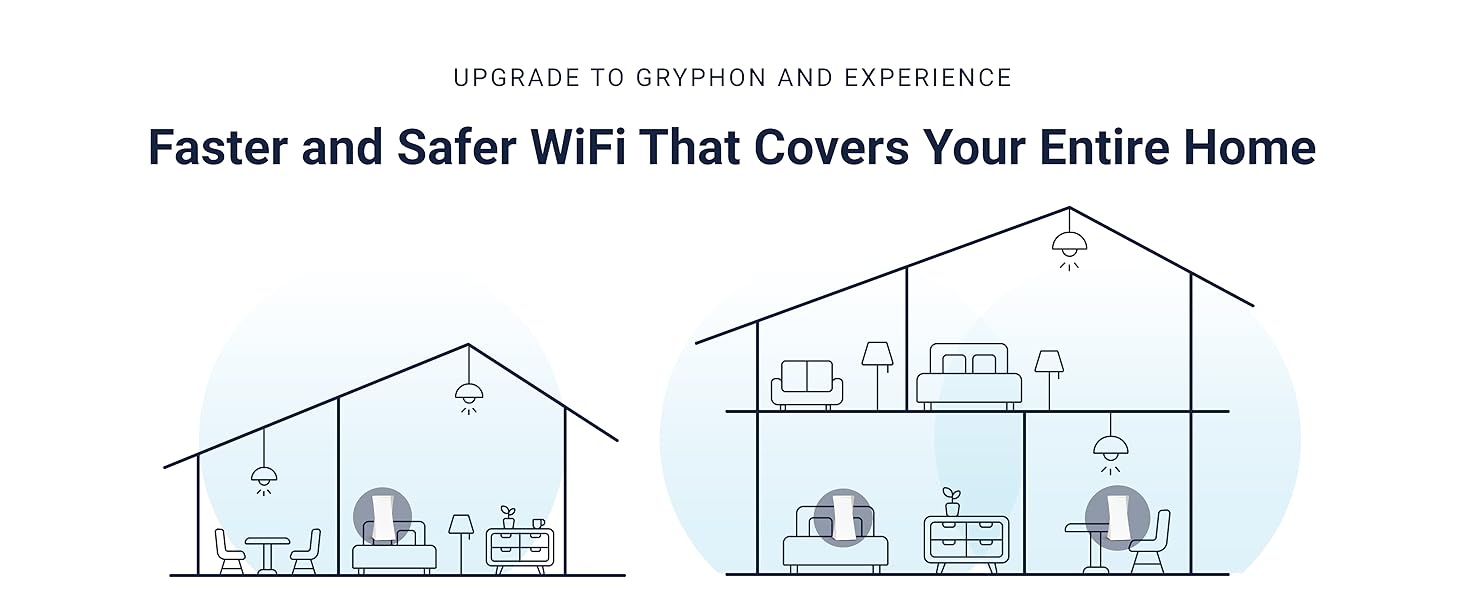
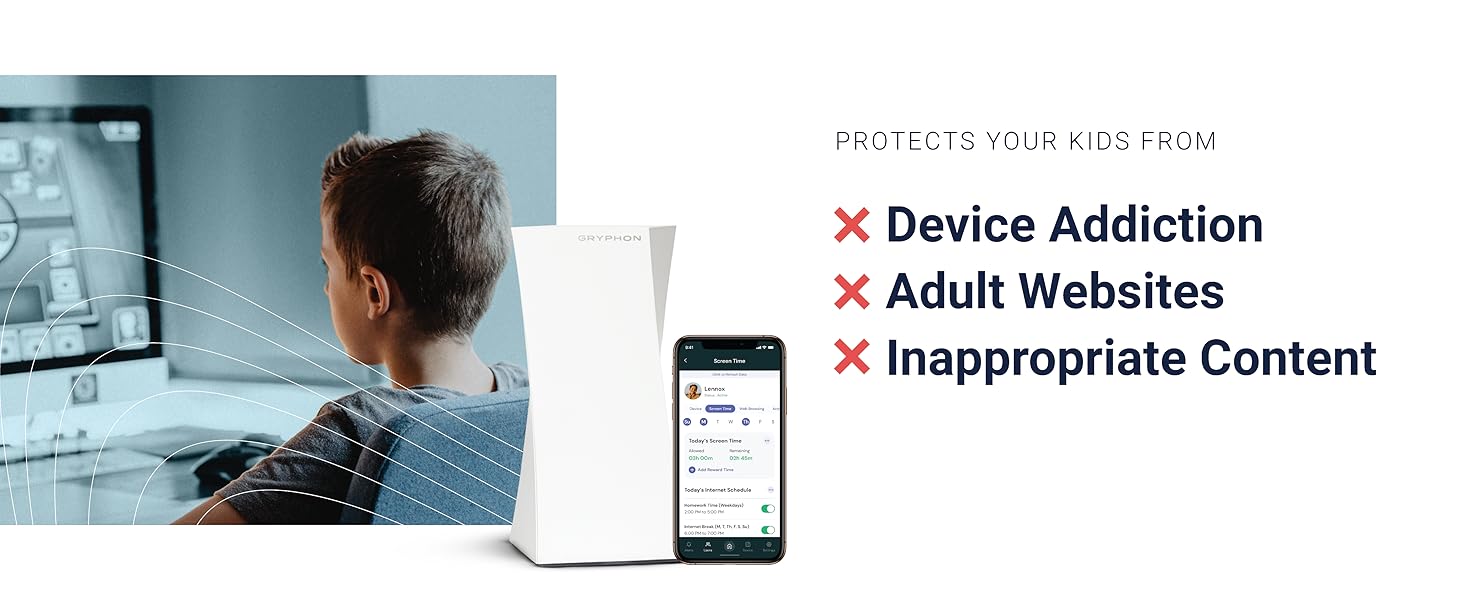
The GRYPHON AC3000 Tri-Band Mesh WiFi Router delivers blazing 3Gbps speeds and expansive 3000 sq.ft. coverage with advanced 4x4 MU-MIMO technology. It combines cutting-edge AI intrusion detection and malware protection with intuitive parental controls accessible via a sleek mobile app. Designed for busy professionals and families, Gryphon ensures seamless connectivity, robust security, and effortless network management—all wrapped in a user-friendly plug-and-play system.






| ASIN | B078Z3PTJP |
| Antenna Location | Business |
| Antenna Type | Internal |
| Best Sellers Rank | #82,984 in Computers ( See Top 100 in Computers ) #1,182 in Routers |
| Brand | GRYPHON |
| Compatible Devices | Laptop, Personal Computer, Smart Television, Smartphone, Tablet |
| Compatible devices | Laptop, Personal Computer, Smart Television, Smartphone, Tablet |
| Connectivity Technology | Wi-Fi |
| Control Method | App |
| Controller Type | Android |
| Coverage | 3,000 sq. ft. |
| Customer Reviews | 4.2 out of 5 stars 2,455 Reviews |
| Data Transfer Rate | 3 Gigabits Per Second |
| Frequency | 5 GHz |
| Frequency Band Class | Tri-Band |
| Frequency band class | Tri-Band |
| Global Trade Identification Number | 00868739000407 |
| Has Internet Connectivity | Yes |
| Has Security Updates | Yes |
| Is Electric | Yes |
| Is Modem Compatible | Yes |
| Item Weight | 921 g |
| LAN Port Bandwidth | 1000 Mbps |
| Manufacturer | Gryphon Online Safety, Inc |
| Maximum Upstream Data Transfer Rate | 1500 Megabits Per Second |
| Mfr Part Number | 99999 |
| Model Name | Gryphon Tower |
| Model Number | 99999 |
| Model name | Gryphon Tower |
| Number of Antennas | 6 |
| Number of Ports | 4 |
| Operating System | Windows |
| Other Special Features of the Product | QoS, WPS |
| Router Firewall Security Level | High |
| Router Network Type | Tri-band |
| Security Protocol | WPA2 |
| Special features | QoS , WPS |
| UPC | 868739000407 |
| Unit Count | 1 Count |
| Voltage | 12 Volts |
| Wi-Fi Generation | Wi-Fi 5 |
| Wireless Compability | 2.4 GHz Radio Frequency, 5 GHz Radio Frequency, 802.11bgn, Bluetooth |
| Wireless communication standard | 2.4 GHz Radio Frequency , 5 GHz Radio Frequency , 802.11bgn, Bluetooth |
P**V
Easy to connect, easy to use. Happy with this purchase.
Purchased this router about a month ago. The router was easy to connect and easy to use. I added the same password as my old wi-fi and all devices just connected to it seamlessly. I only had to identify them and assign to users. The app works great. The filtering of google search and youtube search also works very well. This is exactly what I needed to manage internet connection for the kids. Highly recommend to everyone. The strength of the connection is overall better than my previous router and the wifi modem. Although I expected a slightly better connection, I guess my thick walls and non-central location of the router affect it. I guess it all depends on your setup. A central location would give better coverage, but it is impossible in my case. I may have to buy the second unit eventually, but for now, I connected my old D-link wi-fi extender to get the full coverage of the remote corners of the house (about 150sqm). Overall - I do recommend this unit to others. It is easy to use and it does what it supposed to do - protect your kids and your house online while allowing you to stay in charge of the family.
R**M
Daughter calls it The Hell Machine
It is easy to use and does as advertised
J**B
A decent router
I love this router, all of my equipment adds to it with ease and it provides good access control over different devices and users. The guest wifi network is useful. I had issues with initial setup but this turned out to be my powerline extenders and nothing to do with the router. Gryphon support was initially a little difficult to get hold of, but now I have two dedicated representatives I can email if I have a problem. There is good range throughout my 4 bed detached house but it struggles to reach the garden and can't reach the garage. I would like a few extra LAN ports on the back (there are only 3). The Android app is good and continually being improved, the security monitoring has caught quite a few inadvertent clicks on dodgy links.
G**.
Contrôle parental trop facile à contourner
J ai acheté ce produit pour avoir un contrôle parental évolue sur mon wifi. Les coupures planifiées fonctionnent mal et sont assez difficile à utiliser et de plus mon fils de 14 ans a contourné le contrôle parental avec un VPN en moins d’une semaine. Je suis très déçu.
R**N
Very good router with great security features
Let me first state that we've had this router for about 8 months now, and it's certainly one of the better routers that I've had. Some of its best features are its range, its security features, its user profiles, and its parental controls. I keep it in the basement laundry room, which is about the center of our split-level house, both horizontally and vertically. I've had no problem getting connections anywhere inside the house, and I do pretty well with most of the yard outside of the house. I do very much appreciate that the developers of this router have made security a first-class citizen, and it frees me from being overly concerned about such things. Few of us really have the time or the knowledge (even those of us that do IT-type work) to tackle such chores, and who wants to put up with that drudgery anyway? ok! maybe some of us! But it does give me some sense of safety, especially when I know that not everyone using the internet is super-savvy about such things. It's very convenient to be able to control the router from the phone (or tablet), but the inability to do the same from a web interface can sometimes feel limiting; especially, when you're first setting things up, and you have to spend time with virtual keyboards. The app previously allowed only one person to administer the router. Logging into the app on another mobile device would cause the initial admin device to logout. Fortunately, this has been changed so that a secondary admin can be defined. This allows my wife to take care of stuff if I'm away or busy with other things. With the hardware seeming quite capable, there are some things with the software where I'd like to see improvements. I know some of these have been recognized by the company, and some changes have been promised. I'm still waiting for many of them. Here are my gripes: * Clearing many notifications in the mobile app can be a pain. Sometimes, it would be nice to be able to see the content of the notification without having to go into the app, drill into it, and click a button to clear it. Most of these are "Malware Detected" warnings. These almost always seem to be triggered by a fetch of a blacklisted URL when my kids are playing games and visiting game sites. Most are mysterious in the sense that we don't usually find them in the list of sites (in the app) visited by the user (children only). The notification also doesn't display the URL, so it's hard to analyze anything about them -- I suspect they are probably advertising/tracking links or images that are not necessarily from the sites being directly visited. It would be nice if the notifications were handled in a smarter way (machine learning FTW!) or maybe just better categorized as incidental and either ignored or grouped for easier dismissal. * As mentioned above, the app saves a list of the sites visited by child users. Only the hostname is saved with an image of the home web page and a timestamp. That's ok, but it would be nice to be able to review all and entire URLs visited. Maybe too much info? Dunno. Some sites have a lot more places to explore, and having the option of viewing it gives power to the user. * The option to save browsing history is present for child user profiles, but for some reason the same option is not permitted to adult or guest users. I can only guess that this was done for privacy reasons, but my personal opinion is that I should be allowed to see internet usage within my household. I guess you can control this by selecting the appropriate age-group profile to use. * I *wish* that parental controls had finer-grained day/time control, and maybe even the ability to create custom-named schedules and one-off changes to them. As it is, there are two schedules: one for bedtime and one for homework. Schedules can be turned off or on for each day have have only one start time and one end time to apply to all of them. The coarse handling of scheduling makes it inconvenient when you want to use different times for the weekend or if you want to permit multiple periods during the day. My older TP-Link router had its granularity at the hour-level, and it allowed me to freely schedule many usage periods throughout the week (it's weakness was that it couldn't create independent schedules for different users like the Gryphon can). The perfect scheduler would be similar to the one that I get in modern calendaring apps where I can click on a calendar grid cell, drag it around, lengthen or shorten it to adjust the permissible "online" period and even click on the online block to customize it further. * Being able to add to the "Apps Control" list for user profiles would be a bonus. I'm not sure what it would take. The current list is ok and affords some control within the bedtime and homework schedules. There are probably other nice-to-haves that I've thought of while owning the Gryphon router. Overall, I think I'd still pick this router over many of the others, but with its age and its price still in the premium range, I'd expect less expensive similar functionality from competitors growing more common.
Trustpilot
1 month ago
3 days ago