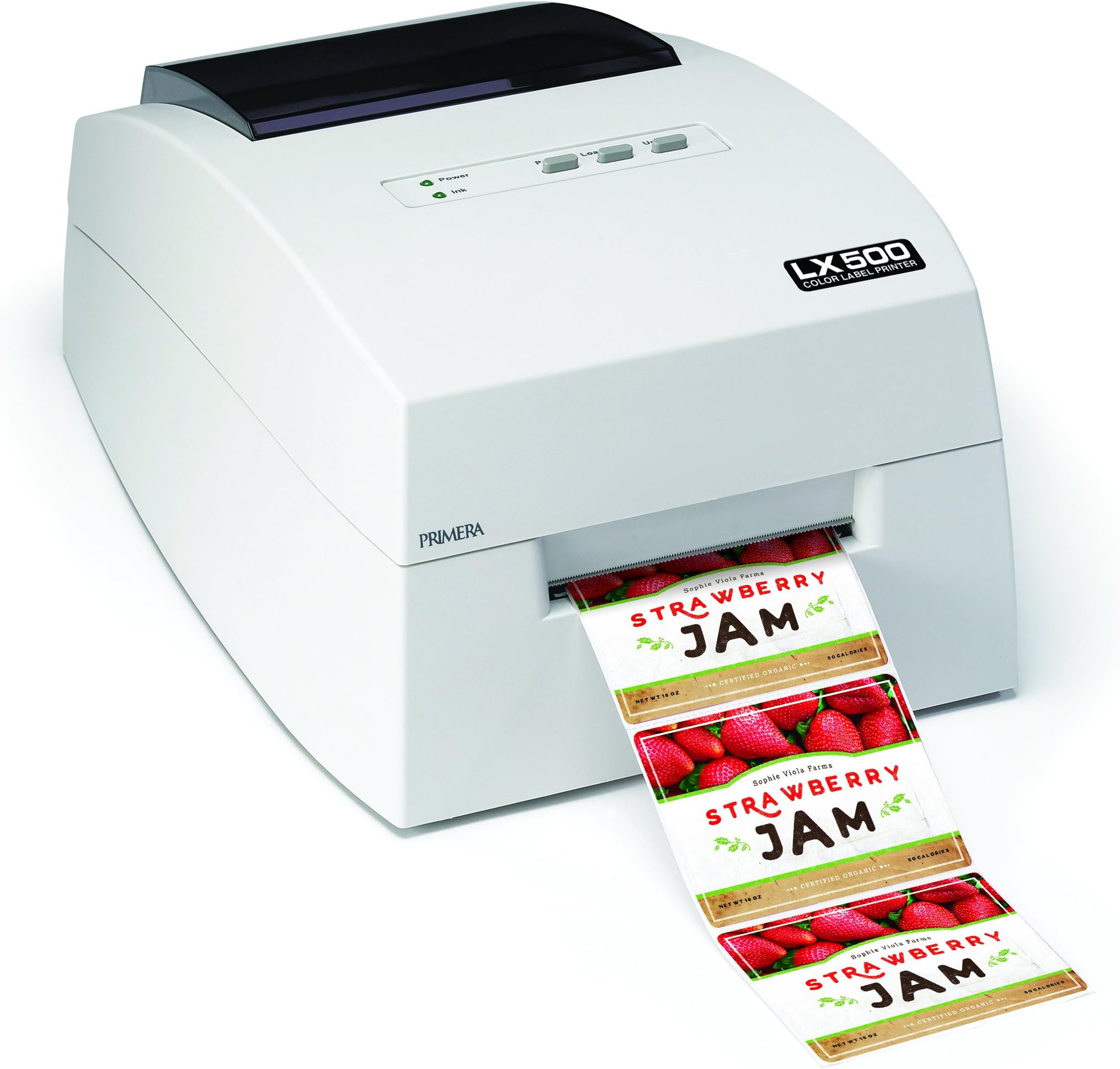
Lets talk honestly. Ive owned a number of printers, from 52" photo plotters, to flatbeds, to lasers. This thing... I had some hopes, but thats why I bought through Amazon after reading the reviews. Also having an extensive IT background, as well as robotics and CNC, I figured a lot of these issues could be fixed via settings. Hmm. First, lets talk hardware. Its ink thirsty. After about 130 labels (most being 4x3, at mid quality) the ink cart is at 60%. Thats 40% of ink gone in 3 days... with a tiny $60 ink cart. Perhaps Im spoiled by my Roland printer's carts that cost $100, but are as big as the LX500's footprint. Perhaps they are over-priced rebadges of lexmark or HP tech. The loading and unloading are OK, and the unit has a pass through in the back where you could load labels from a larger core roll from a stand. The first label will be a waste, as it scans for gaps and edge. That is also nice, it uses an optical sensor to check for the edges and gap, which you can fine tune in the driver. It also seems that the unit is short on internal RAM, with large or complicated graphics taking a while to go from spool to print, and often losing objects on the print (and wasting more ink and media). No sleep mose which I have seen. The printer doenst seem like it could use much power, and have only had to power cycle it about 5 times in the first few days. (yeah... ) Which leads us to software. 90% of our workflow is in CorelDraw (currently 2017). Out of the box, it will not work right with basic windows programs, and will only work with Corel if you modify a corelprt.ini file via text editor, to accept multiple copies. Printing from Corel with an sRGB color space gan get you really nice color. Without, from any other program we tried, you get dull, lifeless, CMYK processing, worse than most other printers. While we are talking dull... the only real way out of the box to work with this thing is Bartender. You get the ultra-light version... you know, since you only spent 1200 on a printer. The software will take forever to import, and while it runs in a 64bit OS, it will not use more than 1 core, nor more than 300mb of ram when importing or processing. Bartender has a look and feel of a Win 2K program thats been ported way too many times with no improvements. Ive talked to other users, and none of their software will function with the Primera machines, and they all hated Bartender. If you are a designer, stay very, very far away. When it comes to the driver, you are limited to very basic print options. 5 speed/quality settings, 2 rendering intent options. I have a $100 color lexmark printer here that has 10x the options and settings as the LX500. Lets talk print quality. Its acceptable for a 2005 machine. Having printed on 3 kinds of media... its OK. Just, OK. Does not live up to the price tag. Prints seem splash proof, and dry fast. The sample prints you get with the machine mostly come from their much higher priced units. So you get a feeling of what you could have done, if you only spent 3-5000. Support is so-so. I contacted the manufacturer, and they will not support anything dealing with the printer and how it works in the OS. Only Bartender. Support was condescending and I ended up getting frustrated and hanging up on them.. reflecting on what I have seen in reviews. Dealer support (who sells it here on amazon) is much better. Top notch, which I would say is the ONLY 5 star point about this machine. All this being said, if you have 1 kind of label, and rarely change, and need them fast.. this is the printer for you. Otherwise, spend a few dollars more and hit another brand. Software complacency and overpriced ink is so 2000's its not funny.