Some deliveries may take a little longer than usual due to regional shipping conditions.

DOWNLOAD THE APP


Customer Services
Copyright © 2025 Desertcart Holdings Limited
DOWNLOAD THE APP
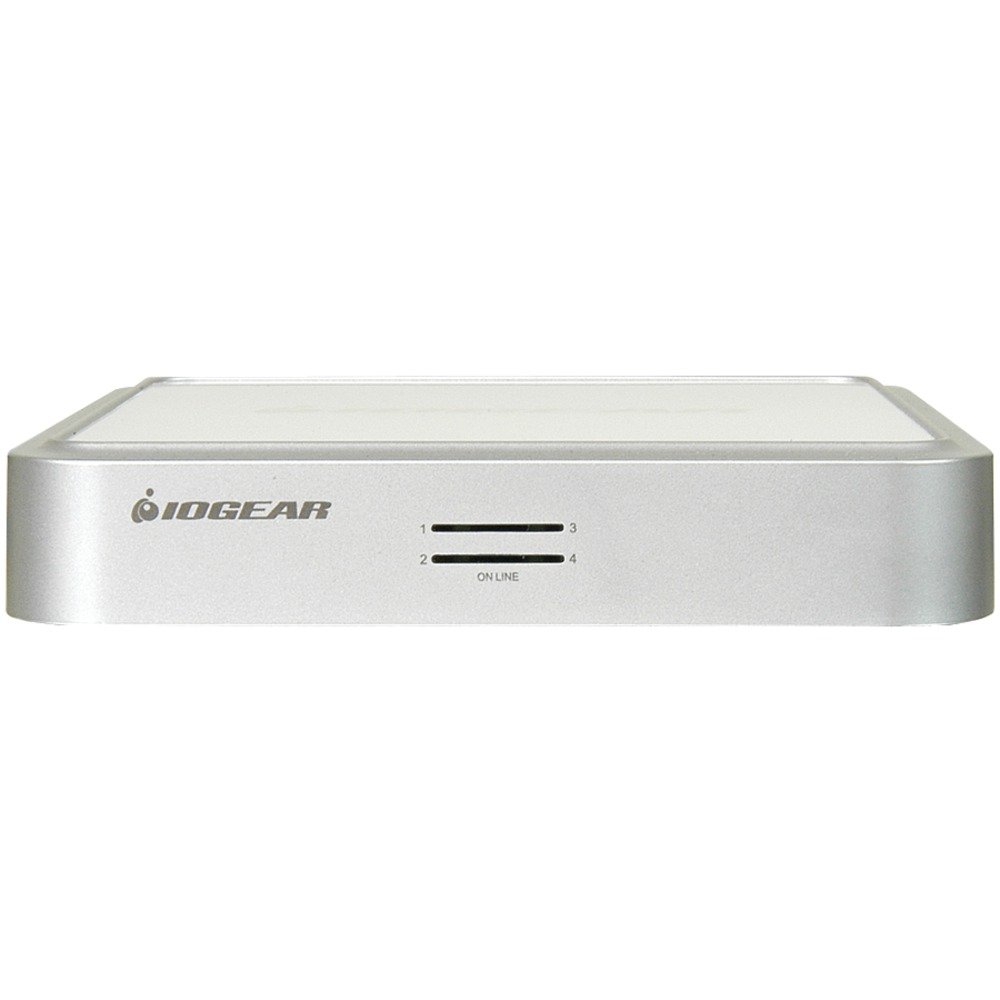
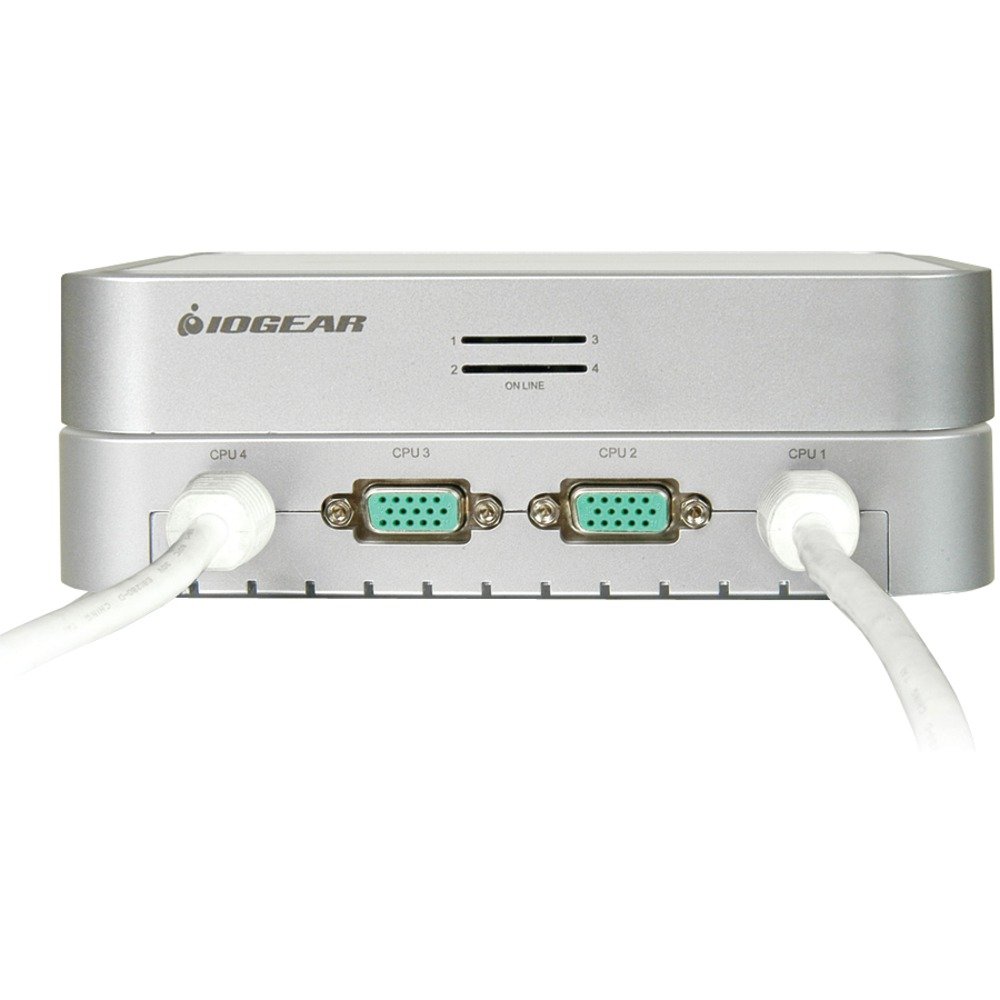
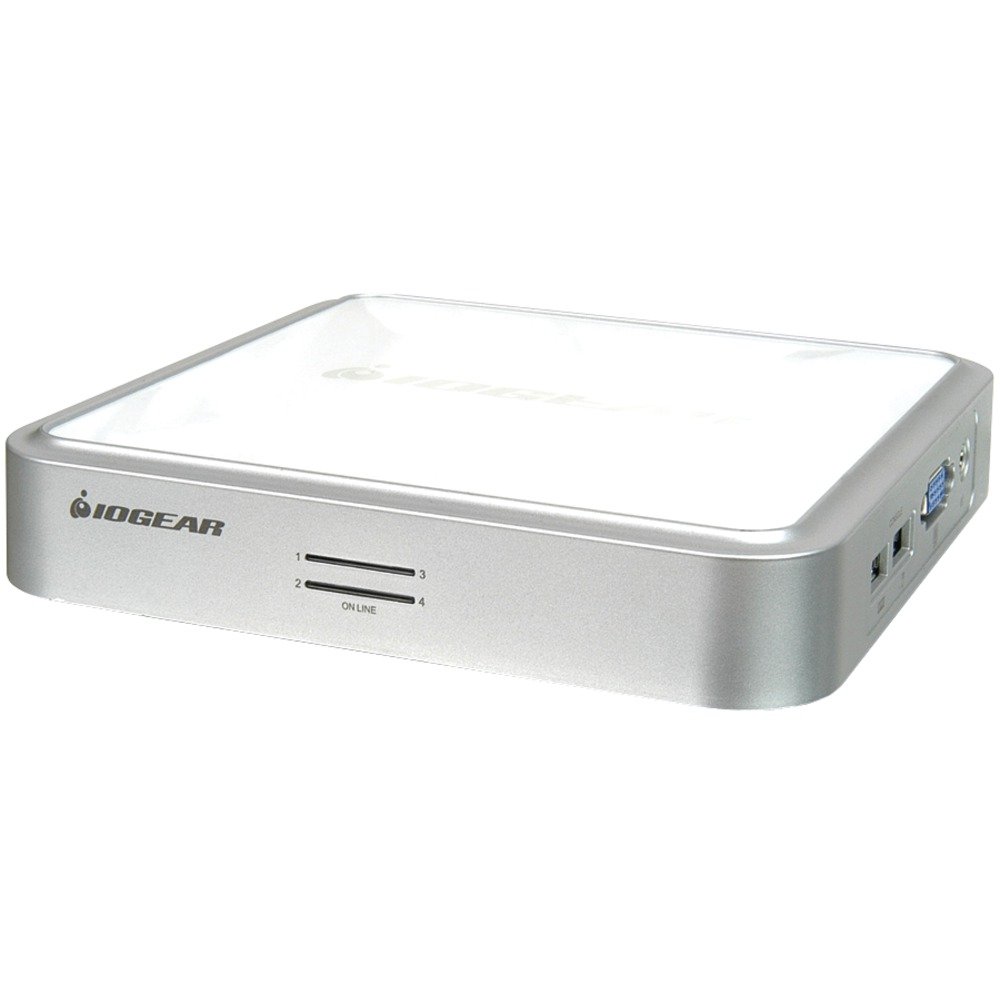
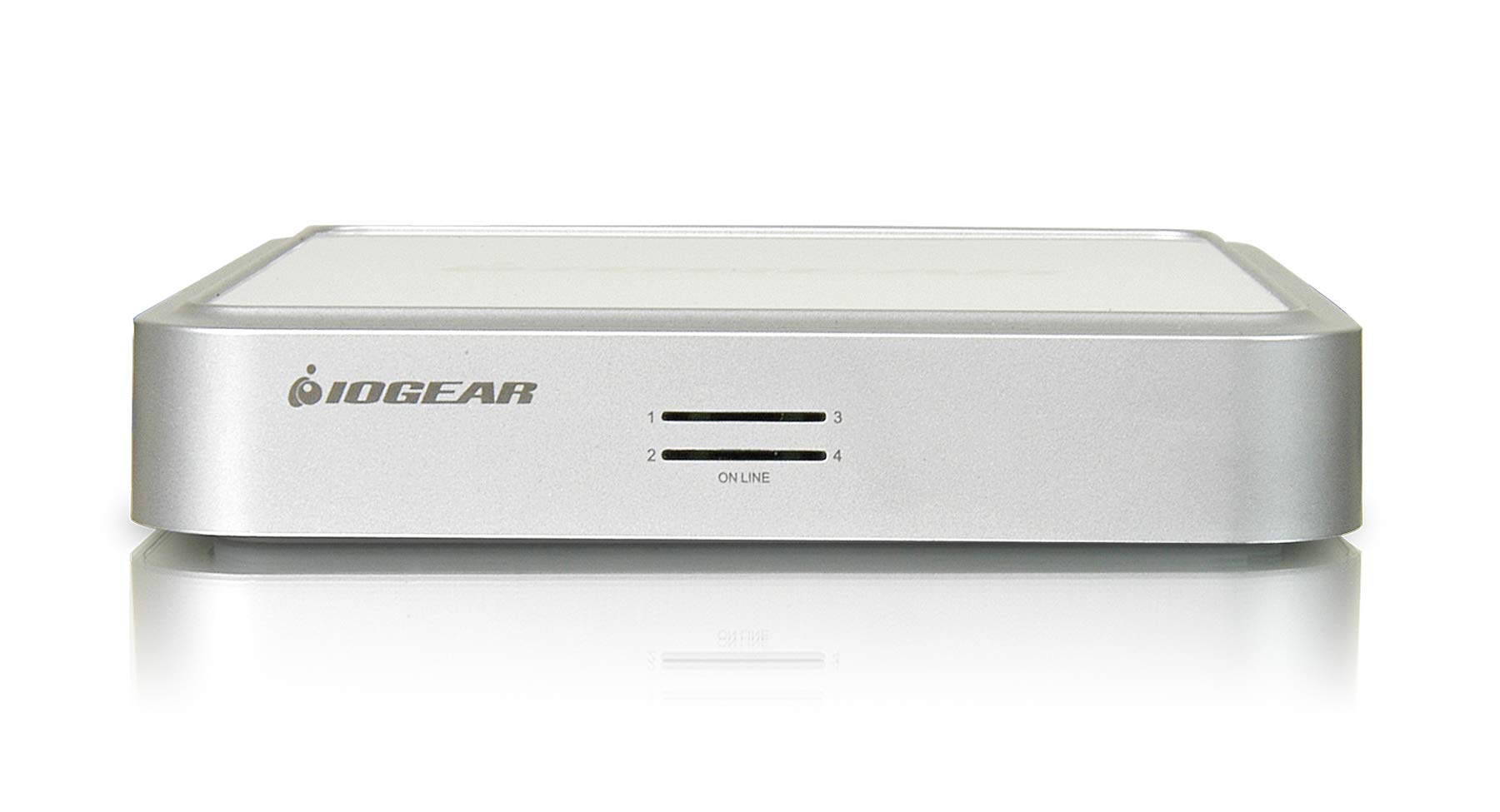
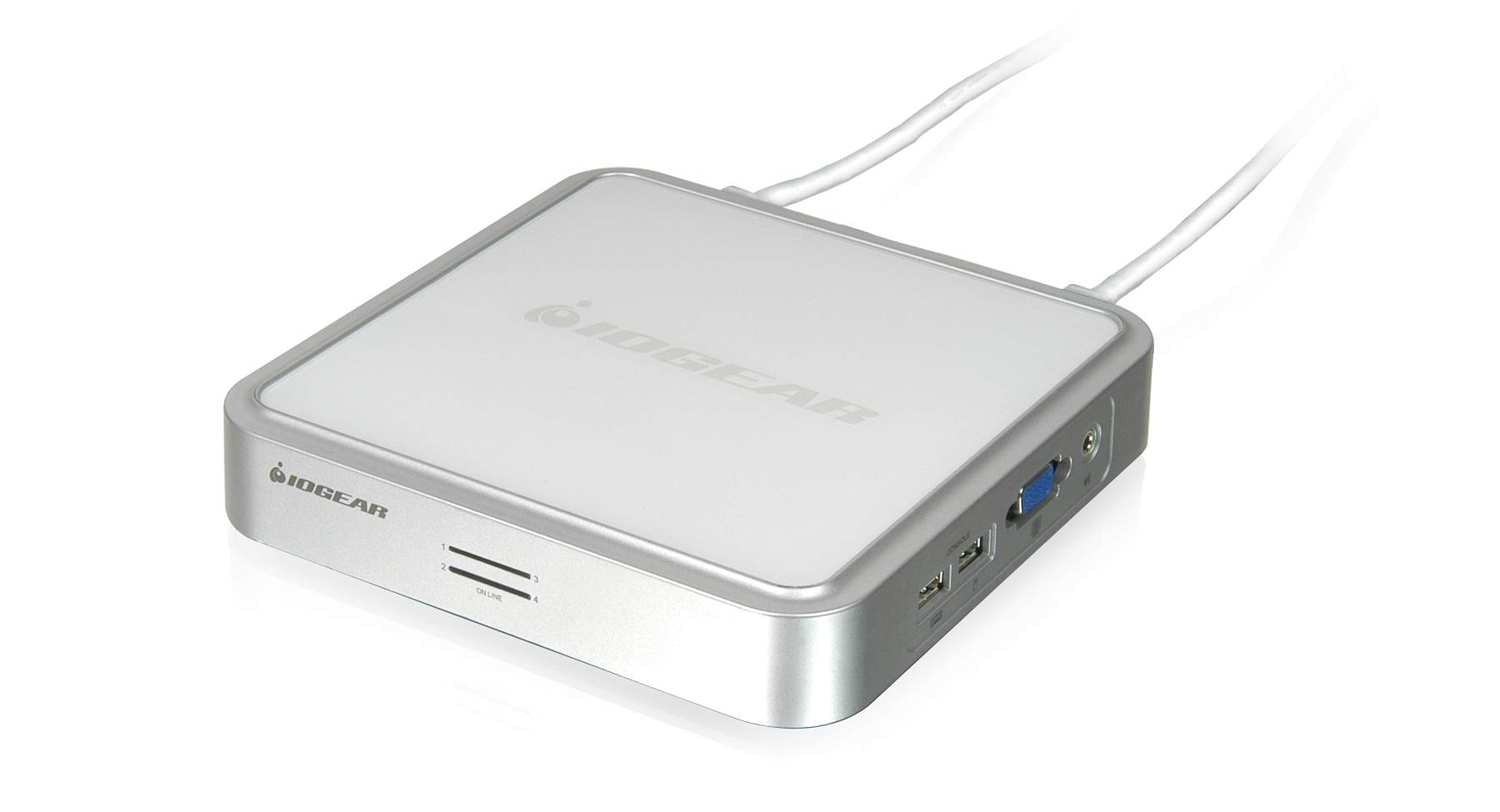

🔄 Switch It Up: Your Multi-Device Command Center Awaits!
The IOGEAR 4-Port MiniView Micro VGA USB KVM Switch allows you to share one VGA monitor, keyboard, mouse, and multimedia speakers among four USB computers. It supports multiple operating systems, offers a maximum video resolution of 2048 x 1536, and requires no software or external power, making it the perfect solution for a streamlined work-from-home setup.
R**S
Nice Item - Made Life a Little Easier - What I Paid For
Video Quality from Vista or high resolution is poor and gets dark. I have a 22" LCD that I run at 1680 x 1050. The connection from my computer is via DVI to D-Sub into the KVM and then D-Sub to my monitor. Fortunately my monitor can switch between video inputs so I also maintain a DVI to the monitor so I can enjoy the higher quality video there while at the same time being able to keep the mouse and keyboard connected to the KVM and the computer.Thus far the KVM has switched between computers very quickly. However, when switching from my W2K3 Serv box back to my Vista box my mouse has quit working a few times. This is caused by the fact that the KVM completely disconnects from the computer when switching. Fortunately my keyboard has not proven to have any problems so a fix action for this is to switch back to the working computer and try again. Seems to fix it. Takes about 5 seconds...not very long but I should not have to be doing that. In regards to other reviews on this matter, I think that it greatly depends upon your computer. I'm switching between Vista and Windows 2003 Server and the servers don't even hesitate. The Vista machine sometimes doesn't recognize the "usb device".The bottom of the KVM seems to have a rubber mat. This is very nice. It keeps the KVM from sliding around. I have it setting on top of one of my machines and it doesn't move. I can even try to move it slightly by hand and it stays in place. This was a smart move by IOGear.Other pros include the fact that it's USB. PS2 should be thrown by the wayside. I've yet to discover one pro of PS2. I wish I could have gotten a solid device such as this with DVI inputs rather than VGA. All the other reviews however led me to believe that I might have regretted purchasing any other KVMs available with DVI (within this price range).Over all, I would recommend this device to others. Worth the money. It's nice that it supports 4 computers with 2 cables that will disconnect. I would have preferred that all the cables could be disconnected but se la vive.What's not in the box:VGA Cable to MonitorAudio Cable to external speakersBoth of these items, under normal circumstances would not be a concern at all considering that monitors and speakers have this as part of the system. However, depending on your setup, this could be a concern. Just a little info for the potential buyer as other cables may be required.Additional Note: Movie play through the KVM isn't bad, just not good either.Key combinations are not a concern for me as I've been an admin on systems for a few years and had to deal with about 10 different high level KVMs. Some of which you just have to fool around until you figure out how to change between servers.Note: I have this KVM connected to three machines, however I only keep one on regularly and this KVM works like a champ in regards to power. The other two machines are low end systems designed to be servers for self education and training so they aren't anything to write home about and they work fine. My desktop machine is running Vista Ultimate along with playing HD movies. So, those of you who know the recommendations for this are aware that the hardware for this isn't bottom of the heap kind of equipment. I would think that the issues that I'm having isn't just hardware related. Just my thoughts though. I could very well buy another mouse and it work perfect all the time.
R**S
Better than what I had
All of my experiences with inexpensive KVM switches have been hit or miss. I have a variety of computers and devices. I wanted a switch that would do USB and VGA. This switch did the audio (speaker, not mic) so that was a bonus. I have a Sunray thin client that needs to communicate directly with the monitor. This KVM switch handles that nicely as the display comes up in max resolution.Tye KVM comes with 4 cables and they are 6 feet long. However, two are hard wired into the box and the other 2 are proprietary. You can extend them with VGA and USB extensions but you can't replace the cable that comes with the KVM. I did not find this to be a problem. The cables were long enough for my needs.I did have a few problems that prevented a higher rating. I have 4 computers attached: An older desktop with a new nvidia video card running 1680 x 1050; The Sunray, a newer laptop running 1680 x 1050 and an older laptop running 1024 x 768. The video from the new laptop was very fuzzy but the other 3 were crystal clear. The desktop with 1680 x 1050 was clear on all ports but the laptop on the same resolution was fuzzy, like static noise.Plugging the monitor directly into the laptop was crystal clear. The video was fuzzy through the KVM on all ports. I even tried the KVM with only the laptop connected (the other 3 ports empty) and only the video cable connected to the laptop (no power supply, network cable, etc) running on battery. This eliminates ground loops. Still fuzzy. This suggests the laptop, display and KVM are all probably individually fine but one or more are not compatible with each other. Such is life with KVM switches.I was about to return the KVM when I decided to try adding a very short extension cable to the VGA connection at the laptop. I was very surprised to see this cleared up the fuzzy static on the laptop video almost 99%. There is a slight trace of noise but I can live with in.Another problem keeping me from a higher rating is the user's manual in the box. It says you can switch the audio separately from the video, keyboard and mouse. So supposedly you can listen to the audio on one computer while viewing and typing on another. I could not get this to work. Going to the iogear web site and downloading the user's manual I see the problem. The paper manual in the box is dated 2006 but the one online is dated 2012. The online manual makes no reference to being able to switch the audio separately.I guess the final thought is you have to try it to see if it meets your needs. You have to remember this is a very economical KVM switch. If you want everything perfect you will have to pay much more. I still think it's a good value.Update: 3/13/2014The fuzzy display only on the laptop connection is a mystery. I ultimately added a 4 foot VGA extension cable between the KVM and the laptop. This completely cleared up the video from the laptop. You would not think ADDING cable would fix anything because shorter is better. The only thing I can think of is that the extra length changed reflections in the cable. Perhaps there was a mismatch in the terminations on each end and the extra length of cable changed the termination impedance. I still like the KVM. As I mentioned, only the laptop external video was giving me a fuzzy display until I added the extra length of VGA cable.
L**G
Newer models don't work with as many wireless mice
I installed a GCS634U in 2011 and - with the exception of an occasional 'stuck key' phenomenaaaaa it worked flawlessly for over a decade. After a recent power outage it hung, and I couldn't revive it. Attempts to reset it to the factory defaults by removing all power / connectors did not work. So I ordered a new one which was built in December 2020, see the photos.The newer model did not work with my VicTsing Wireless Mouse - the cursor was erratic and uncontrollable. So something changed in the design, and maybe not for the better. I ended up replacing the VicTsing mouse with a Logitech M510 which works fine. And hopefully the stuck keyyyyy problem doesn't re-occur.
C**S
Ideal replacement for my aging PS/2 KVM (no audio)
Does what it says on the tin. Only problem is audio interference on all connected computers. I only needed KVM; the audio was a bonus so I leave the audio connected directly to the main computer; no audio on switched PC's.Many web searches indicate that the audio problem is endemic with this device.If the audio was unaffected I'd rate it five stars
F**.
Faulty USB port but was never tested until recently!
Faulty USB port but was never tested until recently! 4 Port USB KVM Switch w/ 2 built-in 6ft cable and 2 6ft detachable cable, w/ audio support Contacted Iogear and they did not respond to timely manner! 4 Port USB KVM Switch w/ 2 built-in 6ft cable and 2 6ft detachable cable, w/ audio support
A**Y
Compatibility issues?
It has issues with certain keyboards and mice especially in Linux. I did not like using the keyboard to switch between computers. A switch would have been better. Technical support was not very forthcoming. They were not much help.
V**K
Functionality complete as claimed.
Pros:1. Excellent display resolution supported. Great for workstation use and not just for server consoles.2. Sleek form factorOther post purchase realizations:1. Though it is logical design that if the user needs a switch, it means that the user intends to connect at least 2 systems and hence 2 cables are moulded-in into the switch; it reduces the flexibility to rearrange the switch on the computer desk.2. Wireless keyboard and mouse did not work. (tried Microsoft)3. Does not have external power supply; low power single-board computers (Raspberry Pi) can drive through only with powered USB connectivity.4. Apple has changed the Mac Mini (2014) dimensions and the product does not align.
C**3
kvm small footprint works with all types of computers
As mentioned this unit has a small footprint so, I put it underneath my monitor. I have two flavours of Windows machines & one PPC Ubuntu machine. So far really enjoying this unit. Does what it claims to do. Replaced a PS2 unit with it
Trustpilot
1 month ago
1 month ago