We remain fully operational. Our teams are working around the clock to ensure your deliveries continue safely.

DOWNLOAD THE APP


Customer Services
Copyright © 2025 Desertcart Holdings Limited
DOWNLOAD THE APP
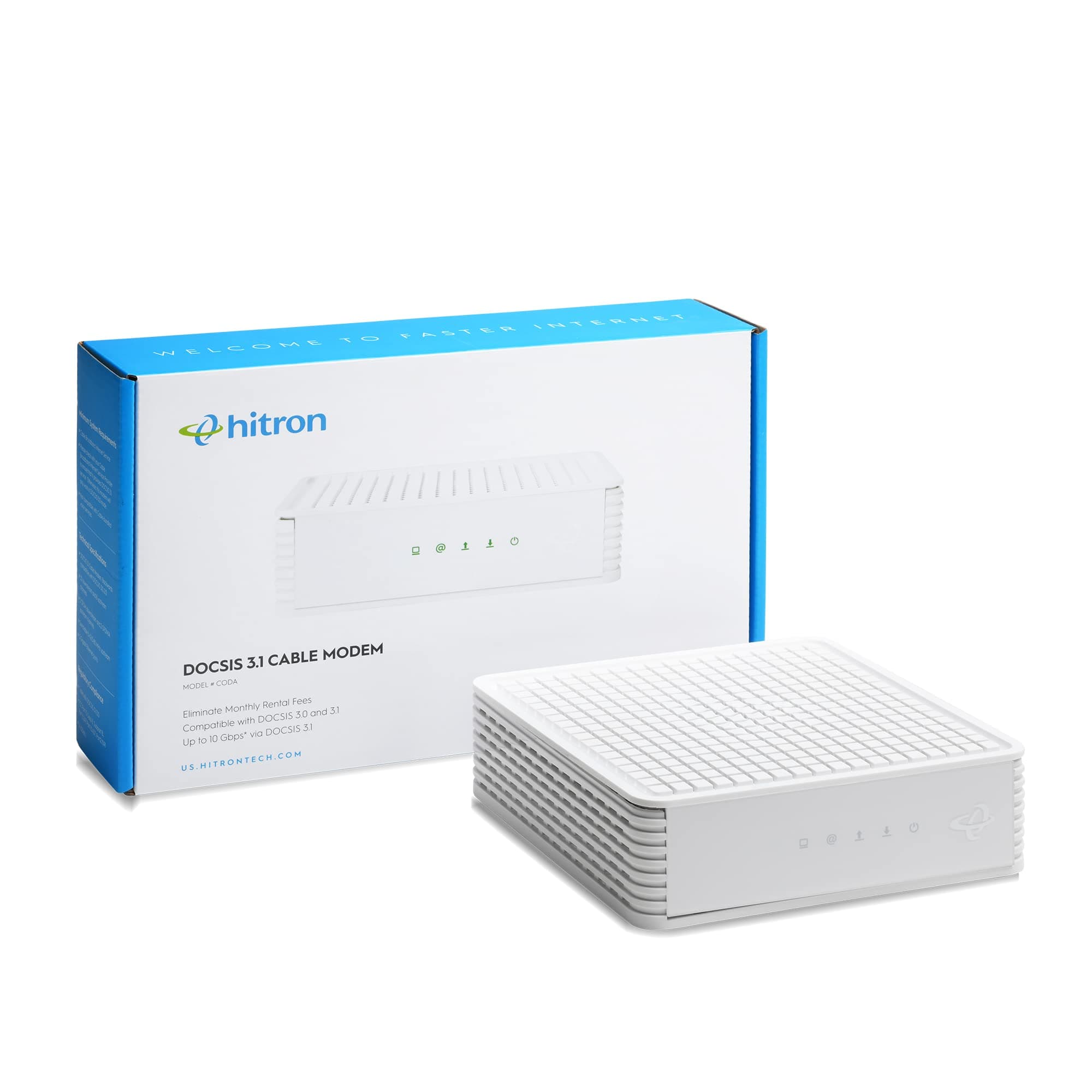
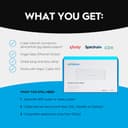
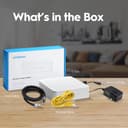
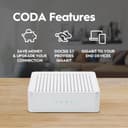
🚀 Unlock Gigabit Speeds, Own Your Connection, Beat the Rental Trap!
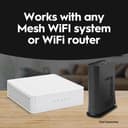
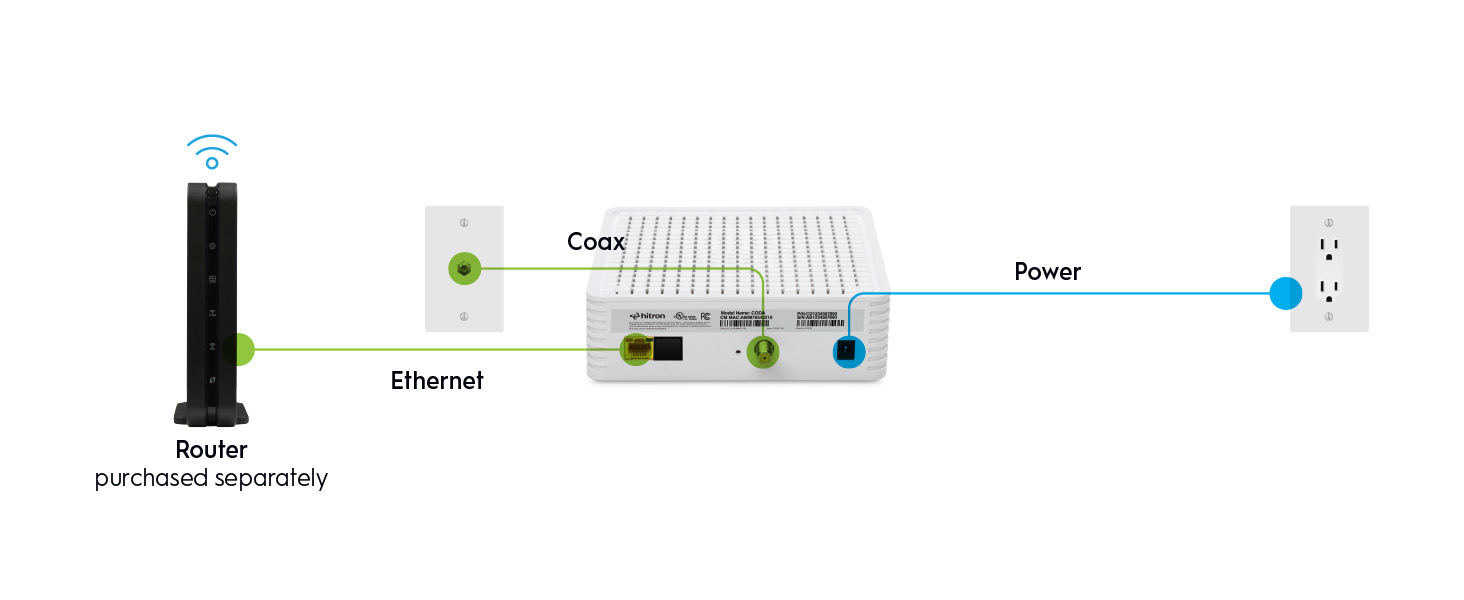
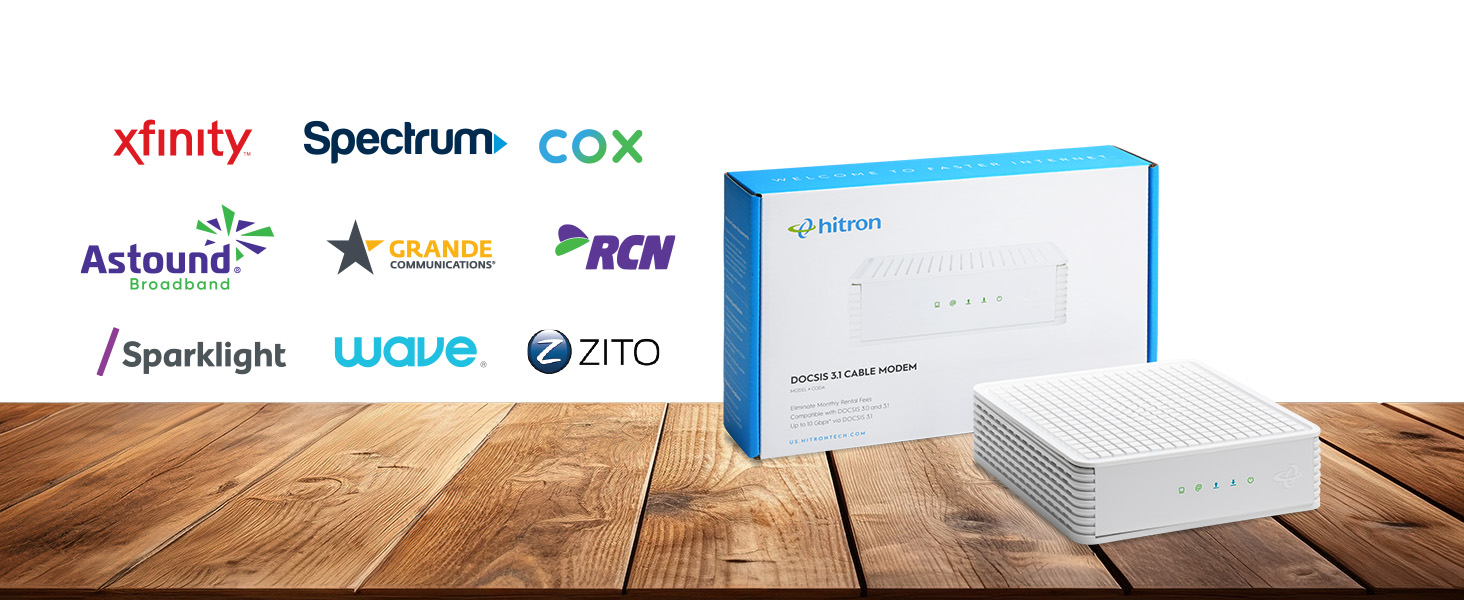
The Hitron CODA DOCSIS 3.1 Cable Modem delivers blazing 1 Gbps internet speeds exclusively over cable connections. Certified for top providers like Xfinity, Spectrum, and Cox, it requires a separate WiFi router to broadcast wireless signals. Featuring two Ethernet ports and advanced DOCSIS 3.1 technology, this modem offers reliable, high-speed internet ideal for busy households and professionals. Save on rental fees and enjoy a straightforward setup backed by professional ISP support.


| ASIN | B0981553MT |
| Best Sellers Rank | #1,227 in Electronics ( See Top 100 in Electronics ) #2 in Computer Networking Modems |
| Brand | Hitron |
| Built-In Media | 1 Gbps Ethernet Cable, Power Supply |
| Color | White DOCSIS 3.1 Modem 1Gbps |
| Compatible Devices | Personal Computer, Router, Ethernet connected devices |
| Connectivity Technology | Ethernet |
| Customer Reviews | 4.2 4.2 out of 5 stars (2,651) |
| Data Transfer Rate | 1 Gigabits Per Second |
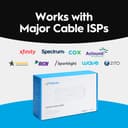
| Internet Service Provider | Astound, Grande, RCN, Wave, Charter Spectrum, Cox Gigablast, Zito Media, xFinity from Comcast |
| Item Dimensions L x W x H | 6.73"L x 6.73"W x 2.03"H |
| Item Weight | 464 Grams |
| Manufacturer | Hitron |
| Maximum Downstream Data Transfer Rate | 1000 Megabits Per Second |
| Maximum Upstream Data Transfer Rate | 350 Megabits Per Second |
| Modem Type | Cable |
| Number of Ethernet Ports | 2 |
| Number of Ports | 2 |
| UPC | 860004322436 |
| Warranty Description | See Hitron Website |
D**E
Quality and Price
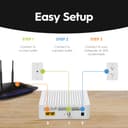
Easy installation. Comes with a quick start guide. There is a downloadable manual at the Hitron site. Also comes with high speed coax cable, and ethernet cable. Activated with Xfinity. Internet up and running with a separate owned router attached. Everything working perfectly together. No hiccups or workarounds needed. Only configuration change was a new ip address. Ran a speedtest and delivering reliably fast internet. Also, want to mention I had never heard of Hitron brand and was reluctant until I did my research. Very happy with the quality of the modem and the price.
R**T
The best of the best Docsis 3.1
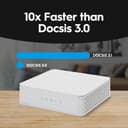
OK, with everything being working from home these days, online shopping and bill paying, researching, news, TV, and so on, I had a real need for speed and although my ARRIS Docsis did the job at almost 100 Mbps, it was not cutting it with seven high speed computers on routers and switches and one coaxial cable at high speed from COX. I signed up for high speed at COX but was not getting it. The issue was Docsis 3.0, cannot handle the new standards. So I did all my research from high prices to renewed, and found that the new guy on the block that seems to make only a few products, mainly the Hitron CODA56 Multi-Gigabit DOCSIS 3.1 Modem | 2.5 Gbps Max modem, seemed worth looking into. It wasn't the highest price, so I was suspect a little, but do not go by price alone. So I do reviews. The reviews were outstanding. A few reviews were a little down but I now know why. This is why I think some are having problems, not with this one, but all others as well: When you are upgrading speed, the latest standards are just not important, it is vital. If you keep the older Linksys SE1500 switches and router that runs at the 10/100 speeds, which were wicked fast for the times, you will stay at that speed. So, here's my biggest tip. Make sure all your older switches connect your scanners, printers, and peripherals that do not need that much, no need to discard the switches and buy all new GB switches and routers, just use it for peripherals. Also, with APC power containers in event of power failures, any switch lines going into it need to be taken out unless you have the newest models because, as I found out the hard way, it will limit you to the older standard. You can still use the APC without the lines or buy a new APC. Now, if I haven't scared you, it is really dead simple. Take the time to get the information, most of it is given to you along with the MAC address on the label on the box itself and call your ISP, and as long as you have done all the connections to your modem, just needs to be switched on and a competent ISP person will walk you through. Ours is COX. I know this model favors Xfinity of Comcast fame, but this model works with the most major carriers I have ever seen. That being said, most all the reviews were for Xfinity. I found you also need to use a tool and make sure the cable from the ISP is securely screwed on. Well, mine is a COX ISP, so all those that would like to know, COX is the catch up company still growing like lightning all over the country and for good reasons. They do mostly direct connects. Not all this wireless 5G do anything is all that reliable I believe. Anyway, I like direct hookup to cables for reliability. You hear all about wi-fi drilling a hole in your head. I believe it. So, I use routers and connect a TP-Link with an on/off switch, not expensive, and can connect a wireless for when I need it, even a travel wireless by ethernet or USB, but I can put it off to give my home a peaceful feel without wireless running except for when needed for laptops and kids. Shut the wireless off, shut the kids off, lol. When the router is GB and switches are GB and modem is GB, you have it made. It is as simple as that. Now it would have taken me about 30 minutes with COX to upgrade but I made all these mistakes I just mentioned here. I mentioned it in the hopes you will not make the same mistakes I made. Even with my mistakes you can learn from, it took me about 3 hours to get seven computers running. As a side note, don't fret your printers, drivers, windows, or setup. It is just upgrading your speed. You can always put your old modem back if you have to but I see it as the worse thing that can happen, or most likely, is your speed doesn't change. In that case, you will have your new modem running but using the older speed. Don't panic. There is some switches or routers that are older causing the speed not to increase. For all the new first timer setups, no problem, you will have all the newest stuff. This is just tips for us older timers, lol. Also, check your plan with your ISP. It may not be the higher plan. This is the best router I have ever seen that in this online world and it should not mean a technician will have to come to your home and pay $75 an hour or more. Buy this modem. It will pay for itself in less than a year without having to rent it from your ISP monthly charge. It works, it is brand new, and not refurbished with some renewed ones from Amazon even cost more on some of the more famous models. Always look at the number sold in a month, how RECENT the reviews are, and the product itself how many ISP's they support. I am sometimes in CT and live in RI and if I move, this modem handles so many different ISP's, that it can go with me and even for remote, I will never need 2.5 GB speed when I was getting along with just 100 Mbps. Now 1 GB modem speed is all I will ever need but nice to know if I need to download or upload a huge amount of data that I can up my speed with COX to 2.5 GB. Just like the old axiom, you are as strong as the weakest link, so remember with online website and cloud stuff, you are only as fast as the server you are on when in the cloud and, of course, assuming you have a decent speed computer. I highly recommend the Hitron CODA56 Multi-Gigabit DOCSIS 3.1 Modem | 2.5 Gbps Max modem. I took the time to write this because this Hitron company is running a huge discount right now, I think 43% at this time I bought it, cheaper than most. So, for cheap, I wasn't sure I should buy it, the you get what you pay for. In this case, this is a quality item and better than the pricier ones I believe, else I would not right this review. Mostly, it is so a few of you reading this not to make my mistakes. Upgrade your routers and switches, all should run at GB speeds first. Then call your ISP and connect your MAC address. In fact, they give you the number to call and it is the only one for any price I could see that claims it can handle 2.5 GB speed for the price. Hey, it's Amazon, don't work, can send it back. I ordered this modem last night, got it today around noon time and on a Saturday! Can't beat Amazon! Hope this helps anyone thinking of buying this model, 5 stars in my book.
J**O
Verified supported by Cox. Fast.
It's pretty fast and absolutely supported by Cox. My old Surfboard modem gave up the ghost, so I bout this sweet thing here. I walked into Cox and the kid scanned it with a barcode reader to program his system; I was in and out in under five minutes. Got it home, hooked it up and, after a few reboots (firmware update? programming?), it has been running without issue except for the one I caused--more on that in the next paragraph. The indicator lights are very pretty telling me what the thing is thinking. It comes with a 24-watt power supply and will not run with much less than that. I had it hooked up to my 12v surveillance system's 12v power supply and it suffered brown outs that night when the cameras fired up their IR LEDs. I installed the power supply that came with it and it has worked just fine since. It's a little bigger than I would like, but I'm not too worried about it. I suspect that Hitron could have shaved some centimeters off of each side of the clam shell and still had the thing work just fine.
M**L
Great but...
So I decided to give the CODA56 another shot. I "upgraded" from the Netgear CAX80. Comcast app makes it easy to change the modem over to the new one. So that was painless. The modem lacks a UI unless you have a very particular setup and you know what you are doing. Otherwise you have to directly connect the modem to your computer and do some fine tweaking with it to bring up the UI. Not ideal. But thats for us nerds. Everyday user it should be A OK to use and connect to a router. It works flawlessly thus far. Now Comcast says the CODA56 is "mid-split" ready as well as my CAX80. Im very doubtful that my $450 CAX80 can work on mid-split. Why? Well the CAX80 seems to be capable of doing uploads at least to 40MBPS, I can confirm this when I was on Comcast's Gigabit Plus plan. On Comcast's 300 MBPS plan (it really is crazy that you really dont need a gigabit down unless you have literally 50 + devices online at the same time watching a 4k movie, 300 will literally work for pretty much anyone) my CAX80 caped about 22 MBPS. Now this is where the CODA56 shines. As you can see on the screenshot, I'm on the 300 MBPS Comcast plan, but I am no where near 20MBPS upload I'm in the 110's! Having a ample upload can actually impact your internet for a "faster" experience, because as much as the download is important, upload and also important because even though most of the work is being done on the download end, your devices still need to communicate out to let the server know where you are in the process. I have noticed a slight increase in webpage loading. It was almost instant before, but now its less then that. And if you do have multiple devices on at the same time this will help compensate and make your experience faster. I wonder what the upload is on the Gigabit plus plan, ill be honest, I'm happy with the 115 up. Remember this modem is only a modem and NOT a router, you will need that separately. My CAX80 was a combo Modem/Router. But my wireless interference in my area is terrible and there's no room on the 2.4 Ghz and the 5GHz to operate even close to these speeds. So I have this modem with a ZenWifi ET8 mesh. Both units are wired and all my wireless devices are 6E (except my smart thermostat, it can only 5Ghz, but its not far from the unit and it doesn't need speed to work), man I get the FULL speed of my internet on these devices. Its AWESOME! Not sure if you have "mid-split?" Just goto Comcast online and see if you can get the 2000 Mbps plan. If so you got mid-split. Heck I would even recommend just buying the modem to get the faster upload then what you are probably getting now.
M**U
Works as expected. Managed to get it working with Lightspeed Internet, an ISP based out of British Columbia, Canada.
M**A
The modem is for us market. Major obstacles of my trial to make it working: - only ISP can update firmware - coudn't even enter setup page( ISP =Vodafone - didn't recognize modem) -it has American plug, but work on eu power after adapter used I suggest Amazon filters out merchandise not applicable for the target markets.
Trustpilot
4 days ago
2 months ago